Animated stories, music videos, video ads, and more. Describe your vision and EasyVid brings it to life.
Free to sign up · No credit card required
Three simple steps to create professional videos
Start by typing or pasting your video script. Need inspiration? Generate one from a prompt!
EasyVid auto-generates visuals, subtitles, and voiceover, which you can edit as needed.
Preview your video, make final adjustments, then render and download!
EasyVid understands your story and gives you full control over your creative process
Consistent characters
EasyVid finds the characters in your script and makes one reference for each, so faces and outfits stay the same from the first scene to the last.
Voices
Choose an HD voice and a delivery for each character. In Director Mode, characters lip-sync their lines on screen.
Editing
Rewrite a scene's prompt and regenerate only that scene. Every other scene stays exactly as it is.
Subtitles and formats
Subtitles sync to the voices automatically, in looks like karaoke and pop. Render vertical, square, or landscape.
Your brand
Attach product photos and your logo. EasyVid features the product in each shot and keeps your logo in the corner.
Music videos
Upload a song and EasyVid maps its tempo, bars, and sections, then cuts every scene on a bar line.
From video ads to short films, EasyVid handles it all
Turn jokes, anecdotes, and short stories into finished videos with animated scenes, voiceover, captions, and music.
Video prompt
A bedtime story about Pip, a young fox lighthouse keeper who is afraid of the dark stairs, but must climb them in a storm to relight the lamp and guide an old otter fisherman home.
Create stunning music videos with high quality animations. Perfect for musicians who want professional videos without hiring a team.
Video prompt
A hypnotic trance video about dreams and nightmares. A giant glowing eye, with the camera diving into its pupil and back out. Pink, purple, and blue on pitch black.
Create professional-quality short films with consistent characters, professional voiceovers, and high quality animations.
Video prompt
A short film about a fisherman who teaches a greedy businessman an important lesson about the true meaning of success.
Make 3D animated films with consistent characters, dialogue, and sound effects.
Video prompt
A funny short film about a girl whose dragon egg hatches in the garage, and the chaos that follows as it lights her dad's lawnmower on fire.
Make engaging educational videos with high quality animations and voiceovers.
Video prompt
How do bees make honey, and why does honey never spoil? Open with the edible honey found in ancient Egyptian tombs. Documentary tone.
Make short animated stories, jokes, and character scenes with voiceover, captions, and music.
Video prompt
Tell a classic joke involving Sherlock Holmes and Dr. Watson.
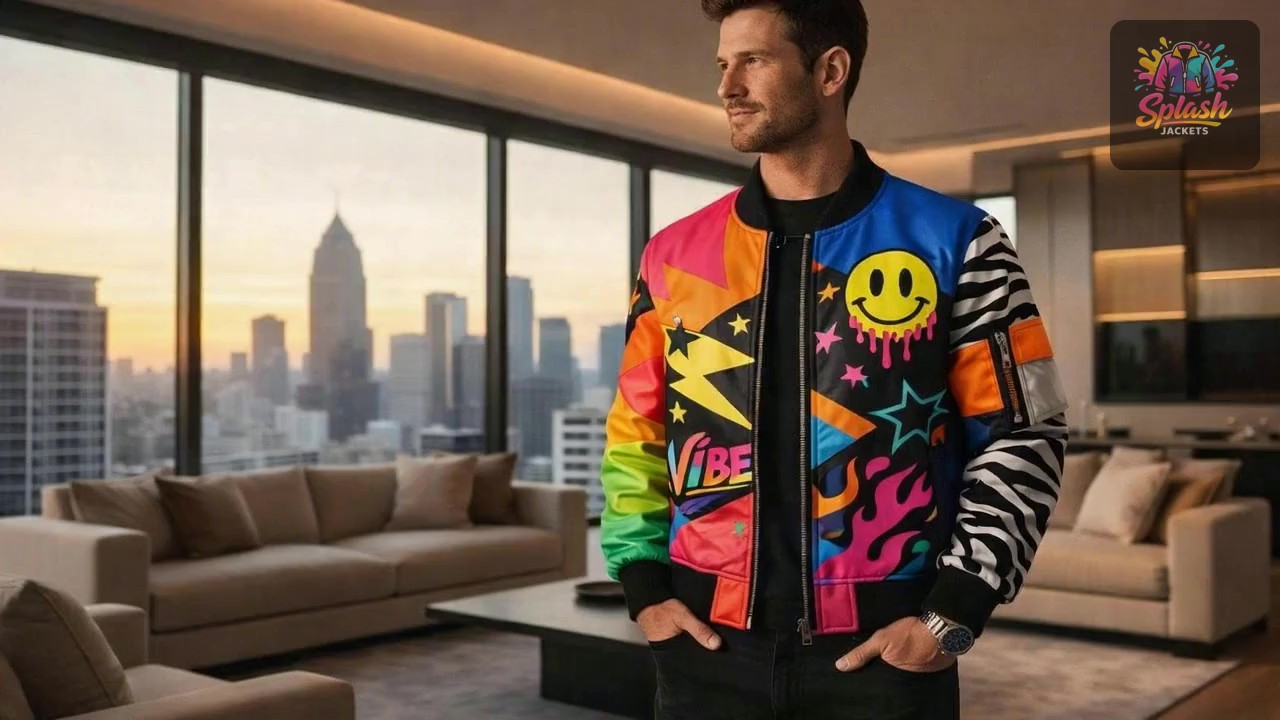
Professional video ads in a variety of styles. Attach your own products, logos, and brand assets so each video stays on-brand.
Video prompt
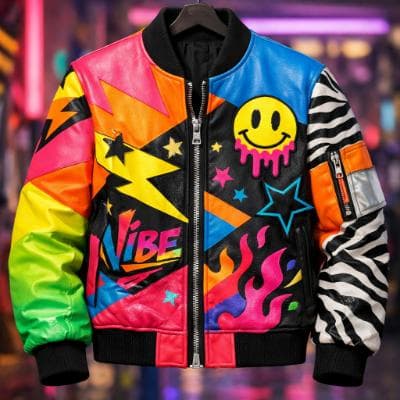
Make an ad for Splash Jackets. Feature the attached jacket and logo.
Attached assets

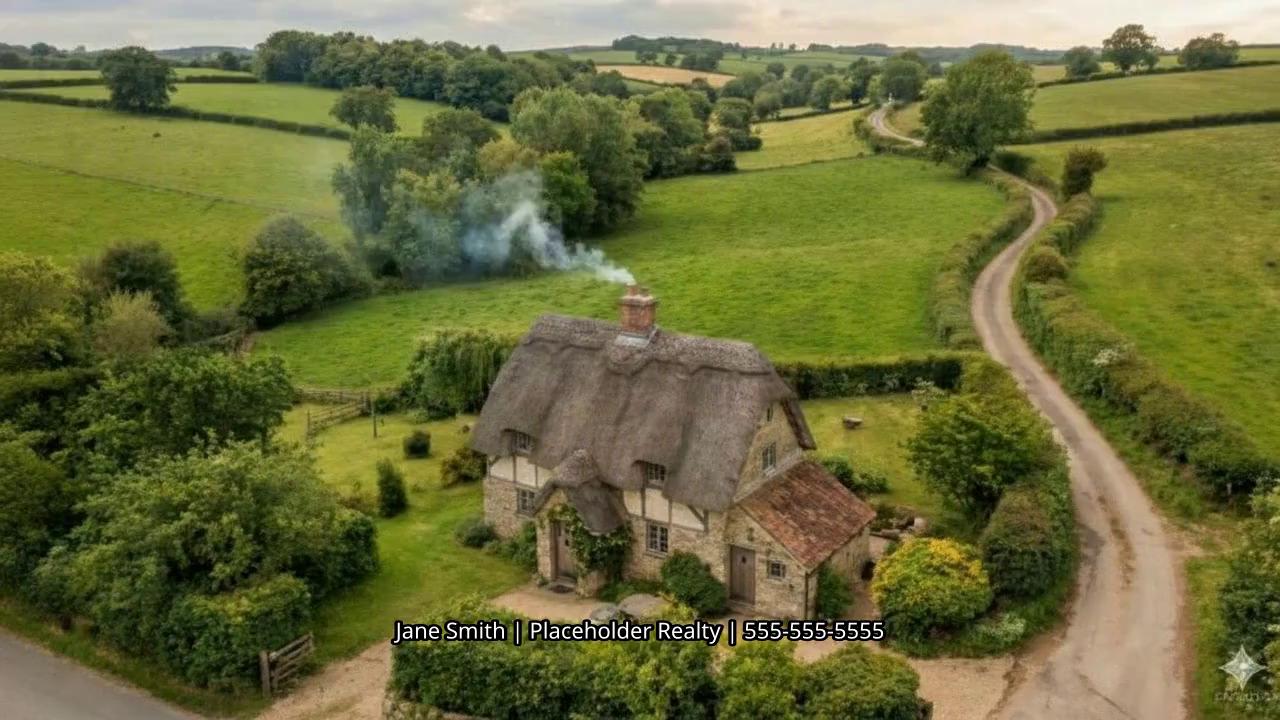
Upload listing photos, set the flow, and export vertical or horizontal tours for social and web.
Video prompt
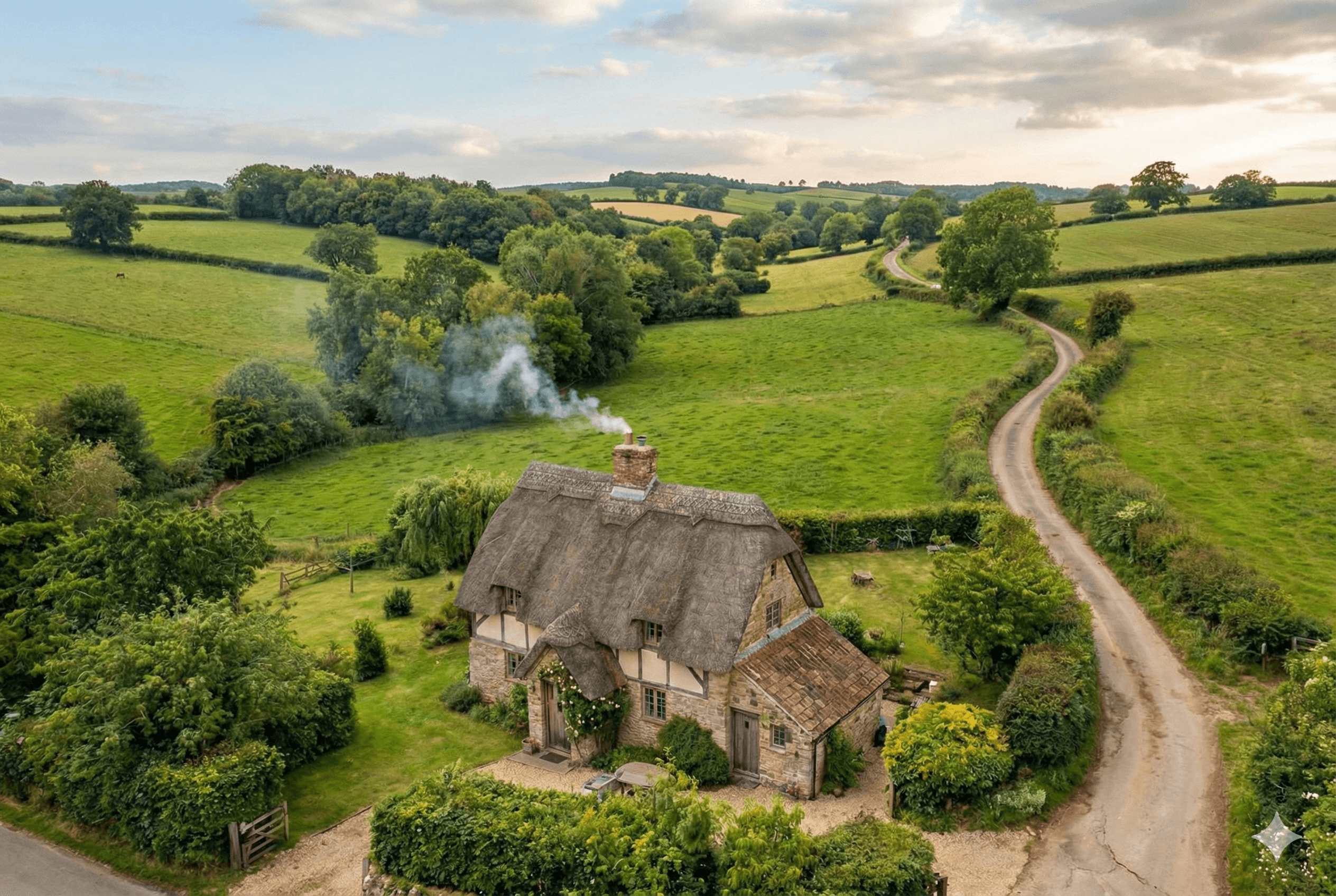
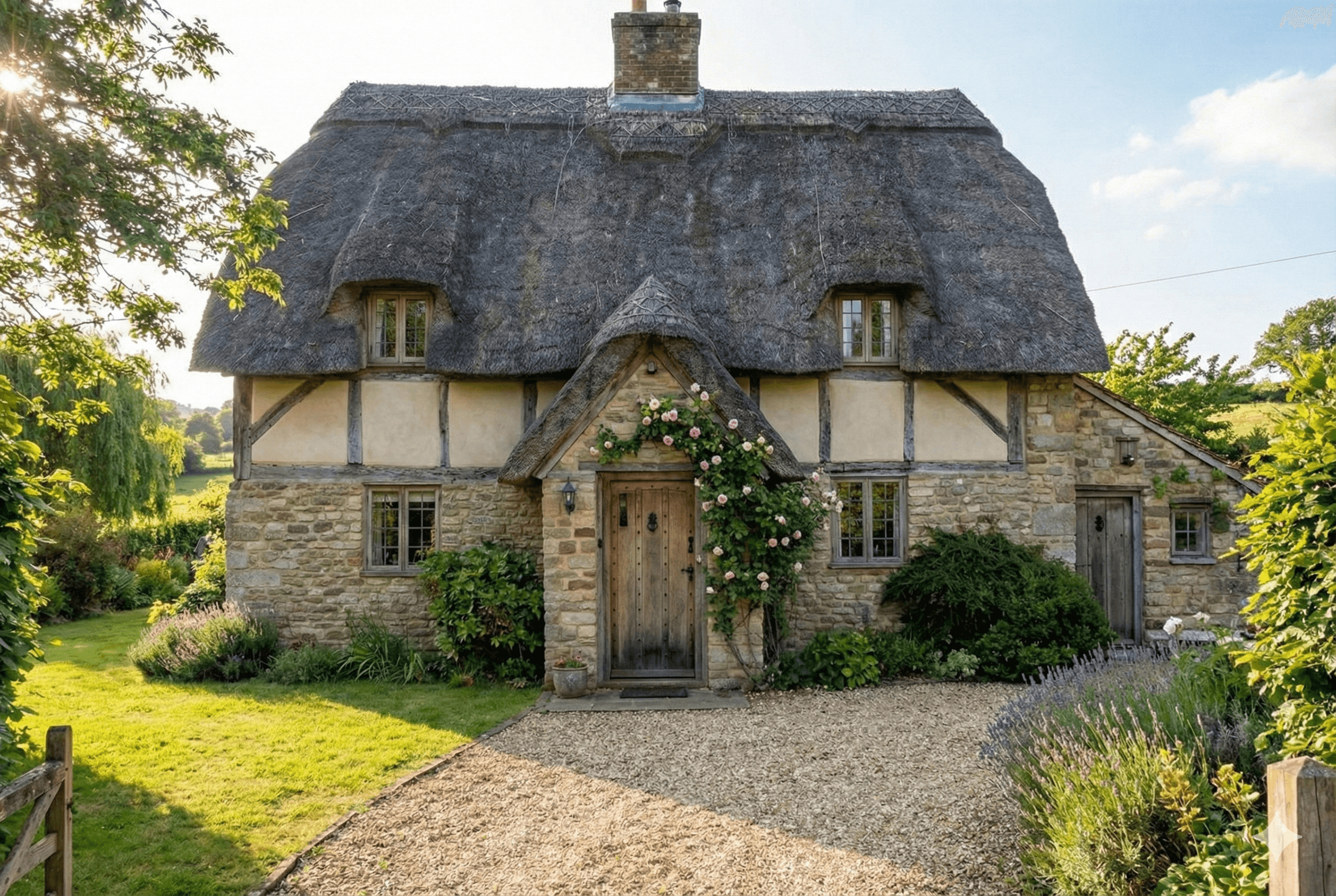
Create a real-estate walk-through video for a calm country cottage. Use attached photos.
Attached assets


Join thousands of creators making amazing videos
“I used to be too busy to consistently create TikTok videos for my business. Now I post almost every day and it just takes a few minutes.”
Daniel F.
Content Creator
“I really love that you have an image generation mode that reliably yields consistent results. A big problem with competitors is clips that don't look like they belong together.”
Mason M.
YouTuber
“EasyVid is the easiest video generator I've ever used. It understands what I want without me needing to specify every detail. It just works.”
Elaine K.
Marketing Manager
100k+
Creators
1M+
Videos Created
50+
Countries
Everything you need to know about EasyVid
Have a question that isn't answered here? Ask in our Discord Server
Powered by