
AutoShorts Alternative
Discover why EasyVid is a stronger choice for AI video creation, offering more control and a faster workflow than AutoShorts.
Create a videoSummary
AutoShorts.ai is a faceless video generator that writes a script, adds a voiceover, captions, visuals and music, and schedules and posts short videos to TikTok and YouTube on autopilot. Plans are organized around how often it posts, from a few times a week to twice a day, and you can review and edit each script before it goes out. It is a good fit for running a hands-off shorts channel; EasyVid focuses on turning one script into a longer, finished story video. If you're exploring alternatives to AutoShorts, EasyVid might be what you're looking for. Start from a prompt or script, then refine scenes in the storyboard.
Product Ad Demo
Generate a product ad from a prompt and attached assets, then refine scenes in the storyboard before rendering.
Prompt or Script to Video
Generate a full first cut, then refine scene-by-scene in the storyboard.
Scene-by-Scene Control
Edit prompts, swap frames, and iterate quickly without rebuilding your workflow.
Consistent Characters
Keep characters consistent across scenes so your video stays coherent.
Reference Images
Use reference assets to guide style and keep visuals on track.
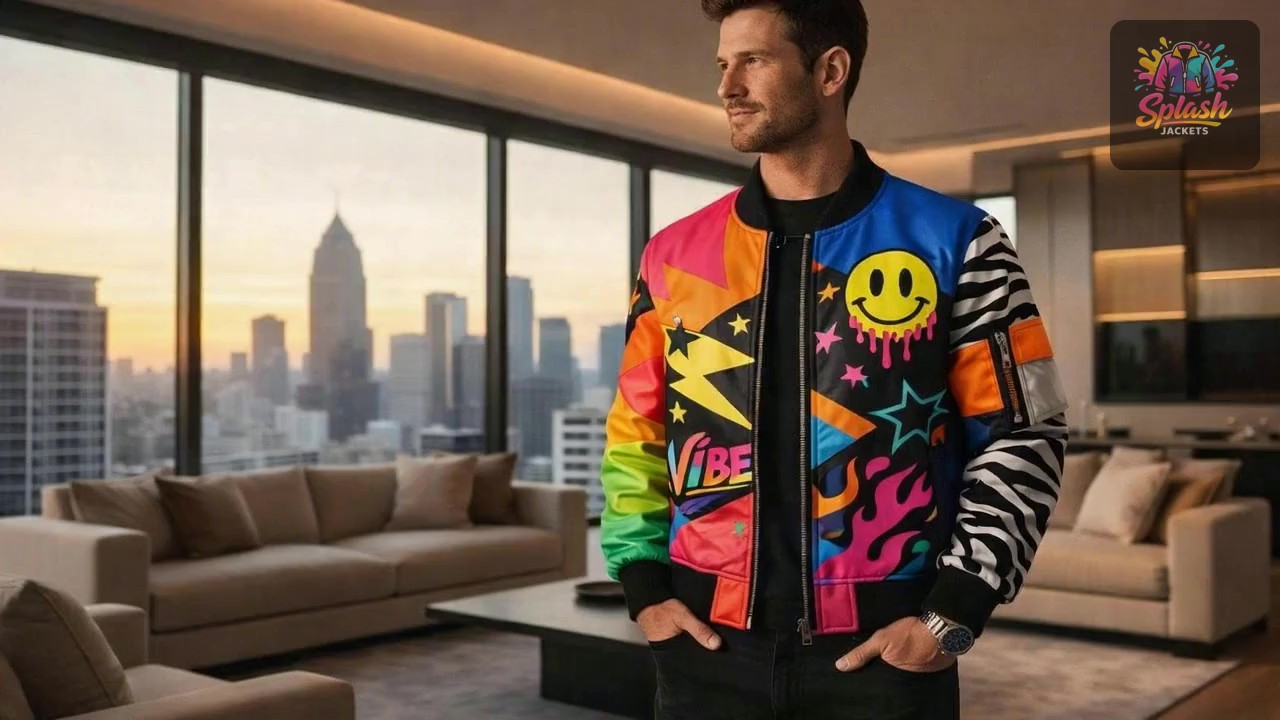
Video prompt
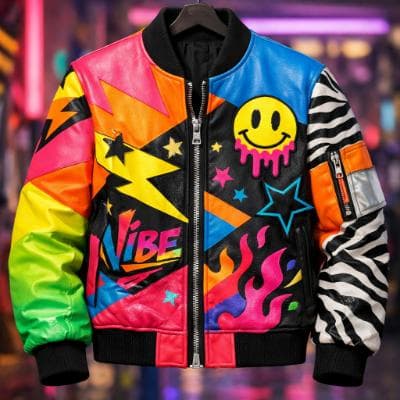
Make an ad for Splash Jackets. Feature the attached jacket and logo.
Attached assets

Why EasyVid Outperforms AutoShorts
Longer videos instead of a posting schedule
AutoShorts.ai is built around a publishing cadence of short vertical videos. EasyVid renders one complete 3 to 10 minute video from a single script, which fits YouTube stories, short films and explainers that need more than a minute to land.
Consistent characters and locations
EasyVid turns every character, location and prop in your script into a reusable asset, so the same face, outfit and setting carry through every scene. Narrated shorts can get by with standalone images, but a story that follows the same people needs them to stay recognizable.
Voiced dialogue and per-scene video models
Instead of a single narration track, EasyVid gives each character an HD voice with emotion and tone control and adds auto-synced subtitles and your own background music. Scenes are animated with video models such as Seedance and MiniMax, and you choose the model for each scene.
Why AutoShorts Users Try EasyVid
Story videos, not just shorts
Creators moving from short clips to full YouTube videos who want one script to become one finished 3 to 10 minute video.
Multiple characters with dialogue
Scripts where characters talk to each other benefit from separate voices per character and faces that stay the same across scenes.
Hands-on editing
People who prefer to review a storyboard and refine individual scenes before rendering, rather than publishing automatically.