
Steve AI Alternative
Discover why EasyVid is a stronger choice for AI video creation, offering more control and a faster workflow than Steve AI.
Create a videoSummary
Steve AI turns prompts, scripts and blog posts into videos in several formats: animated videos built from a library of 300+ ready-made characters, live-action videos from stock and generative footage, and talking-head AI avatars. It also offers multi-voice narration, translation and short clip generation, and is aimed at marketers, trainers and social media teams. EasyVid focuses on story videos, generating characters and settings designed for your script. If you're exploring alternatives to Steve AI, EasyVid might be what you're looking for. Start from a prompt or script, then refine scenes in the storyboard.
Product Ad Demo
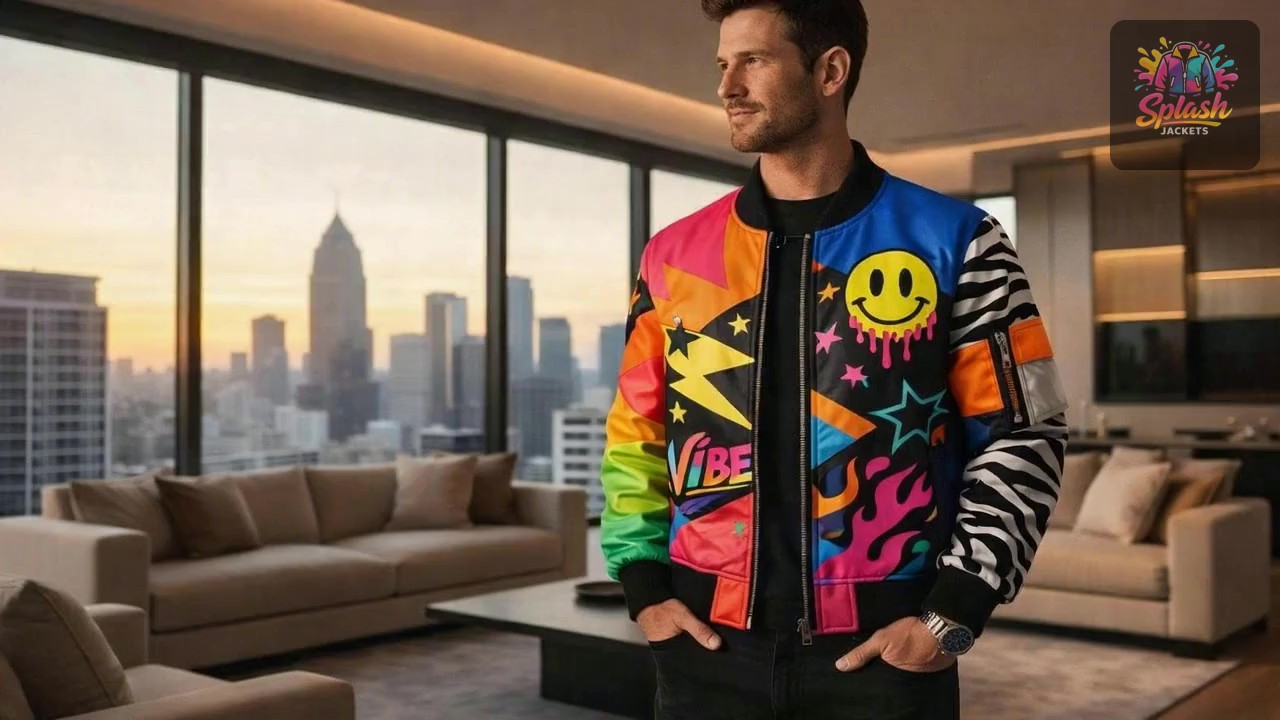
Generate a product ad from a prompt and attached assets, then refine scenes in the storyboard before rendering.
Prompt or Script to Video
Generate a full first cut, then refine scene-by-scene in the storyboard.
Scene-by-Scene Control
Edit prompts, swap frames, and iterate quickly without rebuilding your workflow.
Consistent Characters
Keep characters consistent across scenes so your video stays coherent.
Reference Images
Use reference assets to guide style and keep visuals on track.
Video prompt
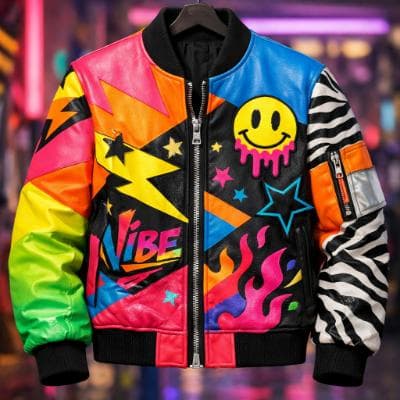
Make an ad for Splash Jackets. Feature the attached jacket and logo.
Attached assets

Why EasyVid Outperforms Steve AI
Characters designed for your story
Steve AI's animated videos draw on a library of pre-built characters, which is fast for explainers and training content. EasyVid creates each character, location and prop from your script as a reusable asset, so your cast looks the way you describe it and stays consistent across scenes, including different outfits, lighting and camera angles.
Every scene generated in one style
Steve AI combines templates, stock footage, generative clips and avatars depending on the video type. EasyVid generates every scene in a single chosen style, such as Photorealistic, Anime, 3D Animation, Digital Art, Cartoon or Claymation, then animates scenes with video models like Seedance and MiniMax, picked per scene.
Built for longer narrative videos
EasyVid breaks a script into scenes with characters, locations and dialogue, voices each character with emotion and tone control, adds synced subtitles and your background music, and renders one complete video of typically 3 to 10 minutes. Classic Mode works from an image storyboard, while Director Mode gives more control over dialogue and camera shots.
Why Steve AI Users Try EasyVid
Original characters
Storytellers who want characters that do not come from a shared template library can describe them once and reuse them in every scene.
Stories with dialogue
Scripts with several speaking characters get a distinct voice per character, with control over emotion and tone.
One finished video from one script
EasyVid handles the script, scenes, animation, voices, subtitles and music in one project and renders the full video at the end.