
VSub Alternative
Discover why EasyVid is a stronger choice for AI video creation, offering more control and a faster workflow than VSub.
Create a videoSummary
VSub makes faceless videos for YouTube channels: it turns a script into a narrated video with one AI illustration per scene, drawn in a template style such as stickman history or a custom style learned from a reference video. It includes ElevenLabs voiceovers, automatic subtitles, optional image animation and videos up to 10 minutes, and can be driven from AI assistants. EasyVid covers similar lengths but is built around characters, dialogue and animated scenes. If you're exploring alternatives to VSub, EasyVid might be what you're looking for. Start from a prompt or script, then refine scenes in the storyboard.
Product Ad Demo
Generate a product ad from a prompt and attached assets, then refine scenes in the storyboard before rendering.
Prompt or Script to Video
Generate a full first cut, then refine scene-by-scene in the storyboard.
Scene-by-Scene Control
Edit prompts, swap frames, and iterate quickly without rebuilding your workflow.
Consistent Characters
Keep characters consistent across scenes so your video stays coherent.
Reference Images
Use reference assets to guide style and keep visuals on track.
Video prompt
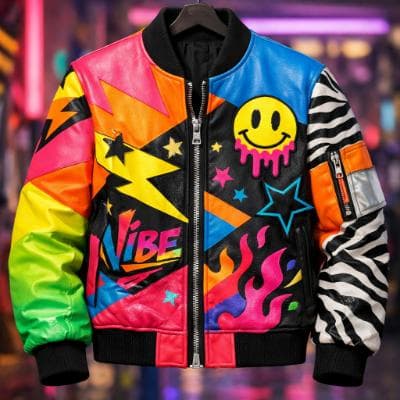
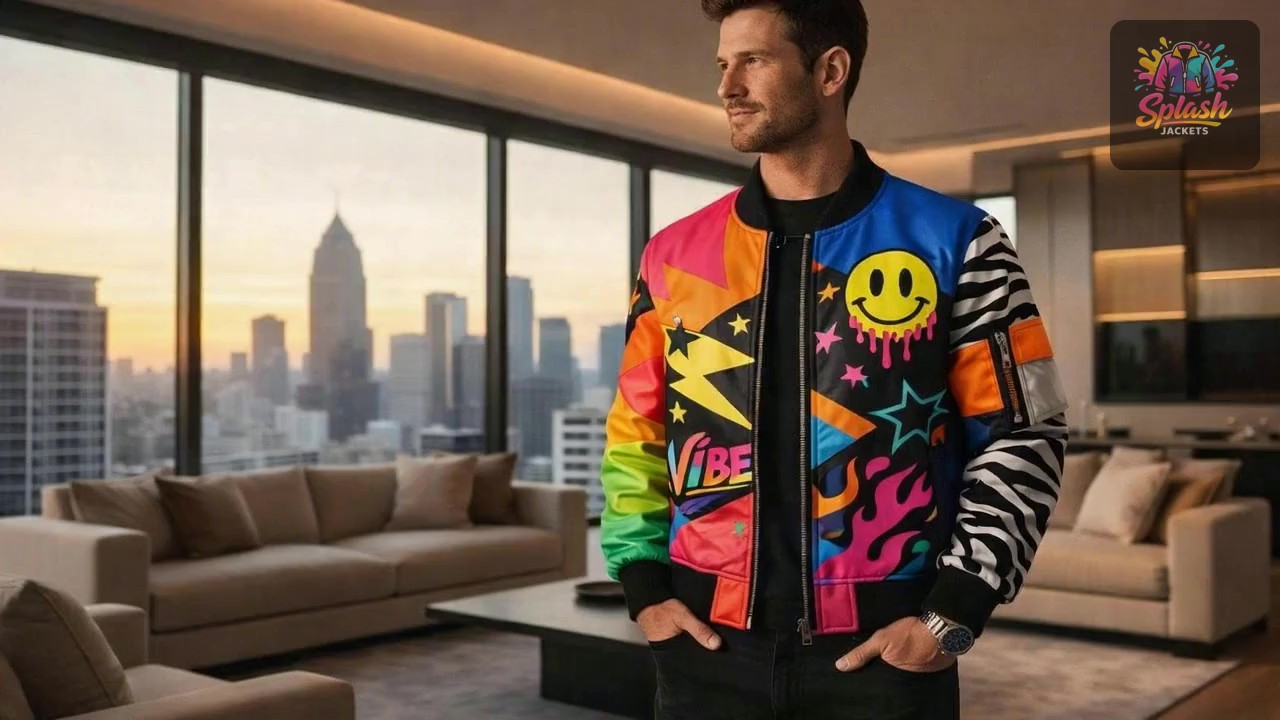
Make an ad for Splash Jackets. Feature the attached jacket and logo.
Attached assets

Why EasyVid Outperforms VSub
Dialogue between characters, not only narration
VSub is built for narrated faceless formats such as history explainers, where one voice reads the script over illustrations. EasyVid formats a script into scenes with characters and dialogue, and gives each character its own HD voice with emotion and tone control, so stories can be acted out as well as narrated.
Recurring characters and locations
EasyVid turns every character, location and prop in the script into a reusable asset, keeping faces, outfits and settings consistent across scenes, including different outfits, lighting and camera angles. That matters most for fiction and series where viewers follow the same cast.
Animated scenes with a choice of video model
VSub's videos are mainly illustrated stills, with image animation as an option. EasyVid animates scenes with video models such as Seedance and MiniMax, chosen per scene, and Director Mode works directly in video clips for more control over scenes, dialogue and camera shots.
Why VSub Users Try EasyVid
Character-driven stories
Channels telling fiction, drama or animated stories with several speaking characters get separate voices and consistent looks for each one.
More motion on screen
Creators who want scenes that move rather than a sequence of illustrations can animate each scene with a video model.
Wider range of styles
EasyVid offers Photorealistic, Anime, 3D Animation, Digital Art, Cartoon, Claymation and custom styles for the whole video.