
Fliki Alternative
Discover why EasyVid is a stronger choice for AI video creation, offering more control and a faster workflow than Fliki.
Create a videoSummary
Fliki turns text, blog posts, slide decks and ideas into narrated videos with visuals, music and captions. It stands out for its very large voice library across many languages, voice cloning and a digital twin avatar that can present in your likeness, and it now offers AI image and video models alongside stock media. It is a strong choice for explainers, training and marketing videos; EasyVid is built for character-driven stories. If you're exploring alternatives to Fliki, EasyVid might be what you're looking for. Start from a prompt or script, then refine scenes in the storyboard.
Product Ad Demo
Generate a product ad from a prompt and attached assets, then refine scenes in the storyboard before rendering.
Prompt or Script to Video
Generate a full first cut, then refine scene-by-scene in the storyboard.
Scene-by-Scene Control
Edit prompts, swap frames, and iterate quickly without rebuilding your workflow.
Consistent Characters
Keep characters consistent across scenes so your video stays coherent.
Reference Images
Use reference assets to guide style and keep visuals on track.
Video prompt
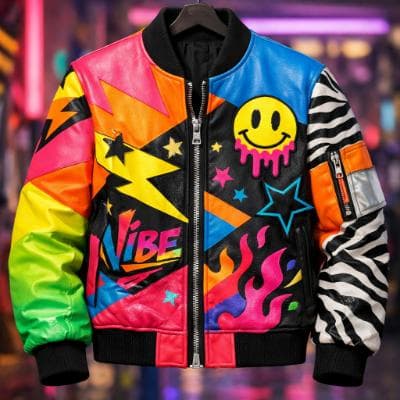
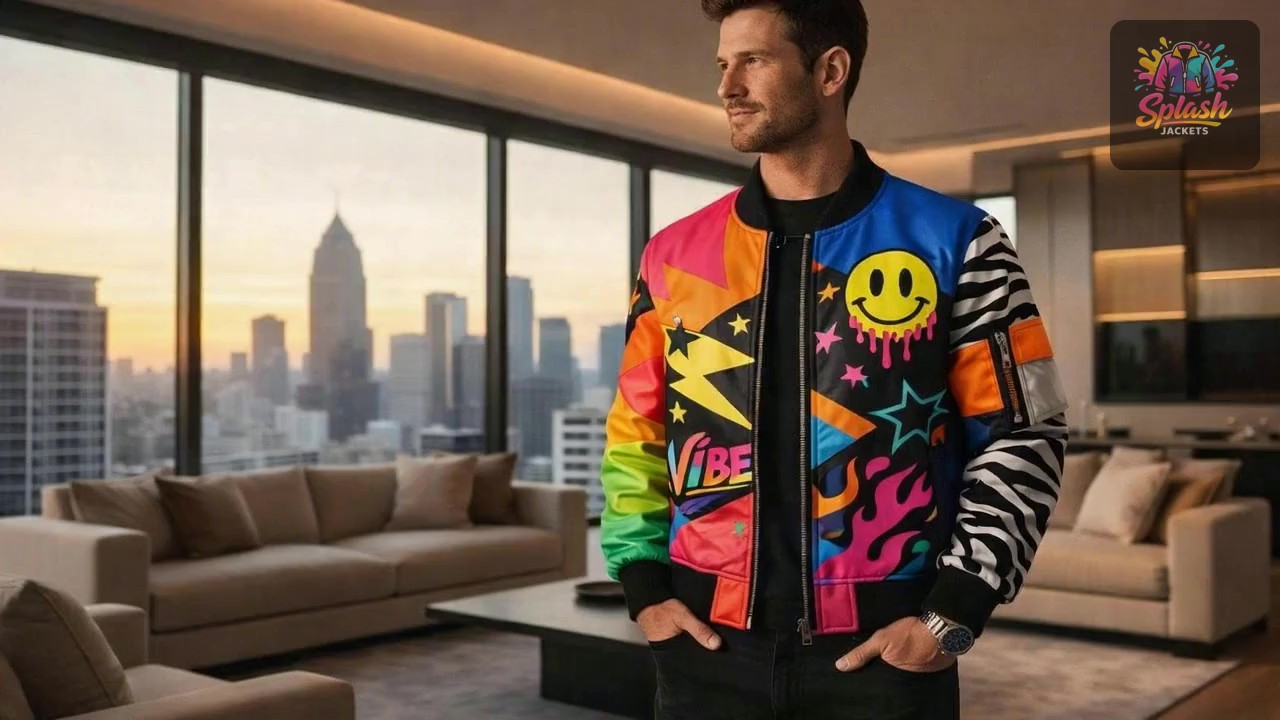
Make an ad for Splash Jackets. Feature the attached jacket and logo.
Attached assets

Why EasyVid Outperforms Fliki
Stories with a cast, not a narrator over visuals
Fliki's core workflow pairs a voiceover or presenter with matching visuals for each line of text. EasyVid breaks a script into scenes with characters, locations and dialogue, so the people in the story appear on screen and speak their own lines.
Consistent characters and settings
EasyVid turns every character, location and prop into a reusable asset, so faces, outfits and settings stay the same across scenes, including different outfits, lighting and camera angles. That keeps a multi-scene story coherent from the first shot to the last.
Two workflows for different levels of control
Classic Mode generates an image storyboard and animates the scenes you choose. Director Mode is EasyVid's highest-quality workflow, built around video clips with more control over scenes, dialogue and camera shots, and you pick the video model, such as Seedance or MiniMax, per scene.
Why Fliki Users Try EasyVid
Narrative videos
YouTube storytellers, filmmakers and educators who want characters acting out a story rather than narration over illustrations.
Character dialogue
Scripts with several speaking characters, each with an HD voice and control over emotion and tone.
One complete render
Creators who want a full 3 to 10 minute video with subtitles and their own background music rendered together from one script.