
InVideo Alternative
Discover why EasyVid is a stronger choice for AI video creation, offering more control and a faster workflow than InVideo.
Create a videoSummary
InVideo AI turns a prompt into a full video with a script, voiceover, subtitles and music, drawing on a large licensed stock library alongside generative models such as Sora 2 and Veo 3.1. Its editor adds AI agents on a multitrack timeline, real-time collaboration, avatars and voice cloning. It is a solid pick for explainers, ads and social content. If you're exploring alternatives to InVideo, EasyVid might be what you're looking for. Start from a prompt or script, then refine scenes in the storyboard.
Product Ad Demo
Generate a product ad from a prompt and attached assets, then refine scenes in the storyboard before rendering.
Prompt or Script to Video
Generate a full first cut, then refine scene-by-scene in the storyboard.
Scene-by-Scene Control
Edit prompts, swap frames, and iterate quickly without rebuilding your workflow.
Consistent Characters
Keep characters consistent across scenes so your video stays coherent.
Reference Images
Use reference assets to guide style and keep visuals on track.
Video prompt
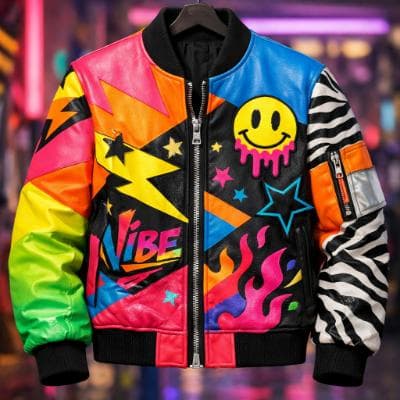
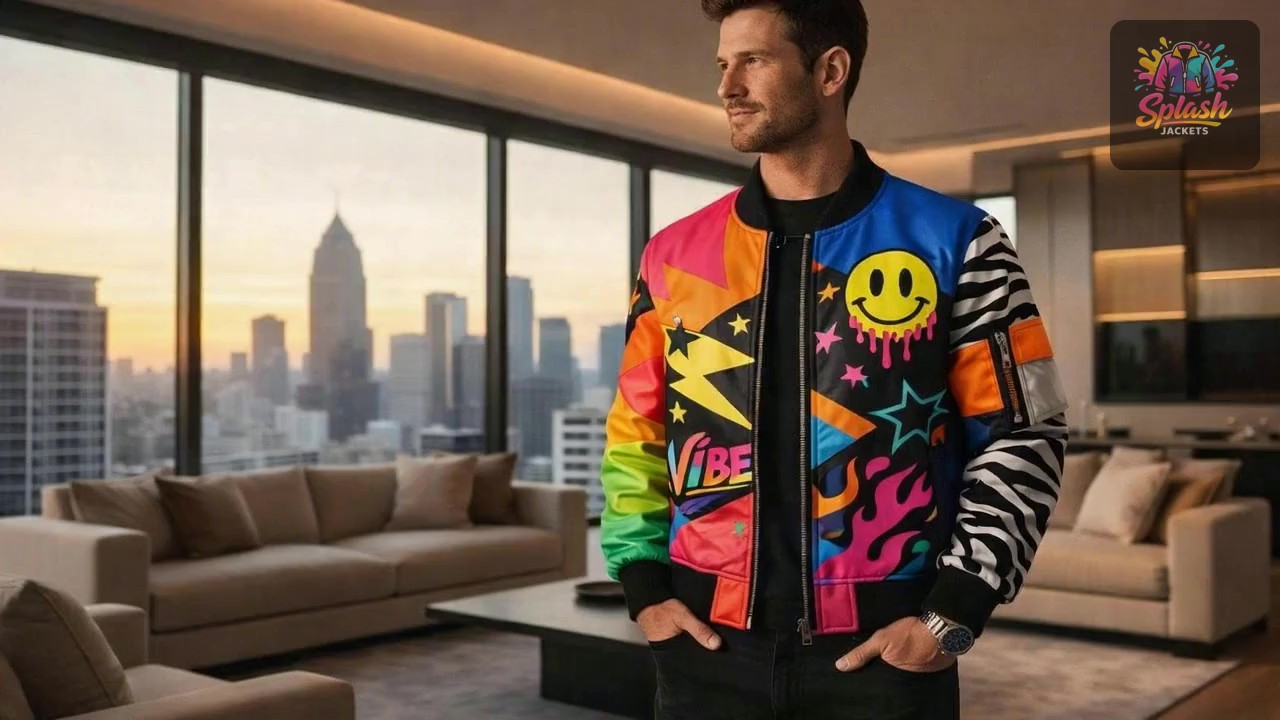
Make an ad for Splash Jackets. Feature the attached jacket and logo.
Attached assets

Why EasyVid Outperforms InVideo
Built for characters and story
InVideo AI covers a wide range of formats, from explainers to ads. EasyVid is built around narrative: it breaks the script into scenes with characters, locations and dialogue, and turns each one into a reusable asset so the same cast and settings stay consistent across every scene.
Every shot generated, no stock
InVideo AI can mix licensed stock clips with generated shots. EasyVid does not use stock libraries: every scene is generated for your script in one visual style, such as Photorealistic, Anime, Cartoon or 3D Animation, so the look stays uniform from start to finish.
Two ways to build a scene
Classic Mode creates an image storyboard first, so you can check each scene before animating the ones you choose. Director Mode works with video clips directly and gives more control over scenes, dialogue and camera shots, with a video model such as Seedance or MiniMax picked per scene.
Why InVideo Users Try EasyVid
Recurring characters
Storytellers who need the same people to look the same in every scene get character assets that carry faces and outfits through the whole video.
A consistent generated look
Anyone who wants no stock clips at all gets footage generated for each line of the script in a single style.
Dialogue with distinct voices
Each character gets an HD voice with emotion and tone control, so scenes with several speakers play as real conversations.