
Synthesia Alternative
Discover why EasyVid is a stronger choice for AI video creation, offering more control and a faster workflow than Synthesia.
Create a videoSummary
Synthesia is an AI video platform for businesses, built around 240+ AI avatars that present scripts on camera, with voices and one-click translation in 160+ languages. It is widely used for training, onboarding, sales and internal communications, with templates, brand kits, team collaboration and enterprise security. EasyVid is built for a different job: turning a script into a story told through generated scenes, characters and dialogue. If you're exploring alternatives to Synthesia, EasyVid might be what you're looking for. Start from a prompt or script, then refine scenes in the storyboard.
Product Ad Demo
Generate a product ad from a prompt and attached assets, then refine scenes in the storyboard before rendering.
Prompt or Script to Video
Generate a full first cut, then refine scene-by-scene in the storyboard.
Scene-by-Scene Control
Edit prompts, swap frames, and iterate quickly without rebuilding your workflow.
Consistent Characters
Keep characters consistent across scenes so your video stays coherent.
Reference Images
Use reference assets to guide style and keep visuals on track.
Video prompt
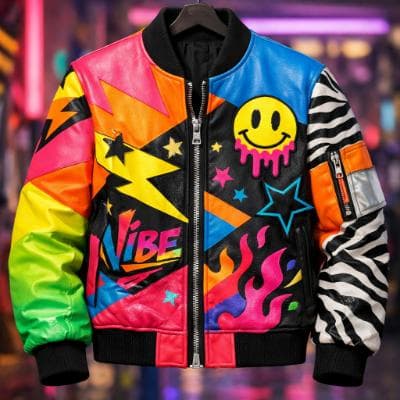
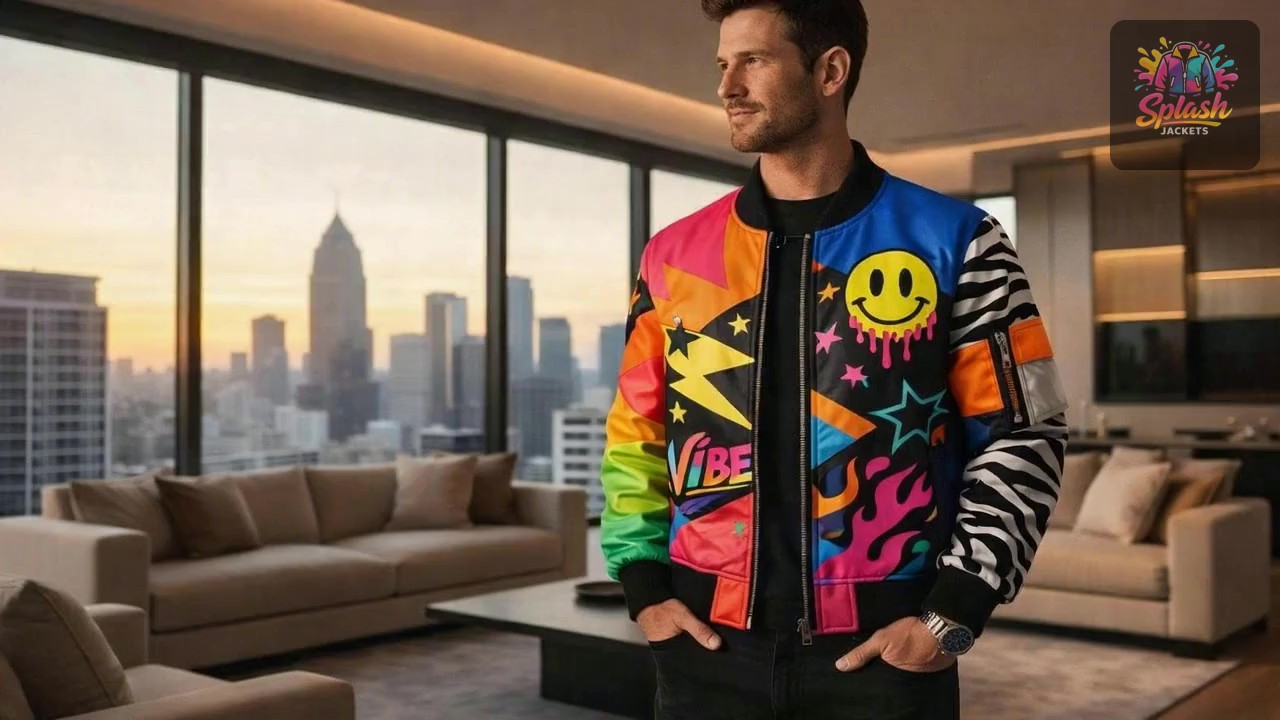
Make an ad for Splash Jackets. Feature the attached jacket and logo.
Attached assets

Why EasyVid Outperforms Synthesia
Scenes that act out the script
Synthesia videos are usually an avatar presenting to the camera, supported by slides, screen recordings and motion graphics. EasyVid generates each scene of your script, showing characters in locations doing what the story describes, then animates the scenes with video models such as Seedance and MiniMax.
A cast of consistent characters
Synthesia avatars are presenters, not characters in a story. EasyVid turns each character, location and prop into a reusable asset, keeping faces, outfits and settings consistent across scenes, and gives each character its own HD voice with emotion and tone control for dialogue.
Styles for entertainment content
Synthesia is tuned for clear, professional business communication. EasyVid offers styles such as Photorealistic, Anime, 3D Animation, Cartoon and Claymation, and renders a complete 3 to 10 minute video with subtitles and your own background music, suited to YouTube stories, short films and animated series.
Why Synthesia Users Try EasyVid
Storytelling instead of presenting
Creators making fiction, animated stories or narrated history videos need scenes and characters rather than a presenter speaking to camera.
Visuals generated from the script
Each scene is generated for what the script describes, rather than placing an avatar in front of a template.
Animated and stylized looks
EasyVid can render the whole video in anime, 3D animation, cartoon or claymation styles, which suits entertainment channels better than a realistic presenter.