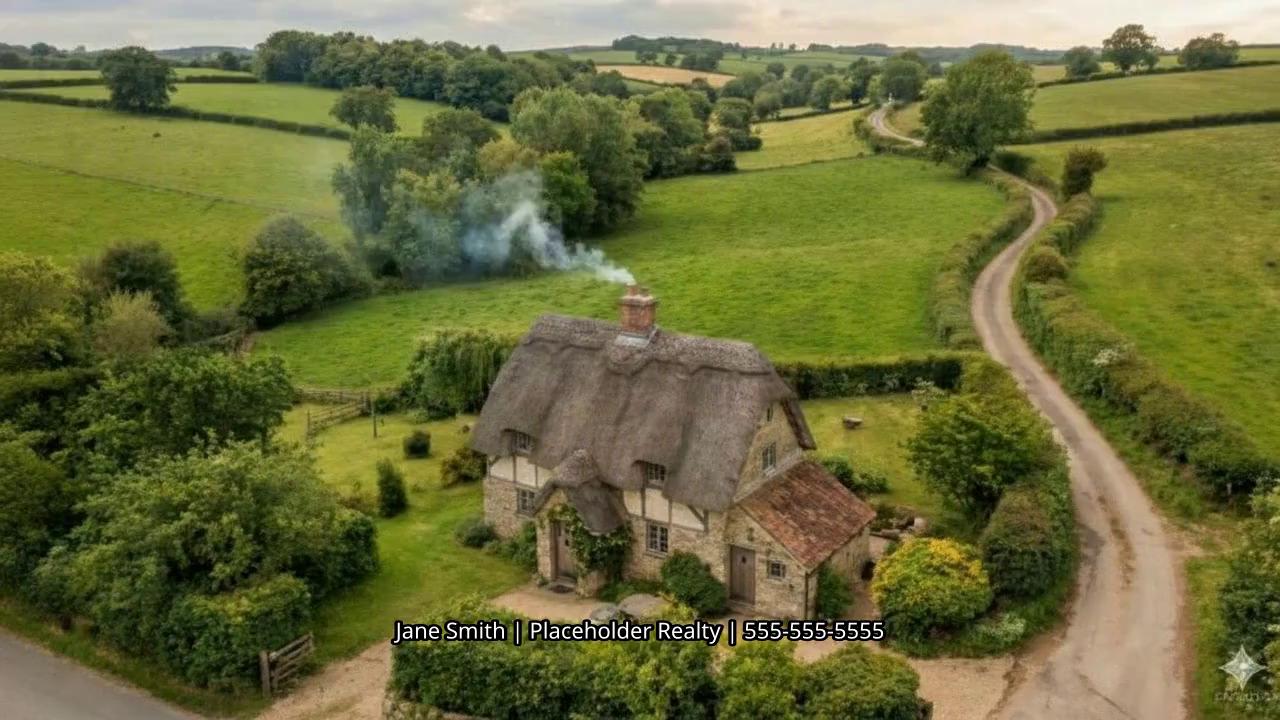
Still photos are easy to scroll past, and hiring a videographer for every listing adds up. Upload your listing photos and EasyVid turns them into a narrated, room-by-room home tour video.
Free to sign up · No credit card required
A real estate video maker turns the listing photos you already have into a video tour. EasyVid writes a short room-by-room script from your listing details, gives each room its own scene, and reads the script with an AI voice.
Your photos stay the star. Upload a listing photo to each scene, then animate it with a slow camera move, such as a push toward the fireplace or a glide past the kitchen island. You describe each move in plain words, and you can regenerate any clip until it looks right.
Finish your AI home tour video with captions, background music, and your logo in a corner, then export it vertical for Reels, TikTok, and Shorts or landscape for YouTube and your website.
A room-by-room narration script written from your listing details
Each listing photo becomes its own scene, in the order you choose
Camera moves that bring each photo to life, described in plain words
AI voiceover in a range of voices, in English and other languages
Captions in five styles and your own background music
Your logo in any corner, and vertical, square, or landscape export
Anyone who markets homes and needs video without a film crew.
Give every listing a video, not just the high-end ones.
Make tours with the same branding for every listing.
Show a place room by room before anyone books a visit.
From listing photos to a narrated home tour in five steps.
Paste the details buyers care about: the rooms, standout features, the neighborhood, and the open house time. Attach up to 5 photos for EasyVid to work from.
EasyVid writes the narration room by room and lays out a scene for each part of the tour. Edit any line, and reorder scenes to match the walk-through.
Upload a listing photo to each scene (PNG or JPG up to 5 MB, on paid plans), so the tour shows the real rooms.
Select the scenes and click Animate. Describe the camera move for each one, like a slow push in or a pan across the room.
Pick a voice, a caption style, and music, place your logo in a corner, then render in vertical, square, or landscape.
Upload listing photos, set the flow, and export vertical or horizontal tours for social and web.
Use your listing photos as scenes for each room.
Guide viewers through the home with a clean visual sequence.
Add your logo in any corner of the video.
Export vertical and horizontal videos for listings and social.
Video prompt
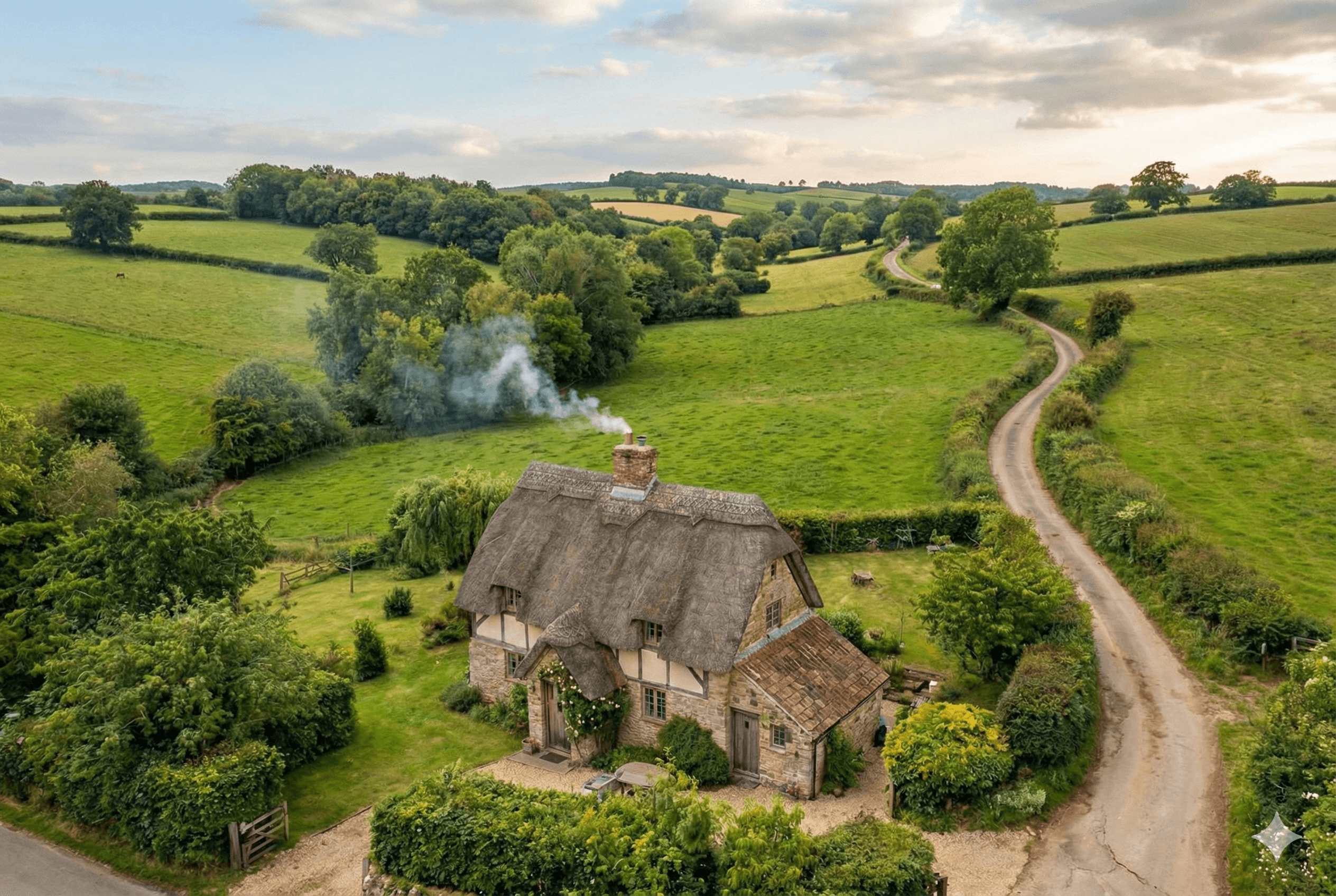
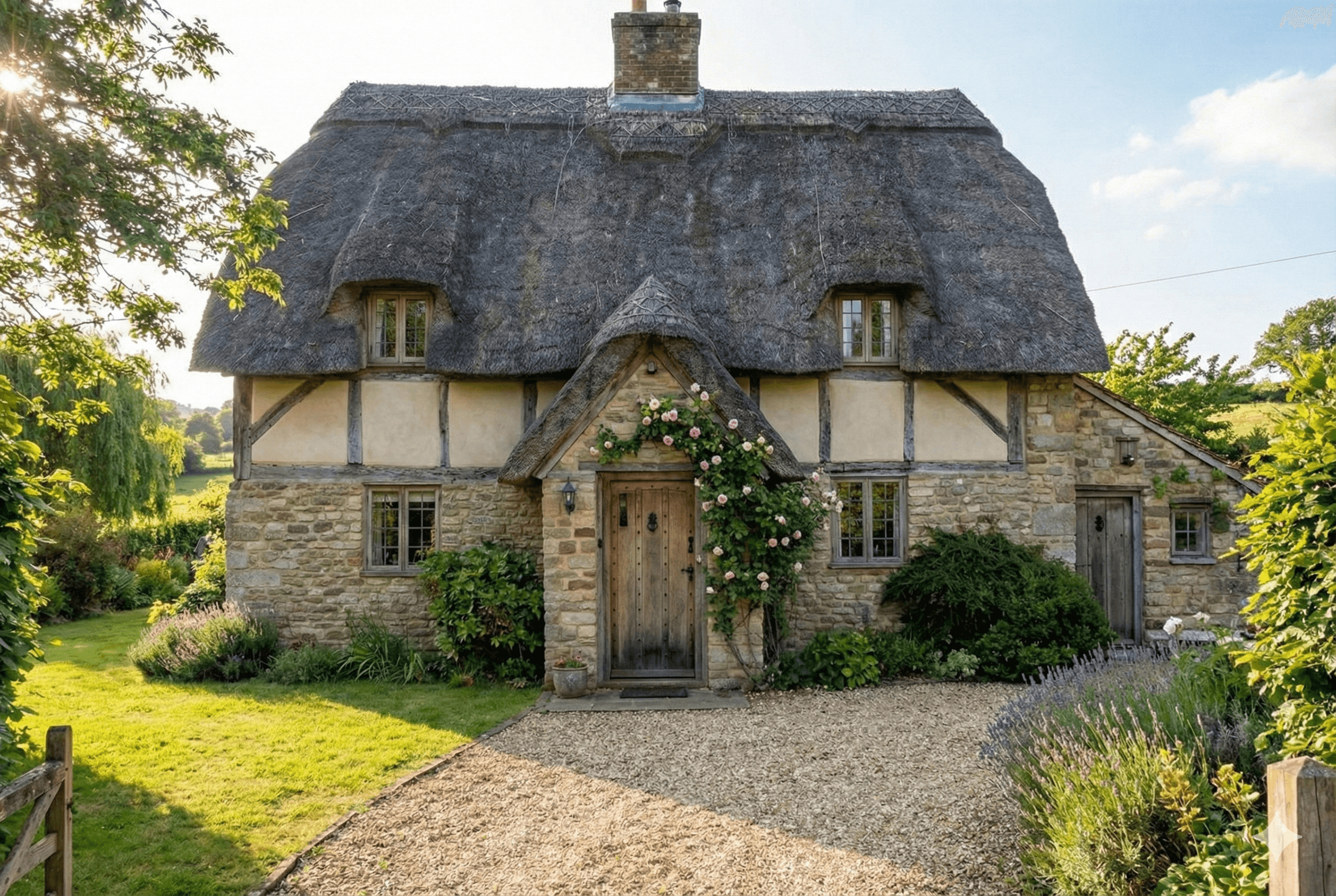
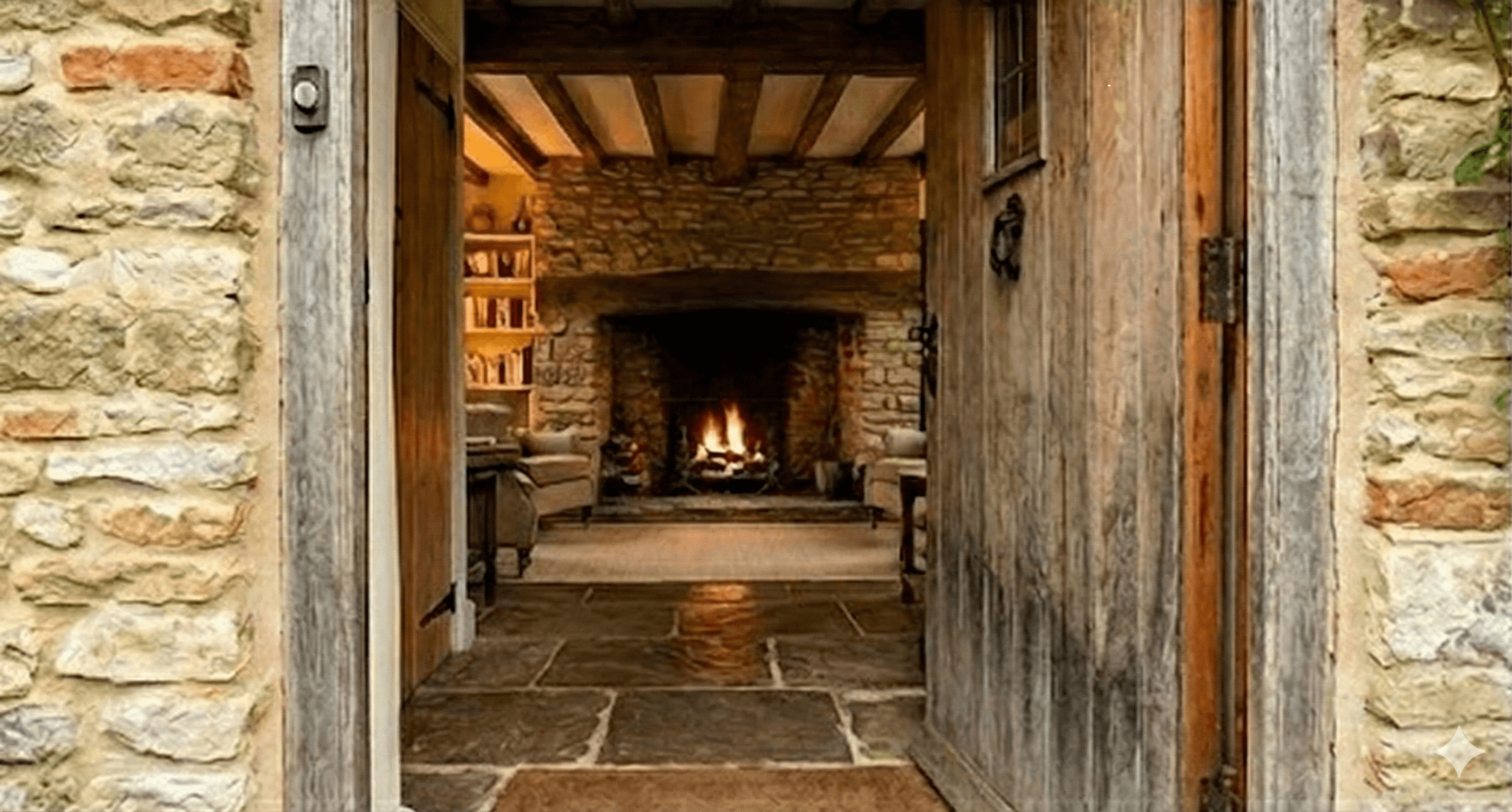
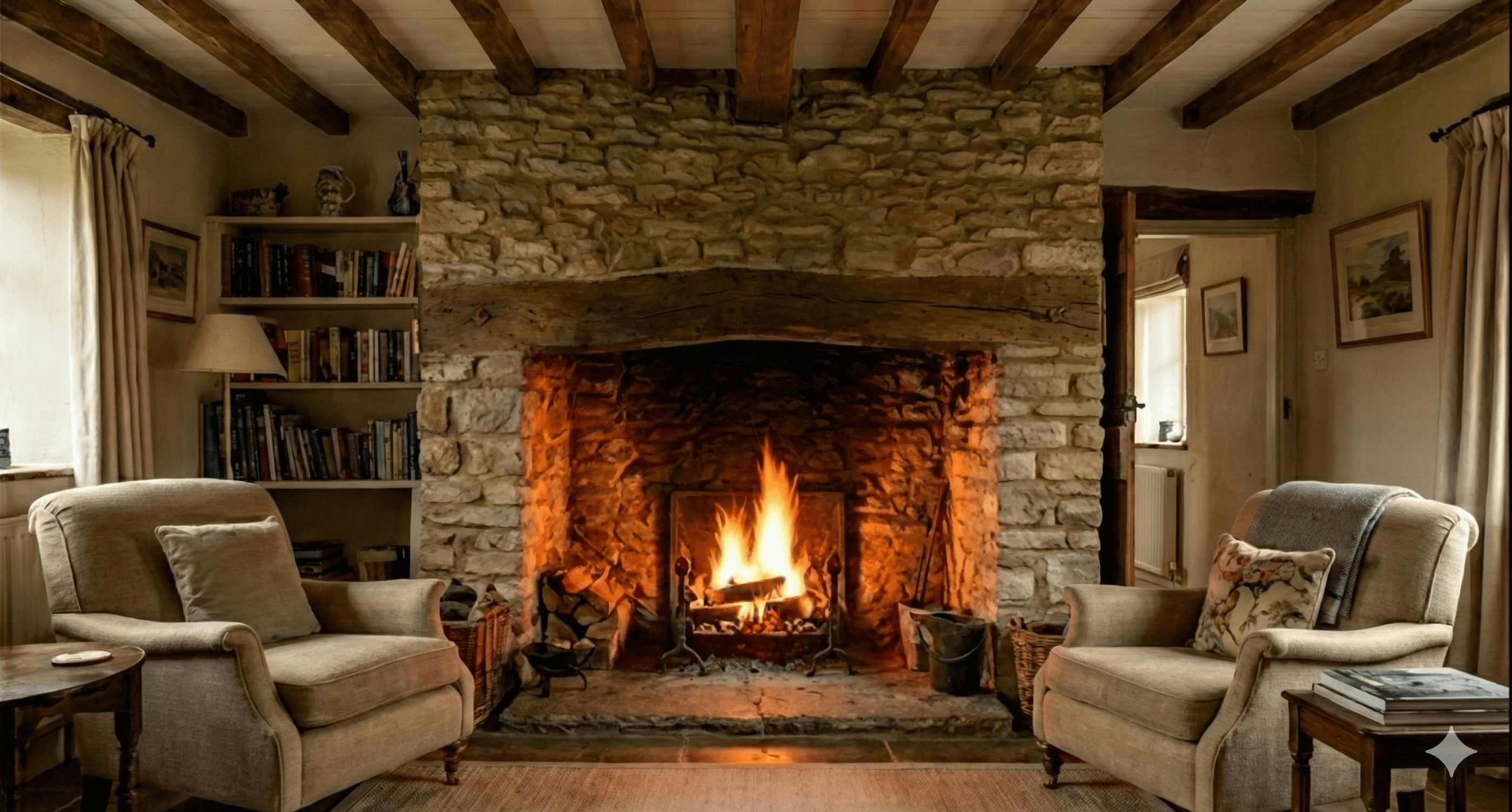
Create a real-estate walk-through video for a calm country cottage. Use attached photos.
Attached assets
Discover what you can create with EasyVid
Create stunning videos using AI voice and video generation.
Create longer videos with scenes, narration, subtitles, and editable pacing.
Create short AI videos for ads, hooks, teasers, and social posts.
Create 2-minute videos with scenes, narration, subtitles, and editable pacing.
Create 3-minute explainers, stories, lessons, and longer social videos.
Create deeper explainers, video essays, story videos, and YouTube content.
Create long-form videos for YouTube, lessons, video essays, and stories.
Transform your scripts into engaging videos effortlessly.
Convert a simple text prompt into captivating videos.
AI music video generator that syncs visuals to your track.
Create professional videos without a camera or microphone.
Produce videos optimized for YouTube and social media.
Turn your blog posts into engaging video content.
Turn listing photos into narrated home tour videos.
Create Seedance 2.5 videos in EasyVid Director Mode.
Create videos effortlessly with our intuitive interface. No technical skills required.
Create professional videos in minutes without hiring video editors or scriptwriters.
Produce professional-grade videos with AI-powered visuals and voiceovers.
“Before EasyVid, I was too busy to create TikTok videos for my business. Now I can easily post 1 video per day without spending hours editing.”
Daniel F.
Content Creator
“I tried other AI video generators, but most churned out low-quality videos with random visuals. EasyVid adds visuals that perfectly fit my script.”
Mason M.
YouTuber
“EasyVid is the easiest video generator I've ever used. It understands what I want without me needing to specify every detail. It just works.”
Elaine K.
Marketing Manager