01
Choose the approved first frame: start from the storyboard image that already has the right subject and references.
AI camera planning turns a still storyboard frame into a motion plan. Define whether the scene should push in, hold steady, track a character, reveal a prop, or stay quiet before you generate the video clip.
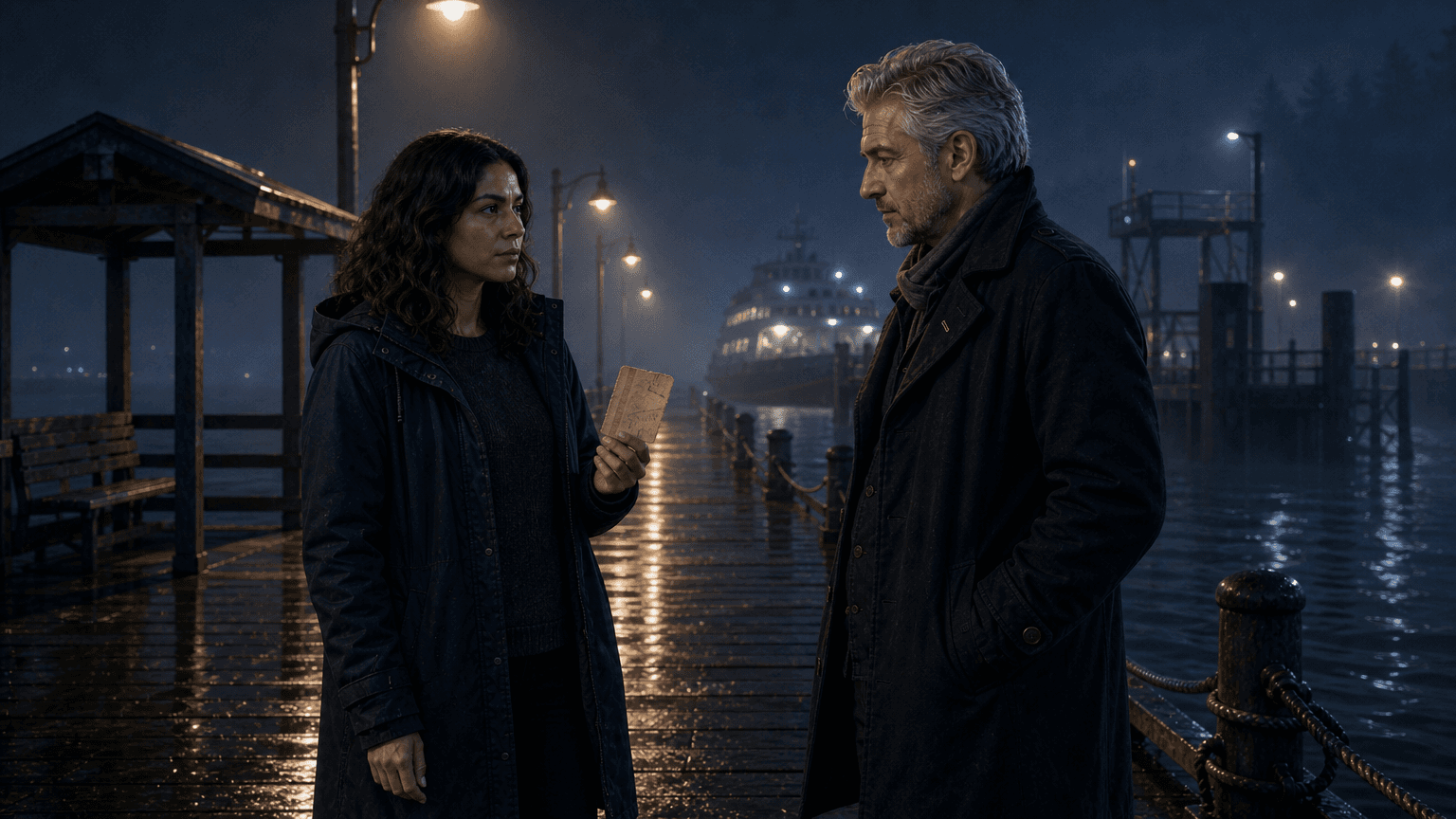
A-cam
medium two-shot
motion
steady hold
coverage
ticket visible
AI camera planning is the step where you decide how a generated scene should move. It translates story intent into camera behavior: push-in, pull-back, pan, track, hold, orbit, rack focus, or a deliberately static frame.
That makes it different from an AI shot list. The shot list decides which coverage exists. AI camera planning decides how a selected shot should behave once it becomes video.
It also differs from an AI storyboard. The storyboard gives you the frame and reference context. Camera planning adds motion discipline so generated clips do not drift, over-move, or distract from the scene's purpose.
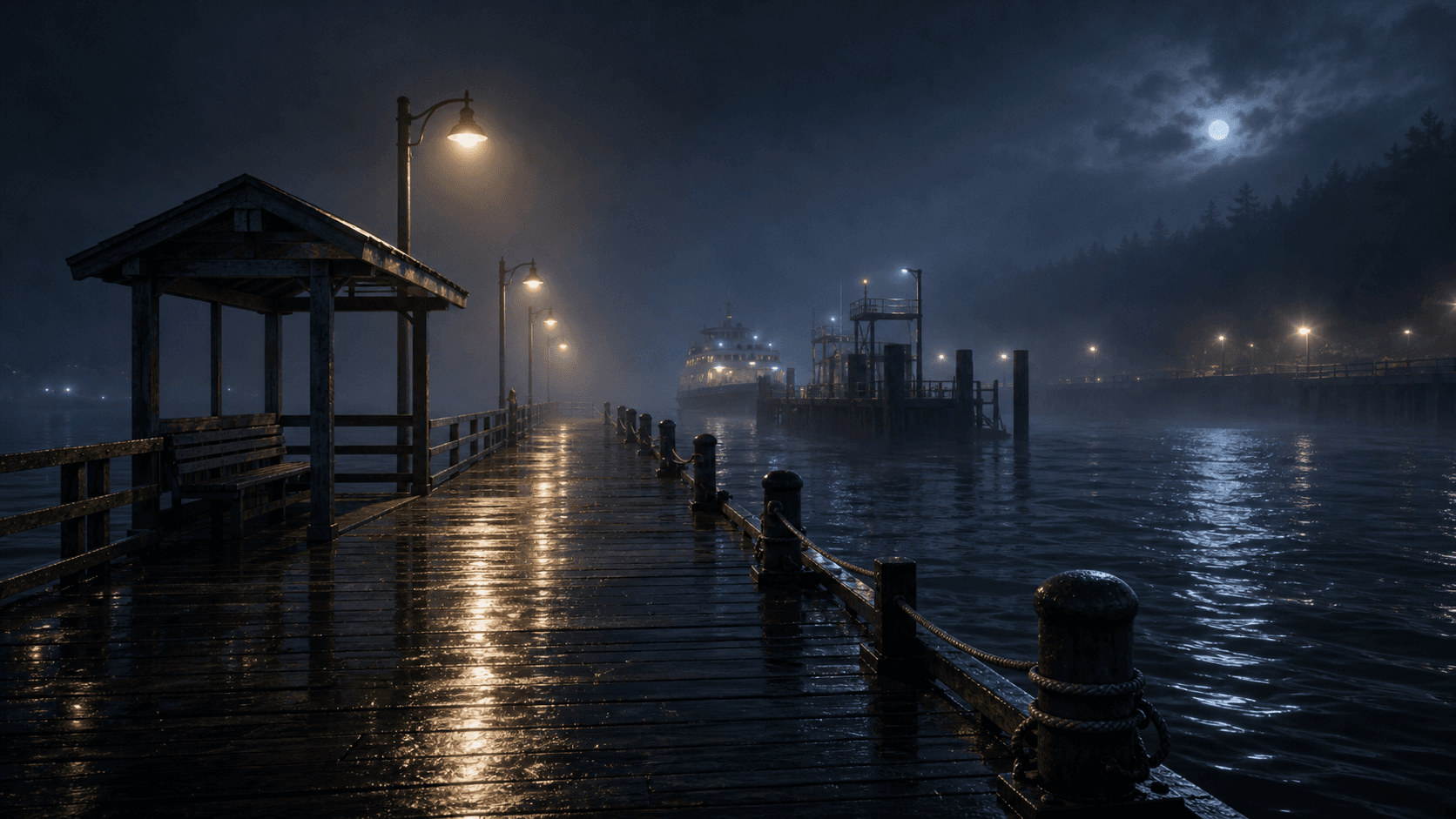
Plan camera behavior alongside the storyboard image. The goal is not more motion; it is motion that helps the viewer read the scene.
01
Choose the approved first frame: start from the storyboard image that already has the right subject and references.
02
Name one camera idea: push in, hold, pan, track, reveal, or stay locked.
03
Match movement to scene energy: dialogue can hold still, reveals can push, inserts can stay controlled.
04
Review the generated clip: adjust only the scenes where motion distracts from the beat.
Camera notes should be specific enough for generation and restrained enough for story. Each scene gets one primary movement idea, a subject priority, and a clear reason to stay still when stillness is stronger.
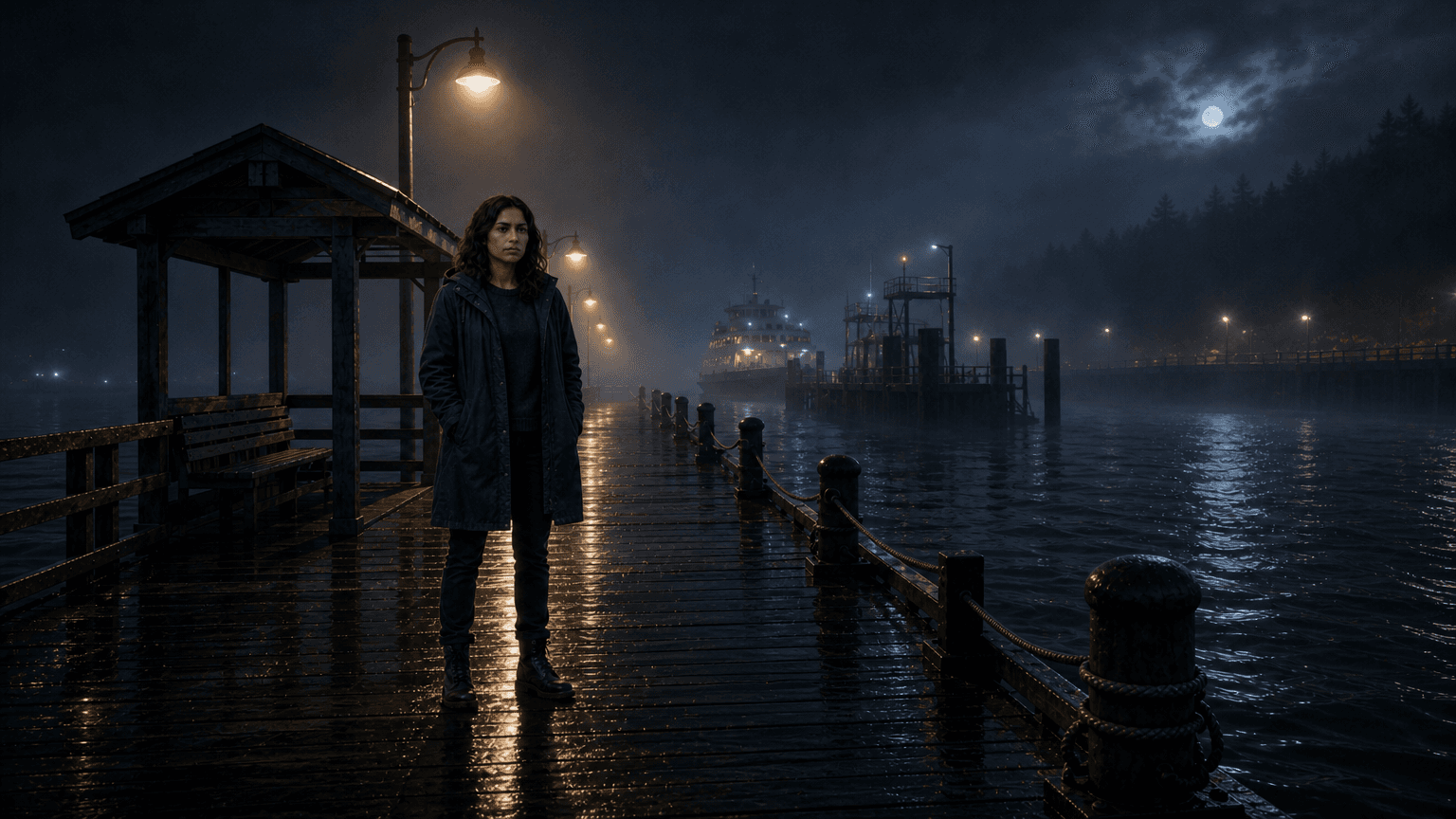
Slow push-in
Keep the fog and dock readable
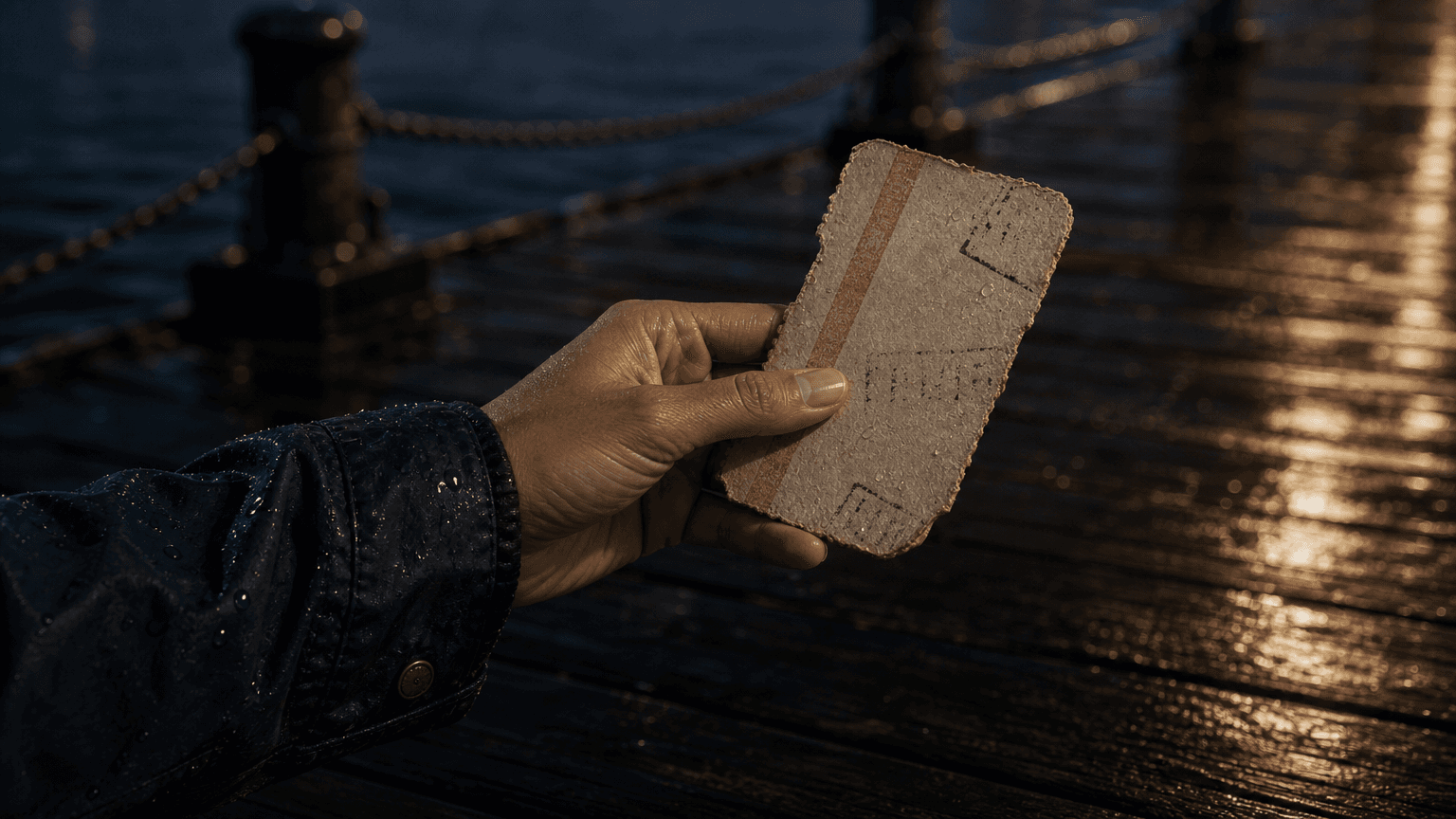
Locked close frame
Do not move off @Ticket
Steady two-shot
Prioritize @Mara and @Ellis over scenery
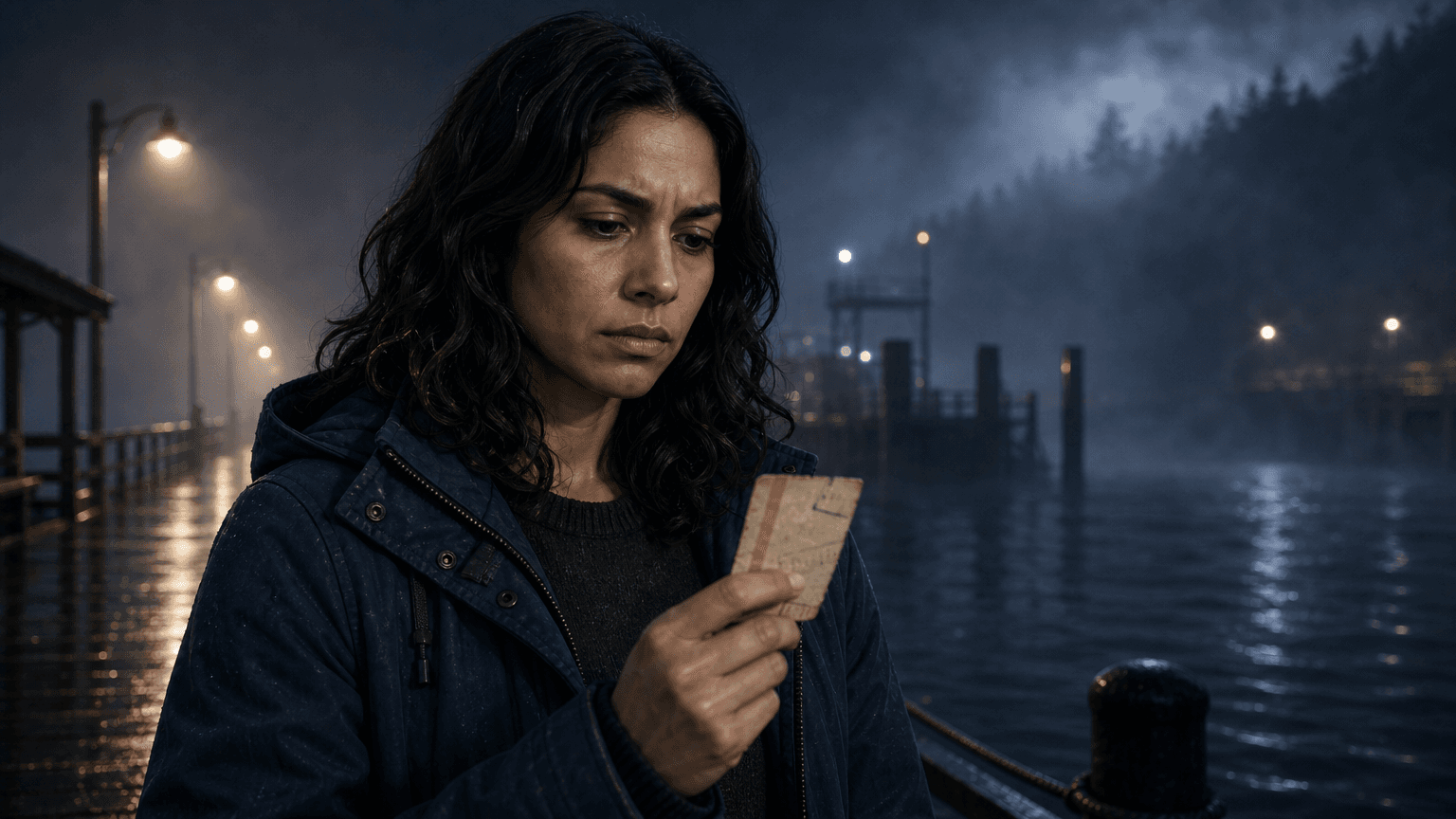
Subtle drift only
Let @Mara's expression carry the beat
Camera planning keeps video clips from feeling like unrelated motion tests. Each movement has a reason tied to the scene.
01
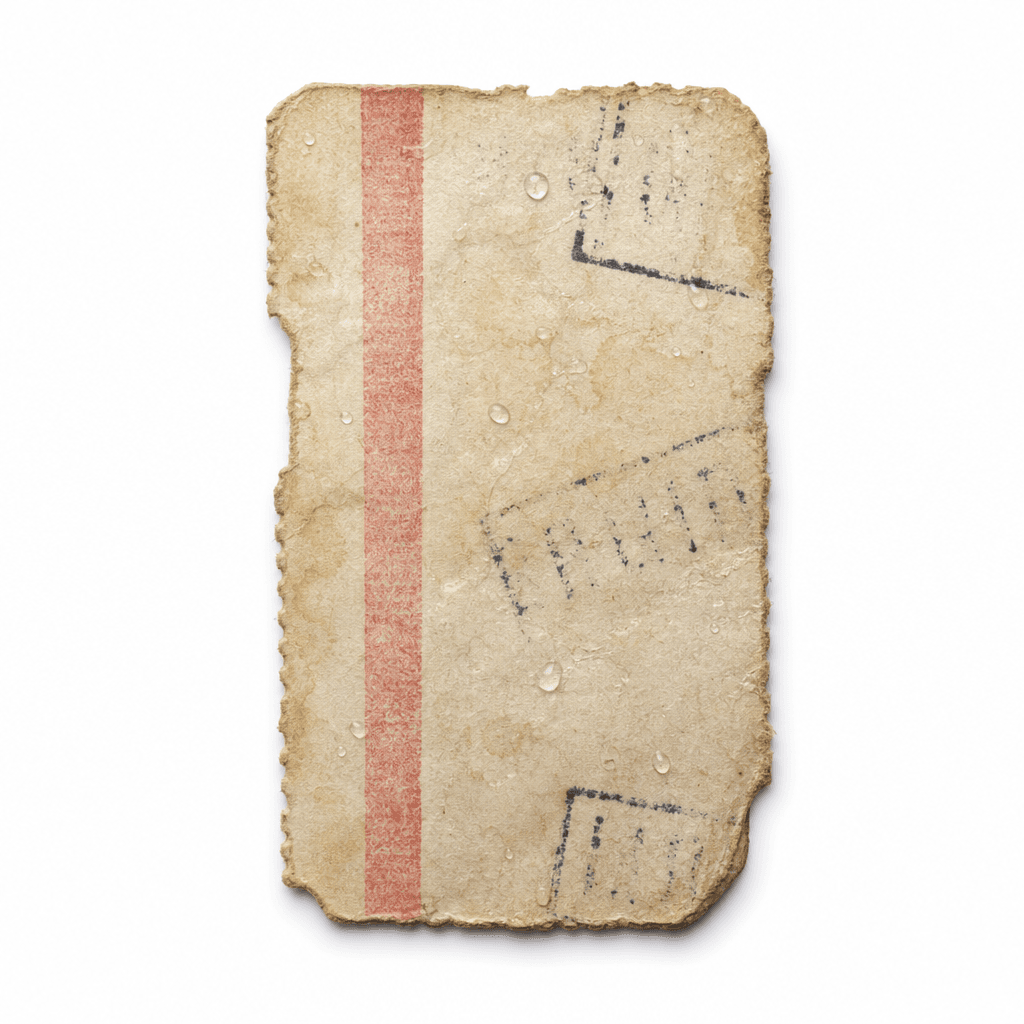
The establishing shot can use a slow push into @Ferry_Dock instead of random lateral drift.
02
The @Ticket insert can stay locked so the prop remains readable.
03
The @Mara and @Ellis two-shot can favor steady dialogue coverage over scenery movement.
04
The reaction shot can hold long enough for @Mara's expression to land.