
Not just script formatting
The breakdown identifies production decisions: what must appear on screen, what repeats later, and what needs a reference.
An AI scene breakdown turns your script into organized scenes, characters, locations, props, dialogue, timing, captions, coverage notes, and storyboard prompts before you generate media.
Start from a prompt or bring your own script.

Script
Paste a screenplay, outline, or generated script.
Scenes
AI extracts scene beats, dialogue, pauses, and visual moments.
Continuity
Characters, props, locations, and references are tagged.
Storyboard
Shot sequences become editable scenes.
AI scene breakdown is the step between a written script and a visual production plan. It reads the story scene by scene, then separates the parts a generator or editor needs: where the scene happens, who appears, what is visible, what is said, what must stay consistent, and what the viewer should understand.
That makes it different from an AI screenplay generator. A screenplay tool helps write the script. A storyboard tool creates visual cards. A shot-list tool plans camera coverage. AI scene breakdown prepares the material for all of those steps by exposing the structure hidden inside the script.
For AI video, this matters because vague scripts create expensive randomness. When characters, locations, props, dialogue, captions, timing, and scene purpose are visible before generation, you can fix the plan before spending credits on media.
The breakdown identifies production decisions: what must appear on screen, what repeats later, and what needs a reference.
It prepares storyboard prompts and assets, but leaves each scene editable before images, voices, motion, and sound are generated.
Shot coverage is one output. The same breakdown also carries dialogue, timing, locations, props, subtitles, and continuity.
A useful breakdown does not wait until generation to notice the cast, location, or prop. It saves recurring elements before building shots, so characters, locations, and props like @Ticket can stay consistent across the sequence.
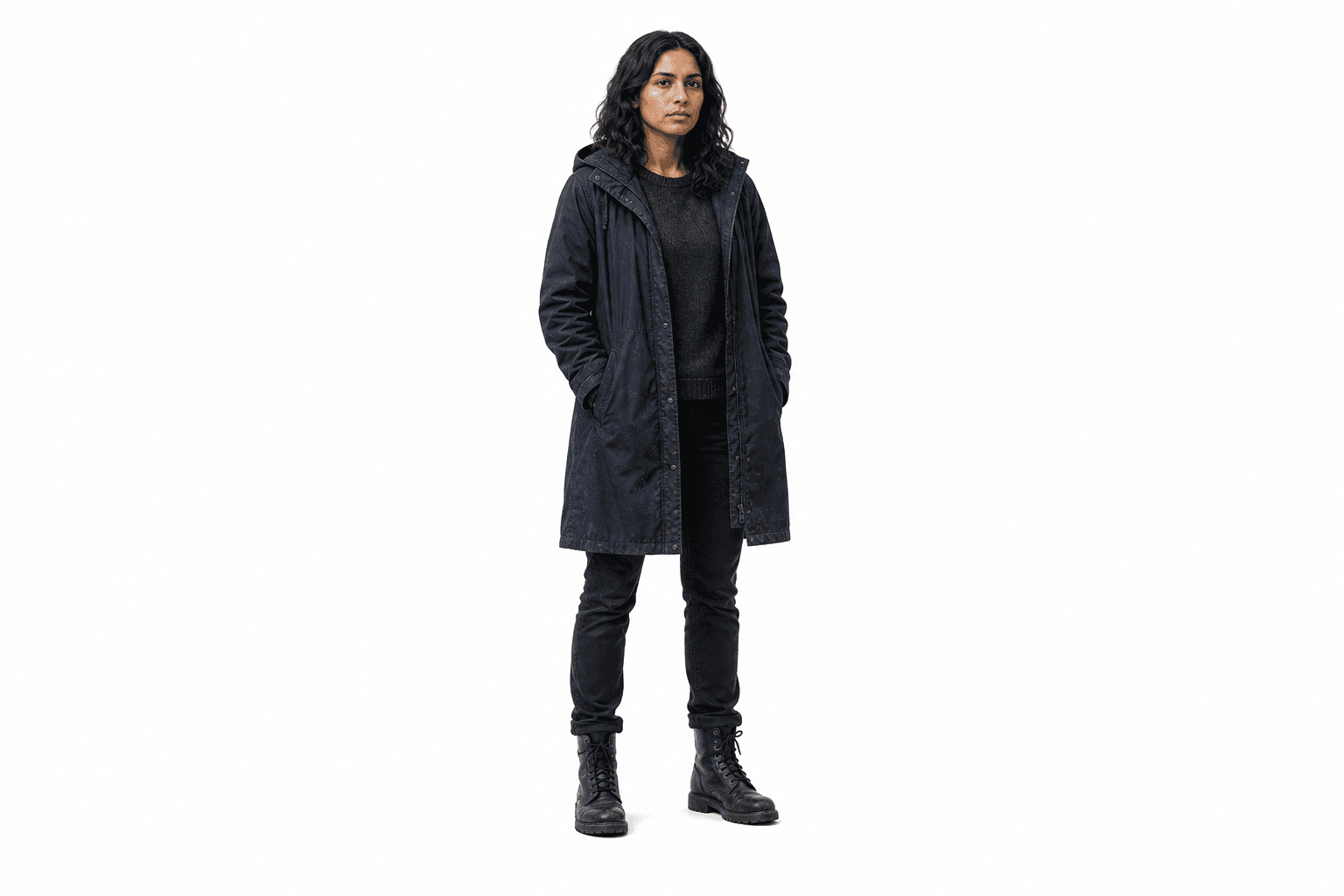
@Mara
Character
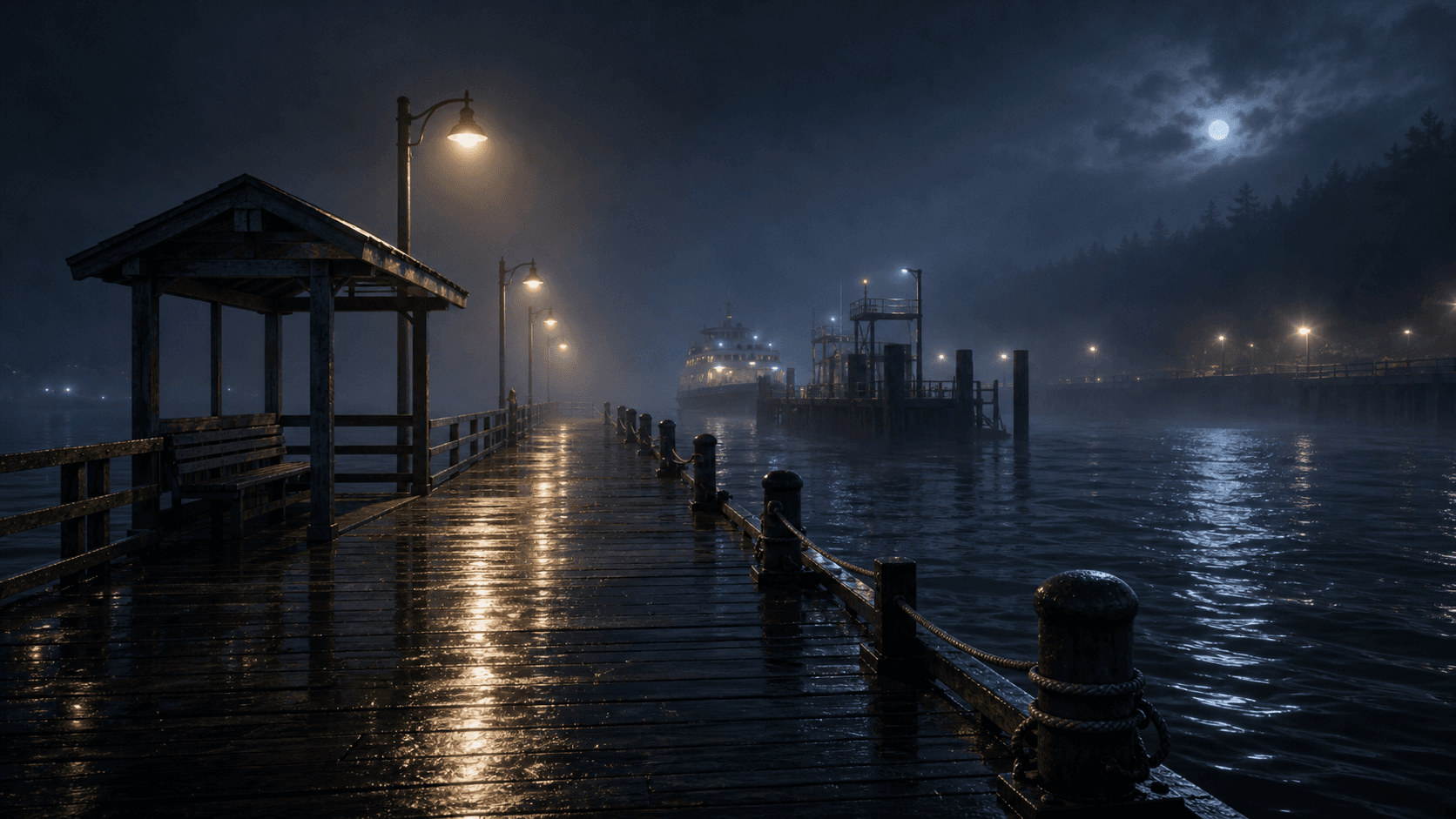
@Ferry_Dock
Location
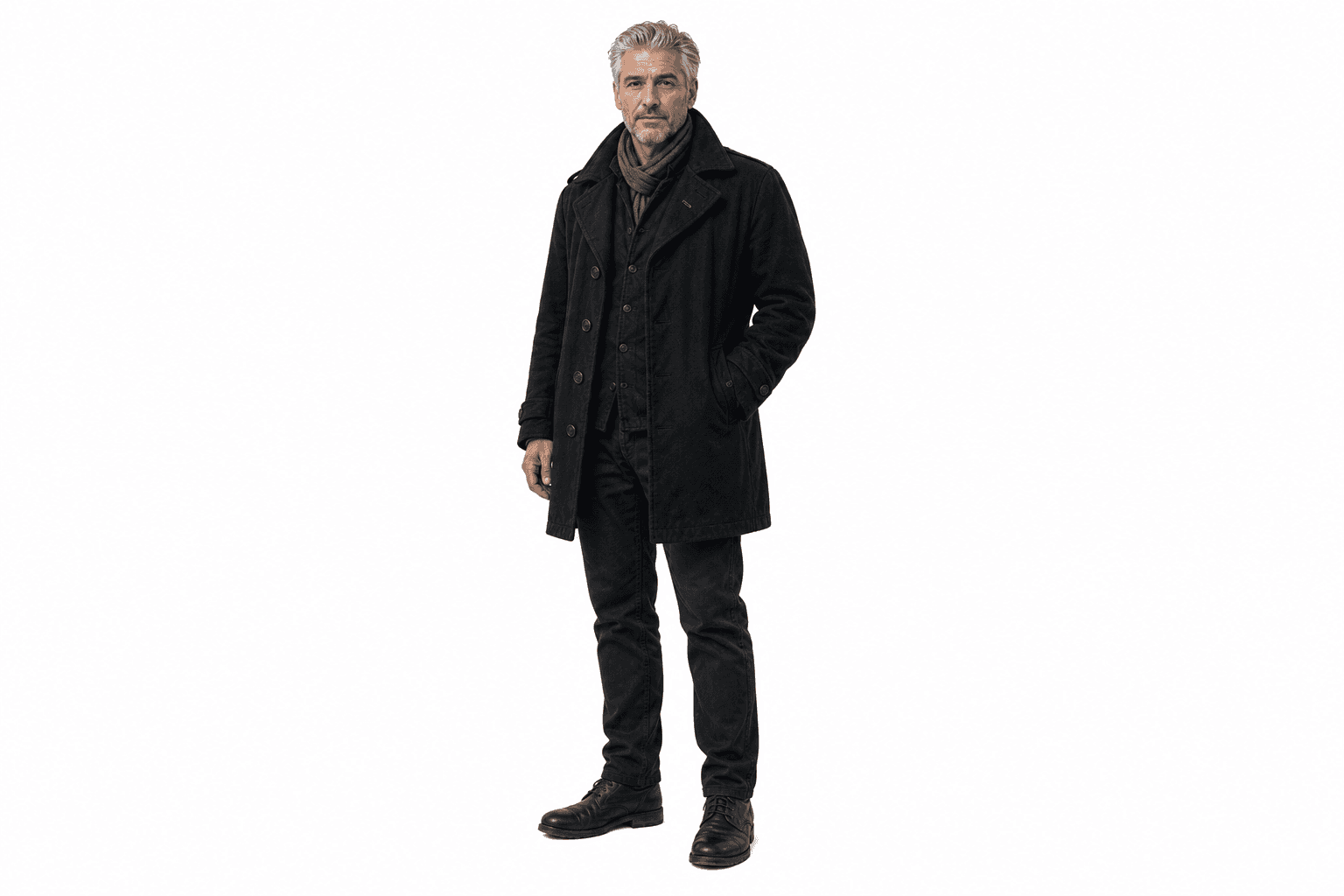
@Ellis
Character
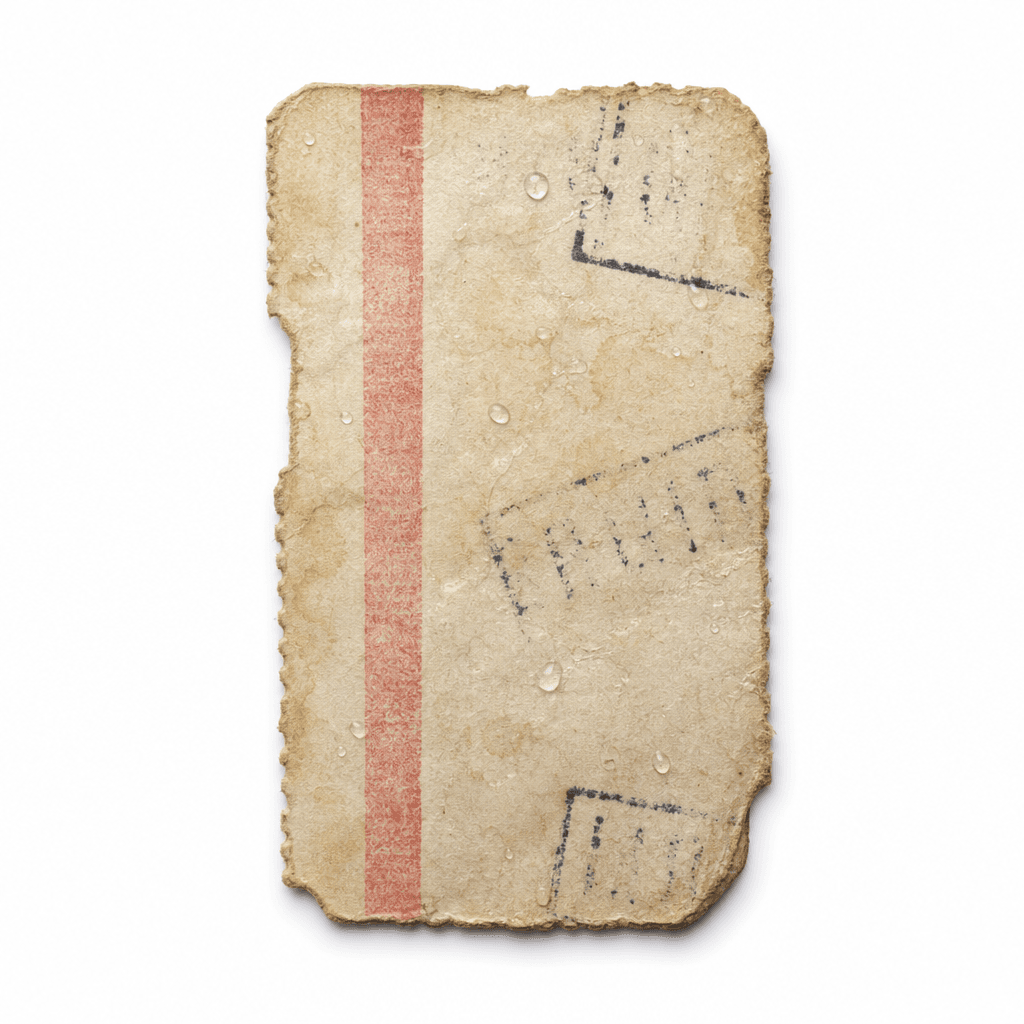
@Ticket
Prop
Each scene keeps its purpose, visible references, dialogue, timing, and coverage notes together. That gives you a concrete review surface before the script becomes storyboard frames, voices, video clips, and sound.
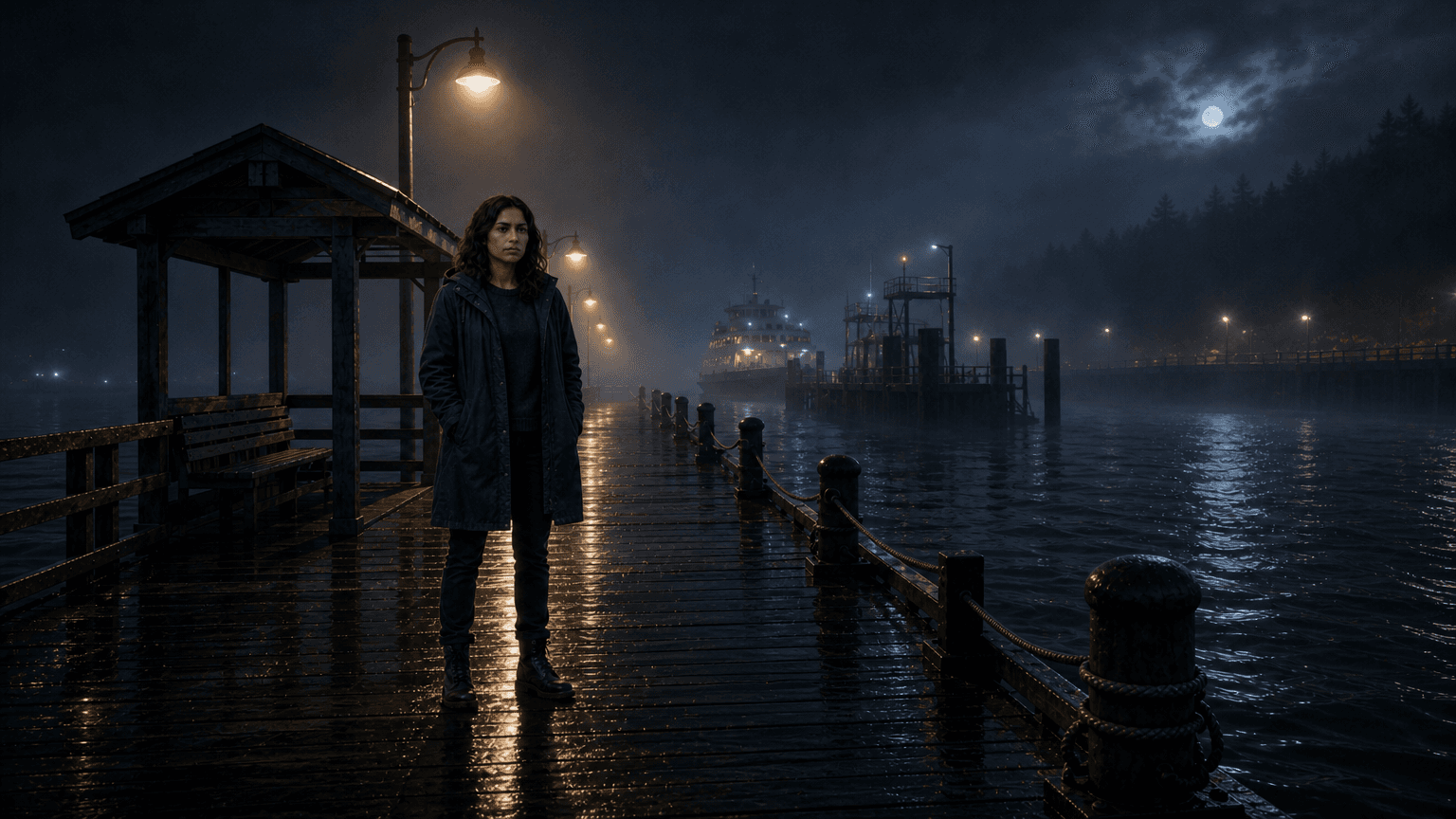
Name what the scene is doing before choosing shots: establish the dock, isolate @Mara, and set the night mood.

Pull out objects that carry story meaning, such as @Ticket, so they can be referenced in inserts and reactions.
Keep speaker lines, visible characters, and the needed prop together before voice, subtitles, and motion are generated.
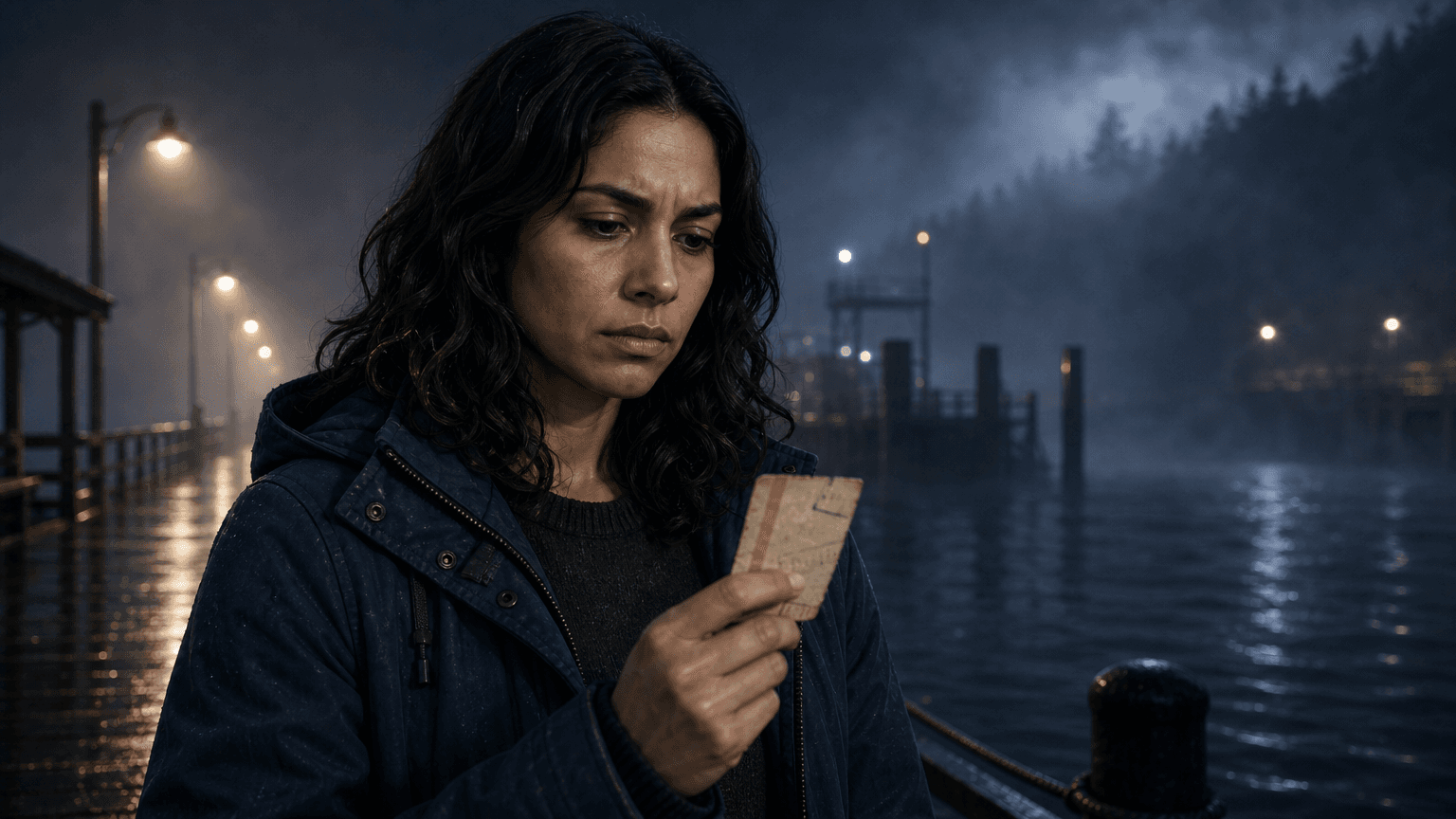
Mark the reaction beat that needs extra time, close framing, and consistent character reference.
AI scene breakdown catches continuity decisions while they are still cheap to change. Review recurring characters, props, and locations before generating images, voices, clips, and sound.
@Mara and @Ellis keep consistent appearance and assigned voices.
@Ferry_Dock carries the same fog, lighting, and waterfront feel.
@Ticket stays available as a recurring story object across the sequence.
Short shots, pauses, and dialogue beats are visible before render.
Review scene flow, pacing, coverage, references, and outputs before rendering. The goal is a script plan that can become a storyboard without losing the story logic.
01
Turn the AI scene breakdown into a practical sequence of wide shots, inserts, close-ups, reactions, and dialogue coverage.
02
See which beats are quick, which moments need breathing room, and where pauses or subtitles affect timing.
03
Check that the story moves clearly from setup to turn to payoff before any media is generated.
04
Decide which moments need a character, prop, location, reaction, transition, subtitle, or sound cue.
What to know before turning a script into an EasyVid storyboard.