01
Draft the premise and scene order: define the situation, the turn, and the ending before generating media.
An AI screenplay is more than a block of generated dialogue. EasyVid turns a premise, outline, or pasted draft into a scene script with visual beats, speaker lines, reusable characters, locations, props, and prompts that can move straight into storyboarding.
Scene 03
[@Mara and @Ellis under flickering deck lights at @Ferry_Dock, @Ticket visible in her hand]
<Ellis> You bought that ticket tomorrow. That means tonight already happened.

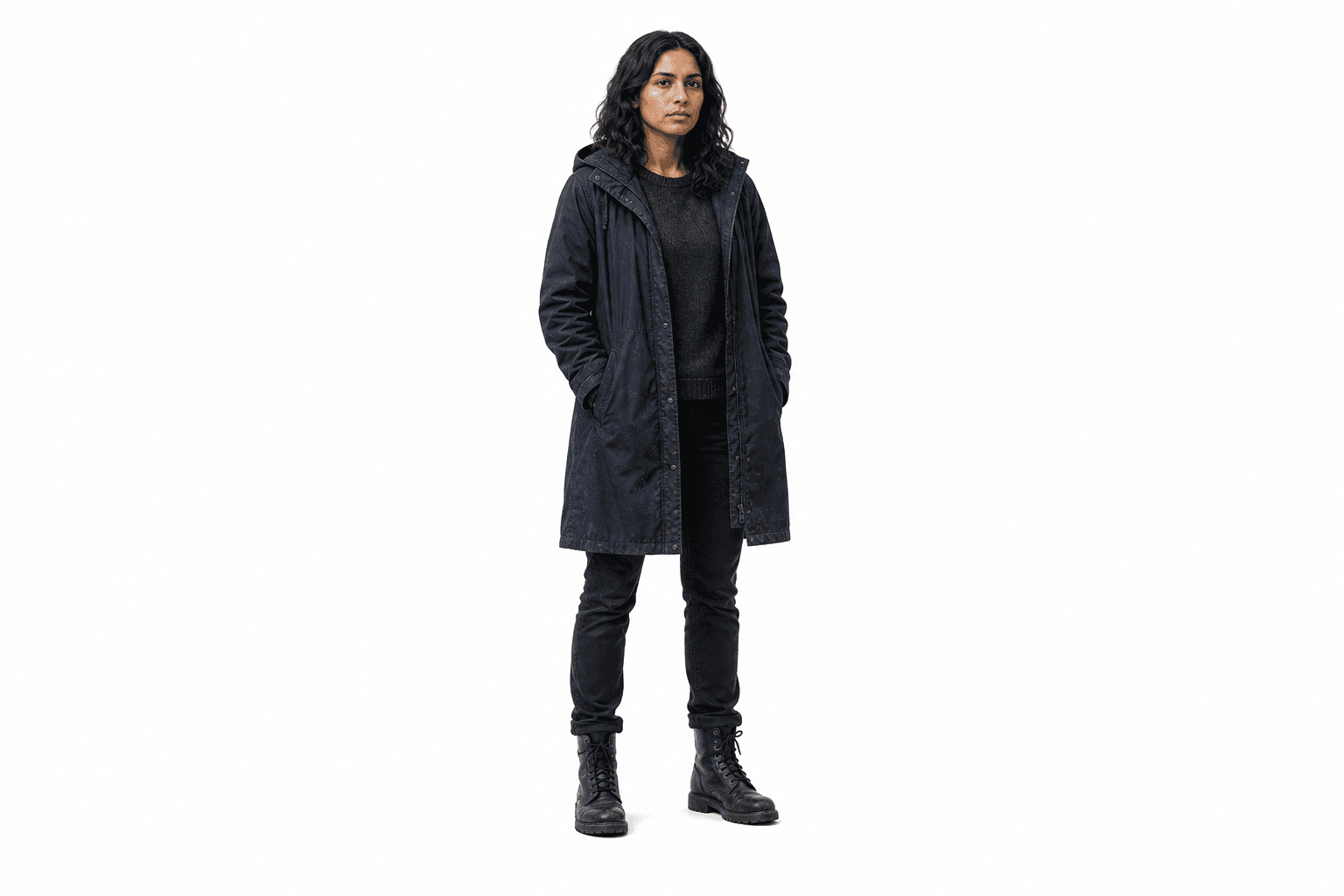

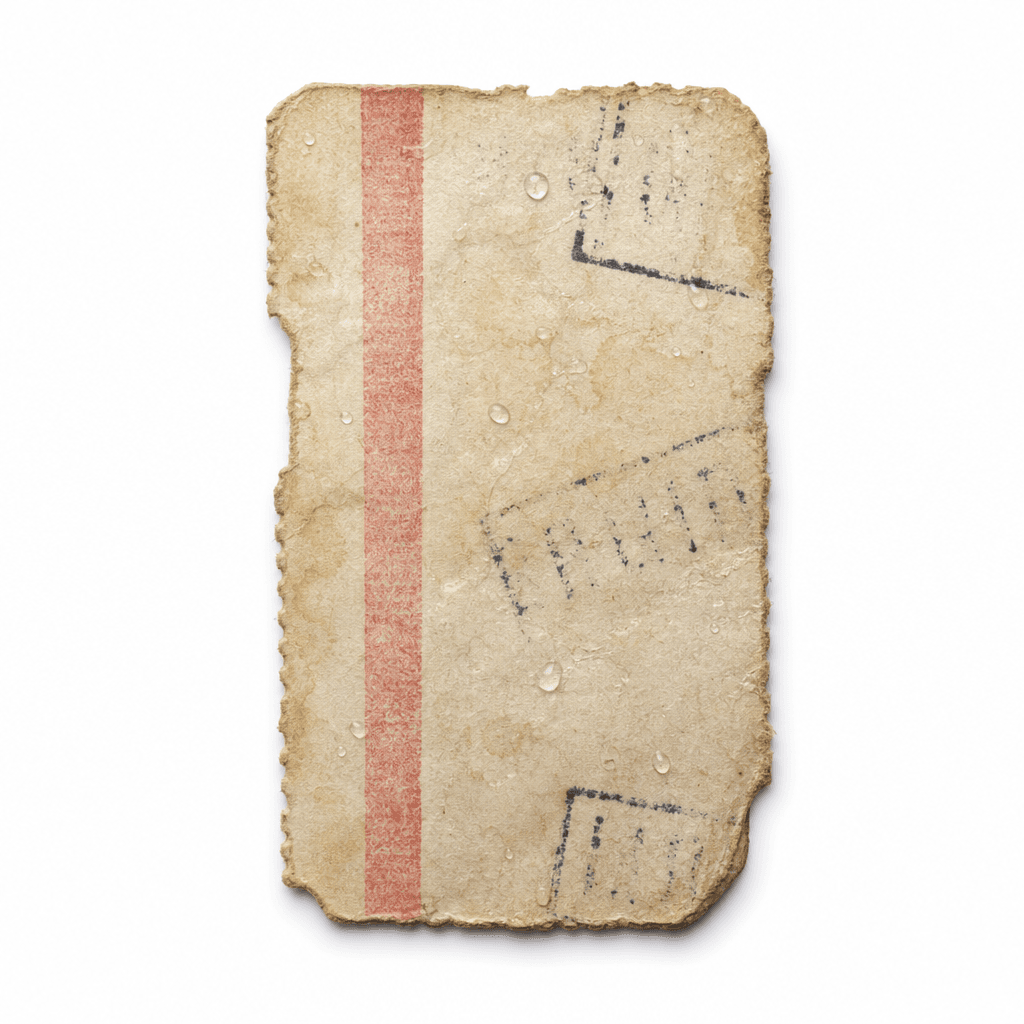
An AI screenplay is a structured script built for production work, not just a text draft. It separates what the audience sees from what characters say, then keeps recurring people, places, and objects available for later generation.
That structure matters because AI video work breaks when the script is vague. If a prop only appears as a casual sentence, it may disappear in the storyboard. If a character is not tagged, their voice and appearance are harder to reuse. EasyVid keeps those details visible before credits are spent on images, video, and audio.
AI screenplay writing sits before AI storyboarding, shot lists, camera planning, voice generation, and video generation. The screenplay defines the story material those later steps use.
Scene 03 - Ferry Dock
[Medium two-shot of @Mara and @Ellis under flickering deck lights, @Ticket visible in @Mara's hand]
<Ellis> You bought that ticket tomorrow. That means tonight already happened.
<Mara> Then why do I remember buying it?
The AI screenplay workflow is deliberately front-loaded. It gives you enough structure to review the story before the page becomes a storyboard, shot list, voice track, or video sequence.
01
Draft the premise and scene order: define the situation, the turn, and the ending before generating media.
02
Format each scene: keep action, location, visible props, and dialogue in separate readable blocks.
03
Tag recurring elements: save characters, locations, and props so later scenes can call the same references.
04
Review the handoff: approve the script structure before turning scenes into storyboard frames.
A stronger screenplay makes every downstream step less random. These are the details EasyVid keeps visible while the story moves from words to media.
01
@Mara and @Ellis are introduced as repeatable characters, not one-off names in a paragraph.
02
@Ferry_Dock is treated as the scene location, so the storyboard can reuse the same place instead of inventing a new setting.
03
@Ticket is identified as a story prop before the insert shot, reaction shot, and dialogue beat depend on it.
04
Dialogue remains attached to the speaker, which makes AI voice generation cleaner when the screenplay becomes a finished scene.