01
Define the scene beat: decide what the audience needs to understand in this moment.
An AI shot list turns a scene into the specific shots you need before generation: establishing frames, inserts, two-shots, reactions, timing notes, visible characters, locations, props, and reference requirements.
01
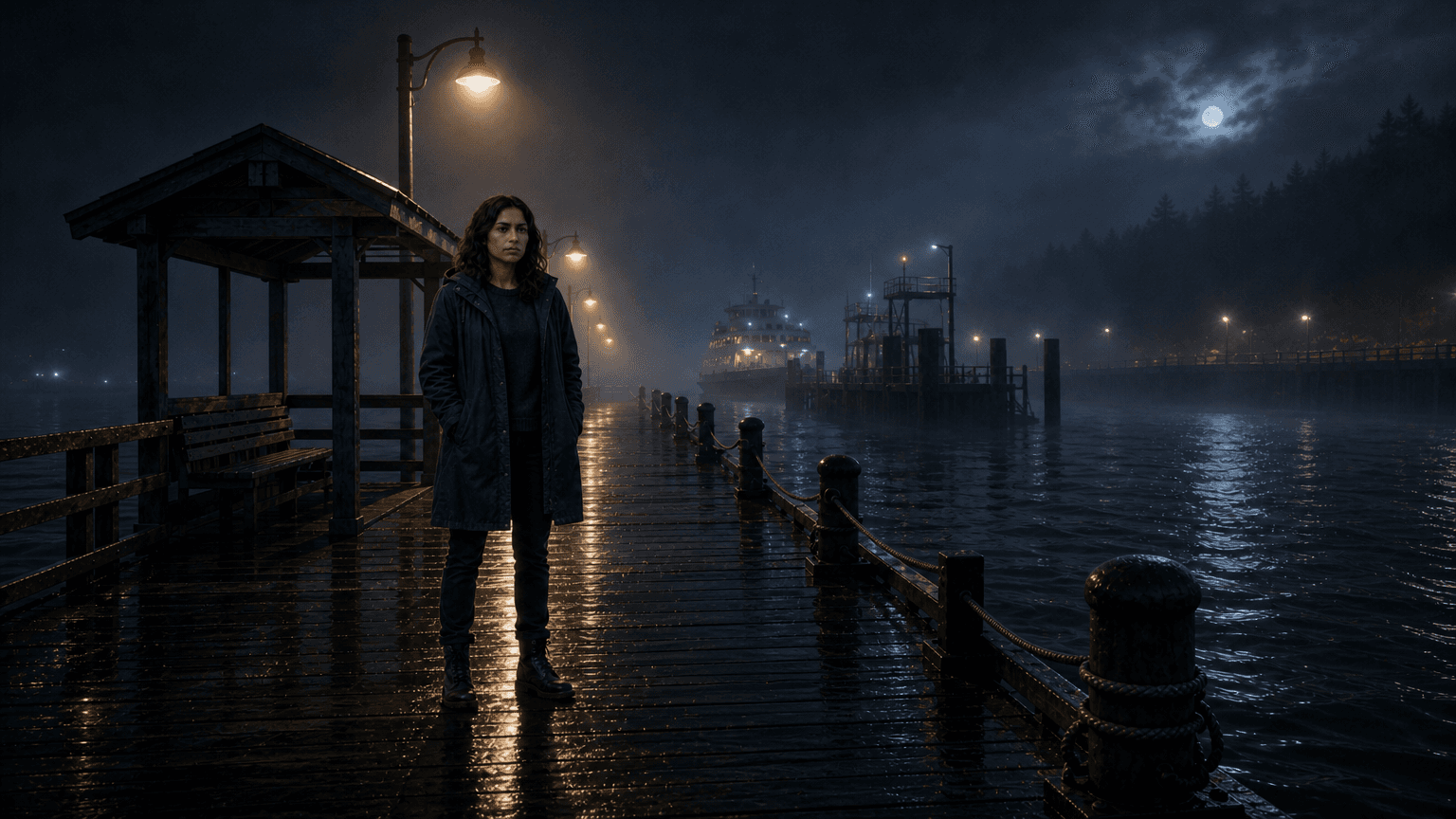
Establish
location + mood
02
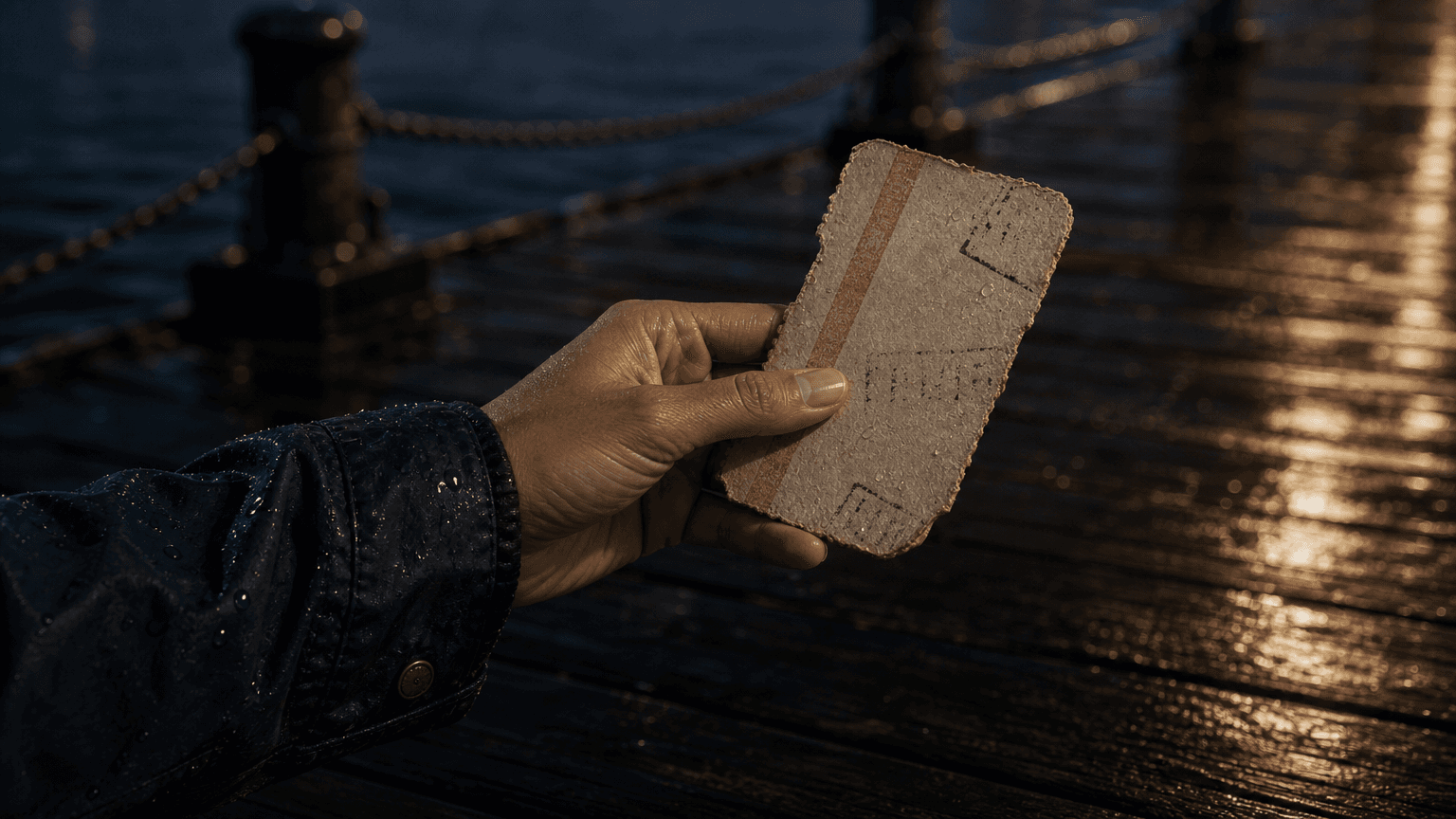
Insert
hand + prop
03
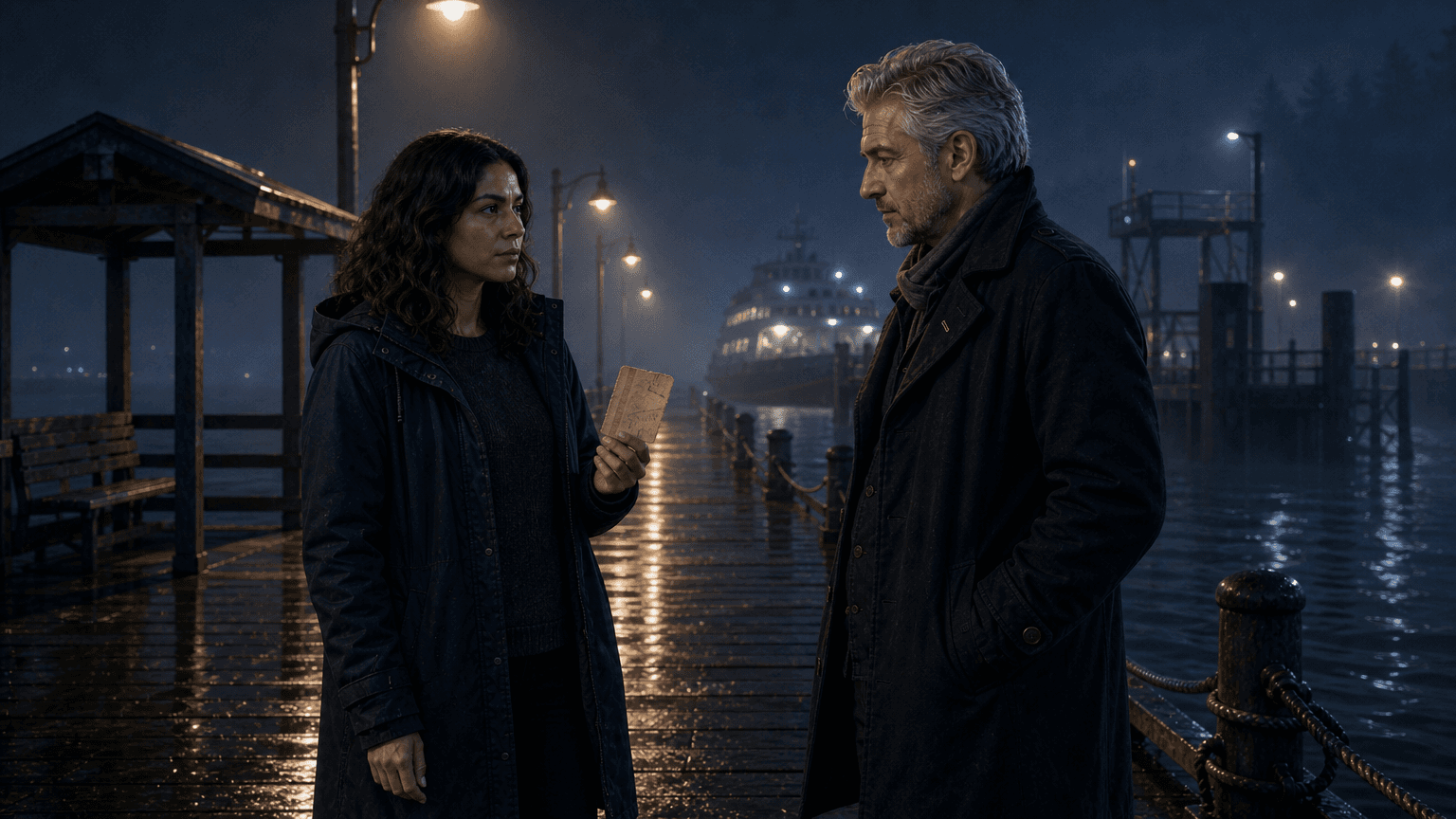
Two-shot
dialogue coverage
04
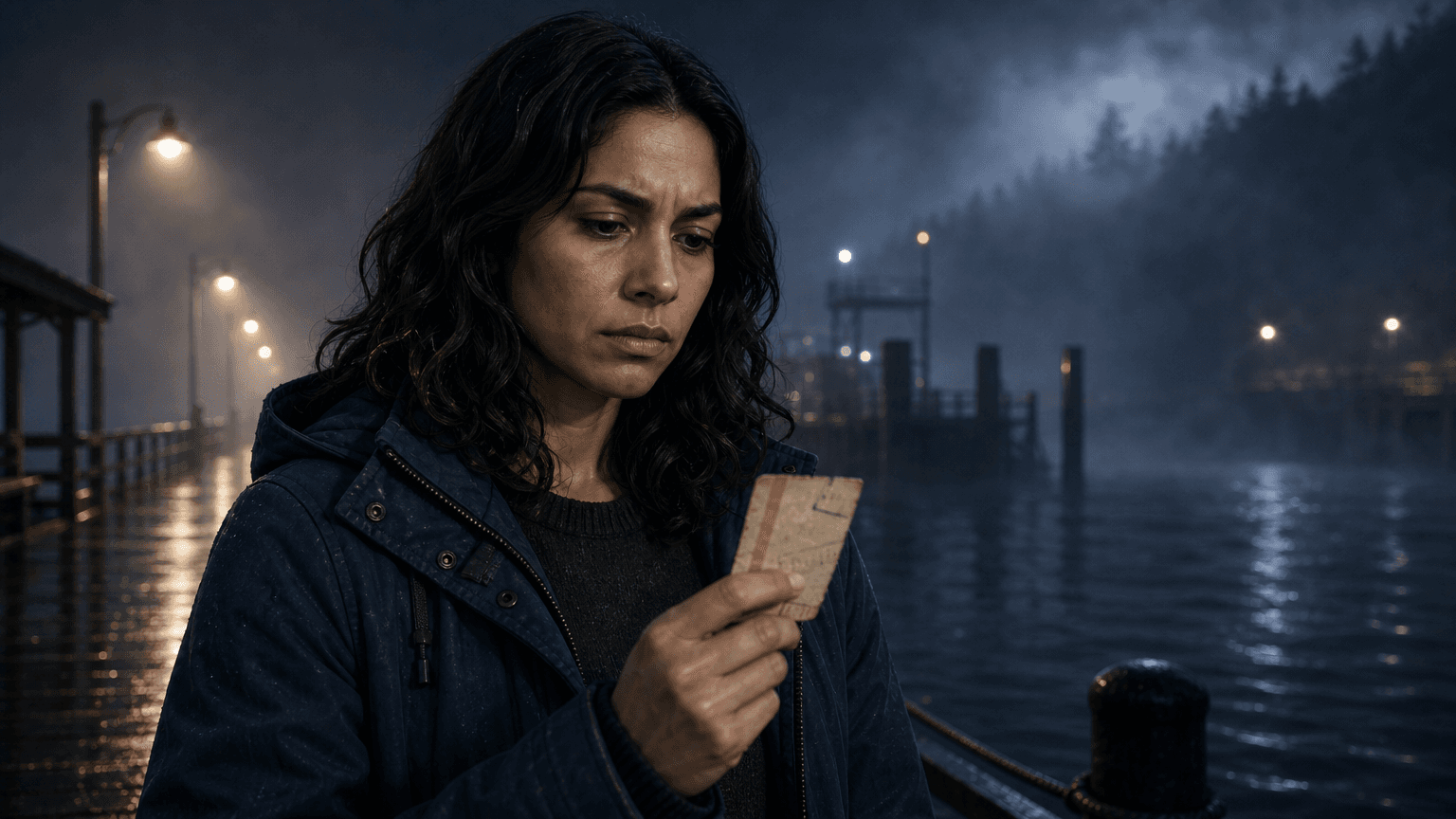
Reaction
emotional turn
An AI shot list is a coverage plan for generated video. It names each shot before you create media, then explains why the shot exists, what should be visible, how long the beat should last, and which references the generator should use.
That makes it different from an AI storyboard. A storyboard gives you visual scene cards and generated frames to review. The AI shot list is more tactical: it decides whether a scene needs a wide shot, insert, over-the-shoulder, two-shot, close-up, reaction, transition, or held moment.
It also differs from camera planning. Camera planning describes motion and framing behavior. The shot list decides the coverage itself, so you know what must be generated before deciding how the camera should move.
Build the coverage plan before the generation queue. Each shot should have a job, a visible subject, a reference plan, and a reason to exist in the sequence.
01
Define the scene beat: decide what the audience needs to understand in this moment.
02
Choose the coverage type: wide, insert, two-shot, close-up, reaction, or transition.
03
Map visible references: attach characters, locations, props, and dialogue to the right shot.
04
Set timing and readiness: decide which shots can be generated now and which need revision.
A shot list should make generation boring in the best way. Each row says what the shot is for, what must be visible, which references it needs, and how long the beat should last before moving on.
01
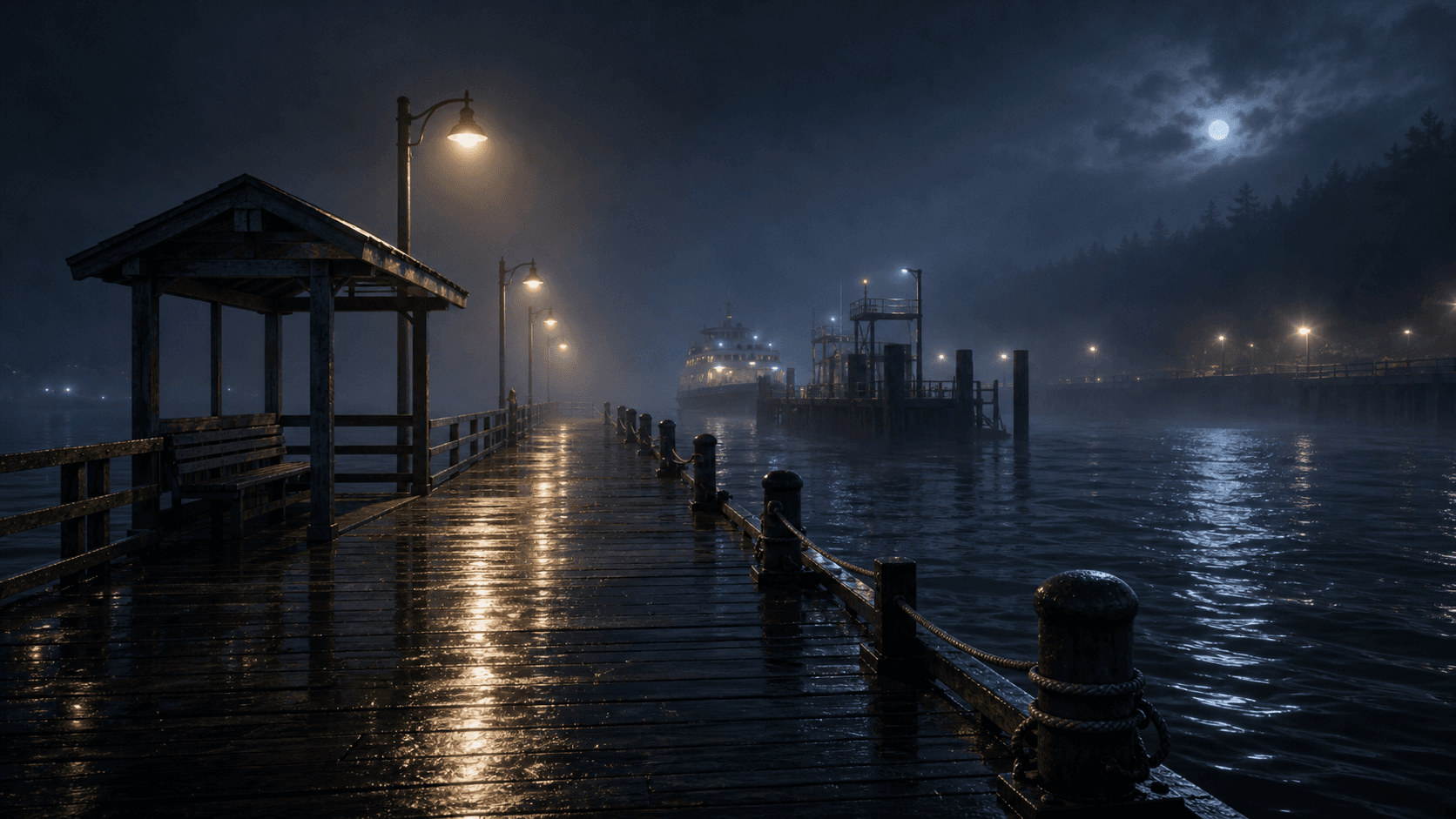
Place @Mara at @Ferry_Dock before the story problem appears.
@Mara @Ferry_Dock
5s
02
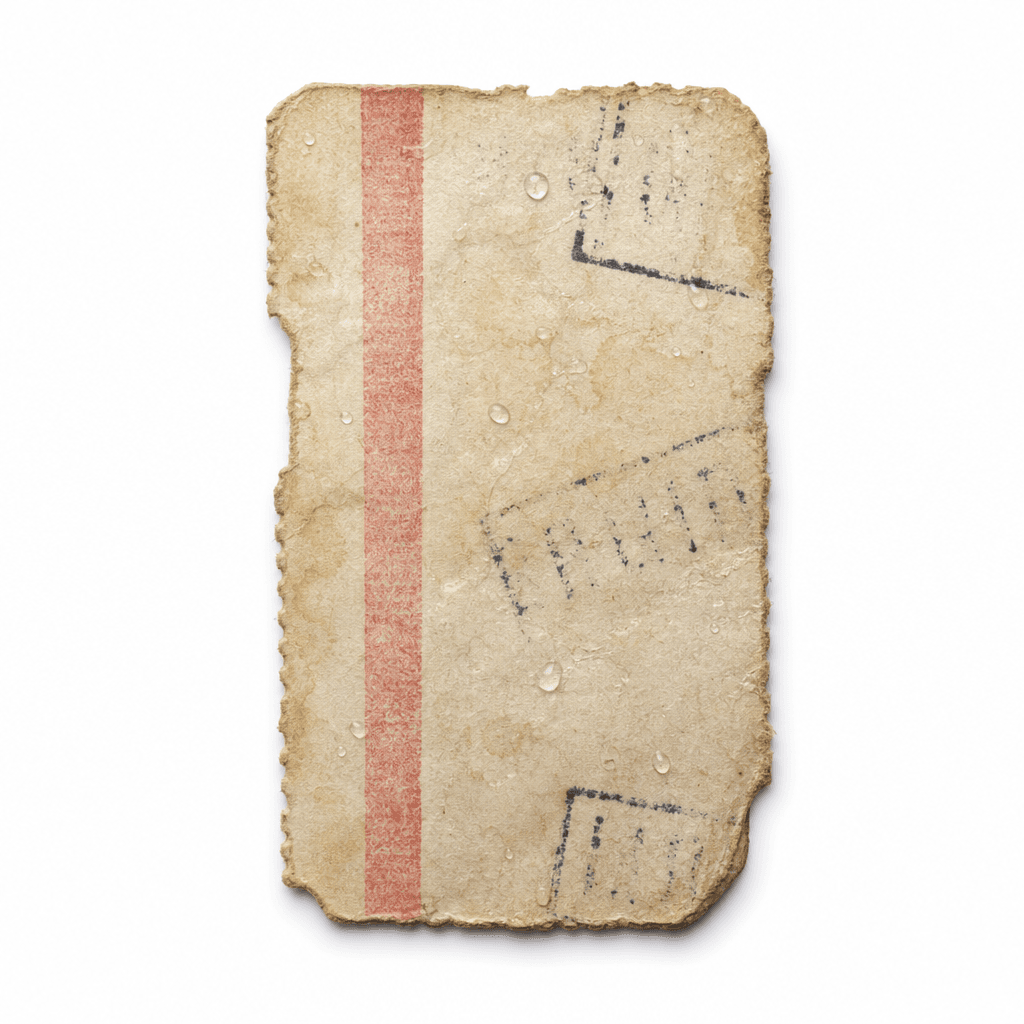
Make @Ticket readable so the next dialogue beat has context.
@Ticket
4s
03
Keep @Mara, @Ellis, and @Ticket in frame while the line lands.
@Mara @Ellis @Ticket
7s
04
Hold on @Mara after the reveal instead of cutting too early.
@Mara @Ticket
5s
A good shot list keeps a generated sequence from feeling like disconnected images. It forces each frame to carry a specific job.
01
The wide shot establishes @Ferry_Dock before the dialogue starts.
02
The insert makes @Ticket readable instead of hoping the prop appears.
03
The two-shot keeps @Mara and @Ellis together when the line needs both characters.
04
The reaction shot gives the emotional turn enough time before the next scene.