01
Write or format the script: dialogue and narration become the voice lines.
In EasyVid, a scene's audio comes from its script. Character voices and narration are generated from the dialogue, subtitles are synced to those lines, your own background music runs under the whole video, and some video models add their own audio to a clip. Separate sound-effect generation is not built in.
Music
your uploaded track
Dialogue
Mara and Ellis lines
Subtitles
synced to each line
Clip audio
native model sound
Sound design is everything a viewer hears around the picture. In EasyVid that audio is built from four parts: voice lines generated from the script, subtitles timed to those lines, a background music track you upload, and the audio some video models generate with their clips.
Voices carry most of the work. Each character keeps the same voice across scenes, lines can be regenerated one at a time, and each line has its own volume. Scene timing follows the dialogue, so a scene runs as long as its lines need.
EasyVid does not generate standalone sound effects or foley. When a project needs detailed effects, such as a specific door slam timed to a frame, create them in a dedicated audio tool and mix them in an editor after export.
Music
Dialogue
Subtitles
Clip audio
Start from the dialogue, then add music and decide scene by scene whether a clip's own audio should play.
01
Write or format the script: dialogue and narration become the voice lines.
02
Assign voices and generate lines: adjust tone, regenerate a single line, or change its volume.
03
Add background music: upload a track and set the music volume for the whole video.
04
Check clip audio: on supported models, choose whether a scene uses the clip's audio or its voice lines.
Voice lines come from the dialogue, a clip's native audio can replace them for one scene, and your music runs under the whole video. Sound effects are not generated separately.
Voices
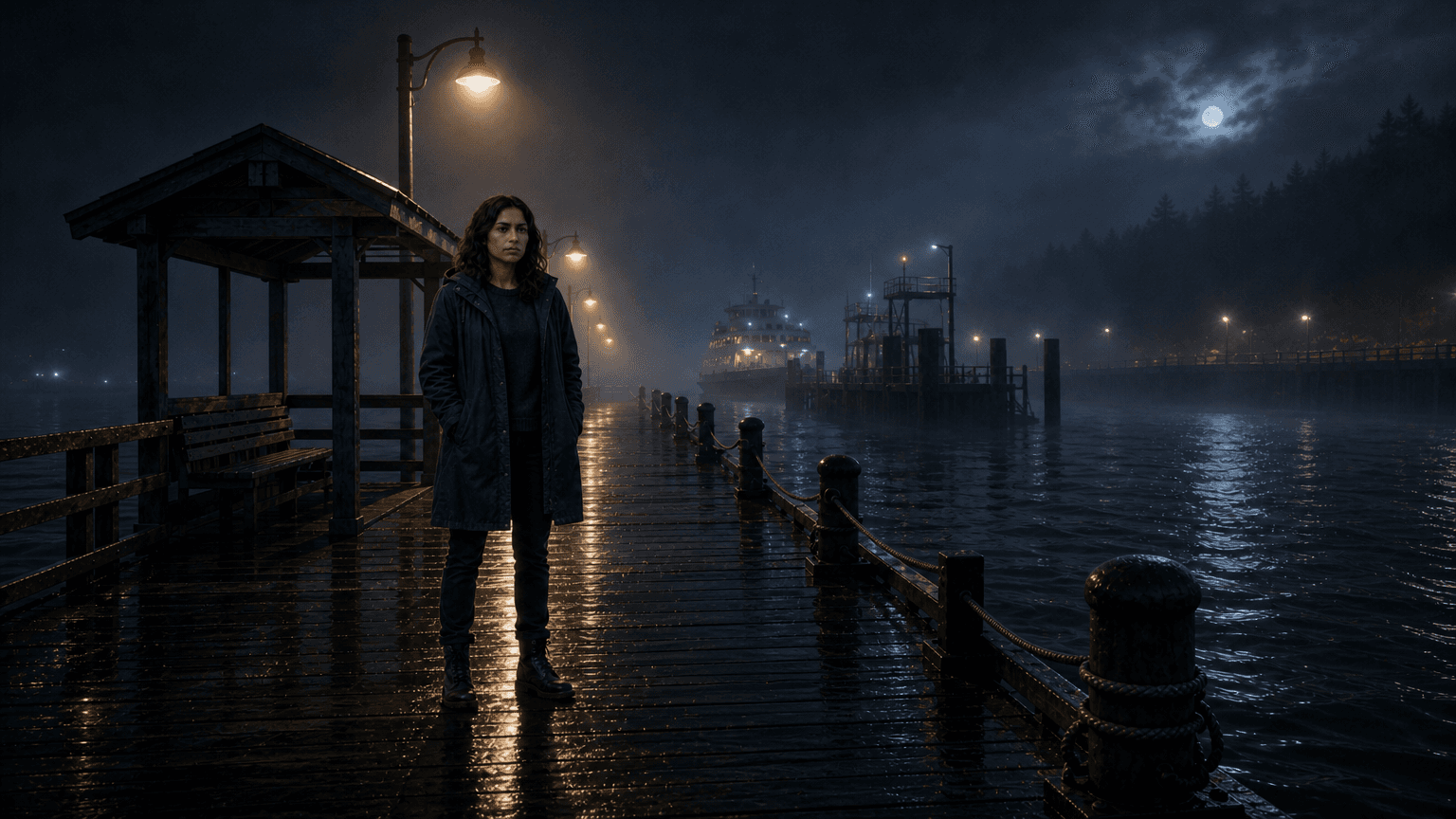
Mara and Ellis keep the same voices in every scene.
Scene length follows the dialogue. Each line has its own volume.
Clip audio
Keep the audio the video model generated with this clip.
Switch it on per scene, in place of the voice lines.
Music
Your own background track under the whole video.
Set the music volume once so it stays under the voices.
Keeping voices, subtitles, and music tied to the script lets you fix one line without replacing the approved image or video.
01
A single voice line can be regenerated without touching the scene's image or clip.
02
Subtitles follow the dialogue, so edited lines stay in sync with what is spoken.
03
Music volume is set once for the video, and each voice line has its own volume.
04
Clip audio can be switched on or off per scene when a video model generated sound with the clip.