Card 01
Scene card
Start with the scene purpose, visual prompt, location, and timing before adding media.
An AI storyboard turns a script into visual scene cards you can inspect before generation. EasyVid keeps each prompt, reference image, character, prop, dialogue line, subtitle cue, timing note, and media step attached to the scene it belongs to.



An AI storyboard is a reviewable map of a video before the final media exists. Instead of sending one long prompt into a generator, you work with individual scene cards that show what the viewer should see, who appears, what references are attached, what dialogue plays, and what needs to happen next.
That makes it different from an AI screenplay. The screenplay defines the written story. The AI storyboard translates that story into visual decisions: frames, prompts, references, pacing, scene order, and what should be regenerated if a shot misses the mark.
It also differs from a shot list. A shot list focuses on coverage. An AI storyboard keeps coverage alongside the generated assets, voice lines, subtitles, music, and video clips that make each scene usable.
Work scene by scene so the story stays understandable. The storyboard gives you a place to check continuity, prompt quality, pacing, and media status before the final render.
01
Create scene cards from the script: each card gets its own prompt, dialogue, and purpose.
02
Attach references: characters, locations, and props stay visible before generation.
03
Generate first-frame images: inspect composition, continuity, and story clarity.
04
Add motion, voices, subtitles, sound, and transitions only after the card is ready.
A useful AI storyboard is not just four pretty frames. It is a set of editable decisions: what the scene should show, which references it needs, what dialogue plays, and what can be regenerated if the scene is not ready.
Start with the scene purpose, visual prompt, location, and timing before adding media.
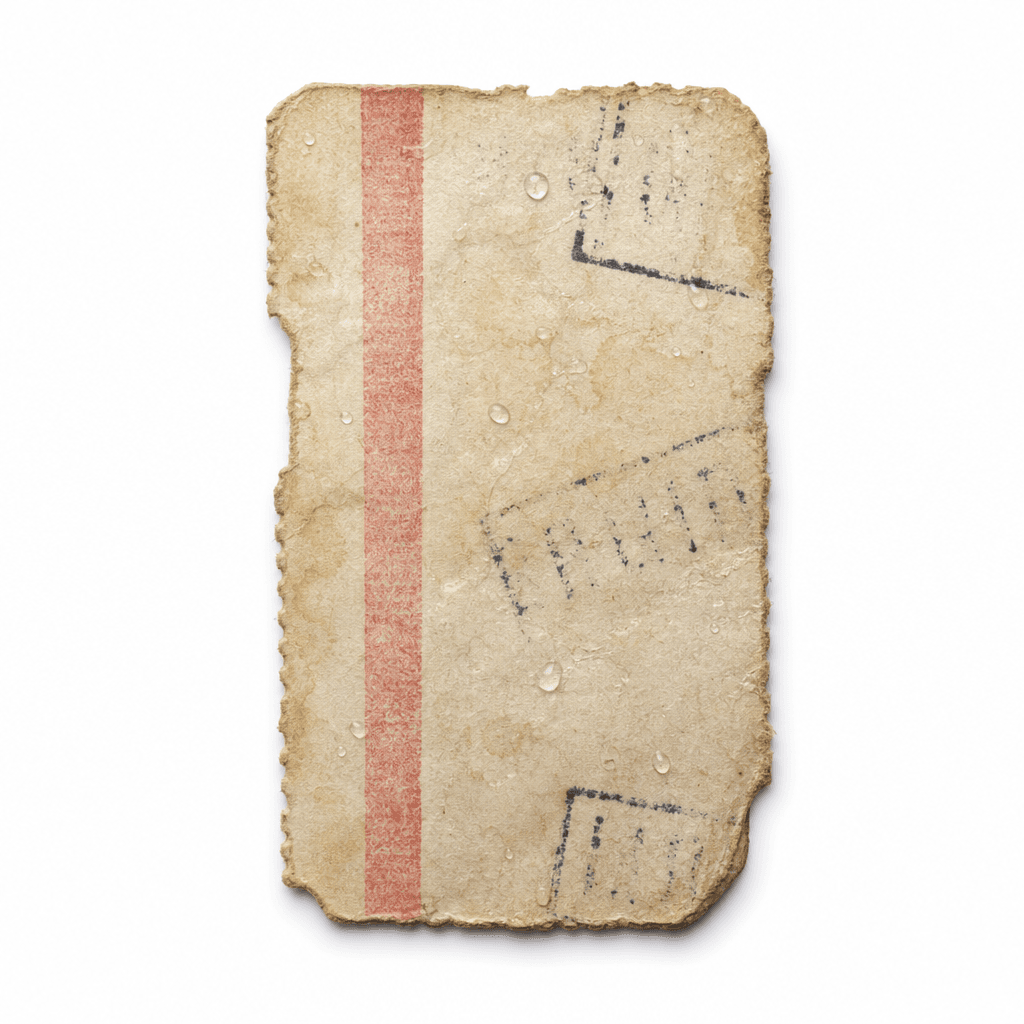
Confirm props like @Ticket are visible and attached to the correct scene card.
Keep speaker lines, visual coverage, and character references together for voice and subtitles.
Fix one frame, prompt, voice line, or clip without rebuilding the full sequence.
The storyboard is the control surface. You can improve one scene at a time without losing the rest of the sequence.
01
Scene 01 can establish @Ferry_Dock before any dialogue starts.
02
Scene 02 can isolate @Ticket as a prop that must stay readable.
03
Scene 03 can keep @Mara, @Ellis, and @Ticket together for dialogue coverage.
04
Scene 04 can hold on @Mara long enough for the reaction to land.