Voice 01
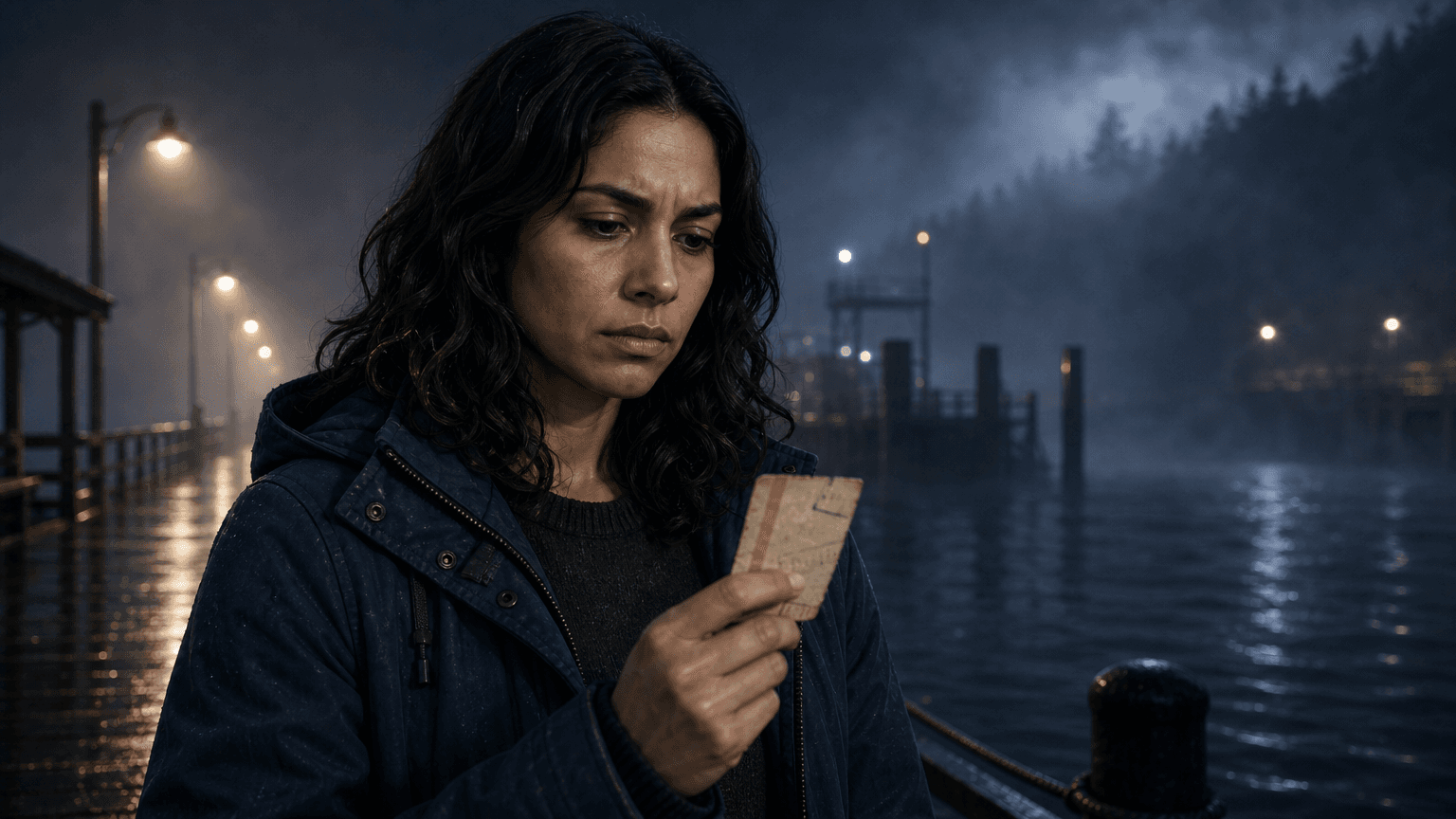
@Mara
The ferry only runs for people who missed their ending.
Controlled, quiet, almost certain.
AI voice generation works best when dialogue is already tied to scenes and speakers. EasyVid keeps each character line connected to the storyboard so you can generate speech, preview delivery, and replace one line without rebuilding the whole scene.
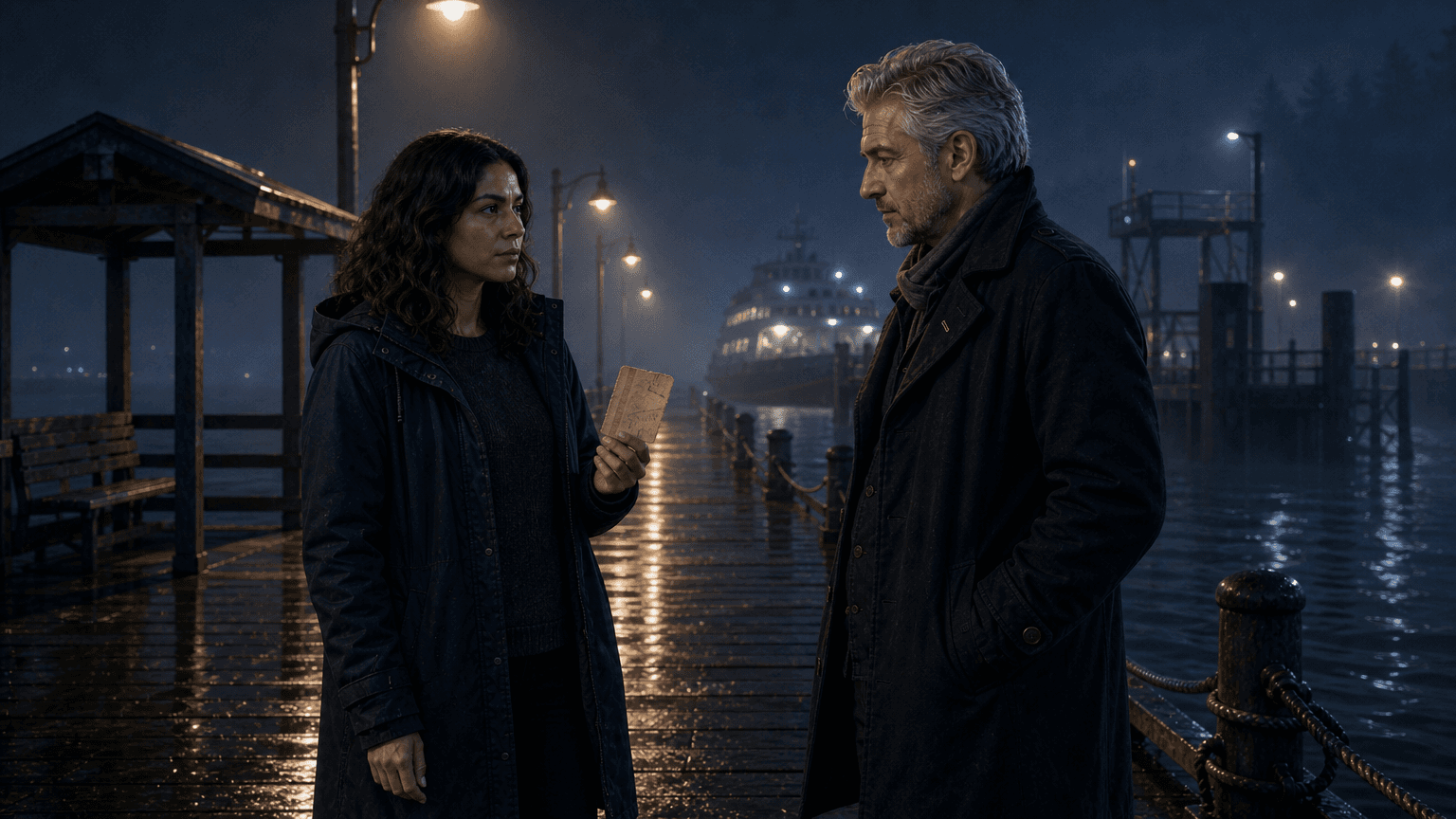
Mara
voice AThe ferry only runs for people who missed their ending.
Ellis
voice BYou bought that ticket tomorrow.
Mara
voice AThen why do I remember buying it?
AI voice generation turns written dialogue into spoken audio. For video work, the important part is not just making a voice file. The voice needs to belong to the right character, land at the right scene beat, and stay easy to revise when the line changes.
That makes it different from background music or a video model's own clip audio, which sit around the dialogue. AI voice generation handles the spoken performance: speaker, line, pacing, tone, and regeneration.
It also differs from standalone text-to-speech. A generic text-to-speech tool can read a paragraph. EasyVid keeps voice generation inside the storyboard, where each line is connected to a character, scene, visual prompt, and later video clip.
Mara
The ferry only runs for people who missed their ending.
Ellis
You bought that ticket tomorrow.
Mara
Then why do I remember buying it?
Keep the voice workflow tied to speaker tags. That makes dialogue easier to cast, generate, preview, and regenerate inside a scene.
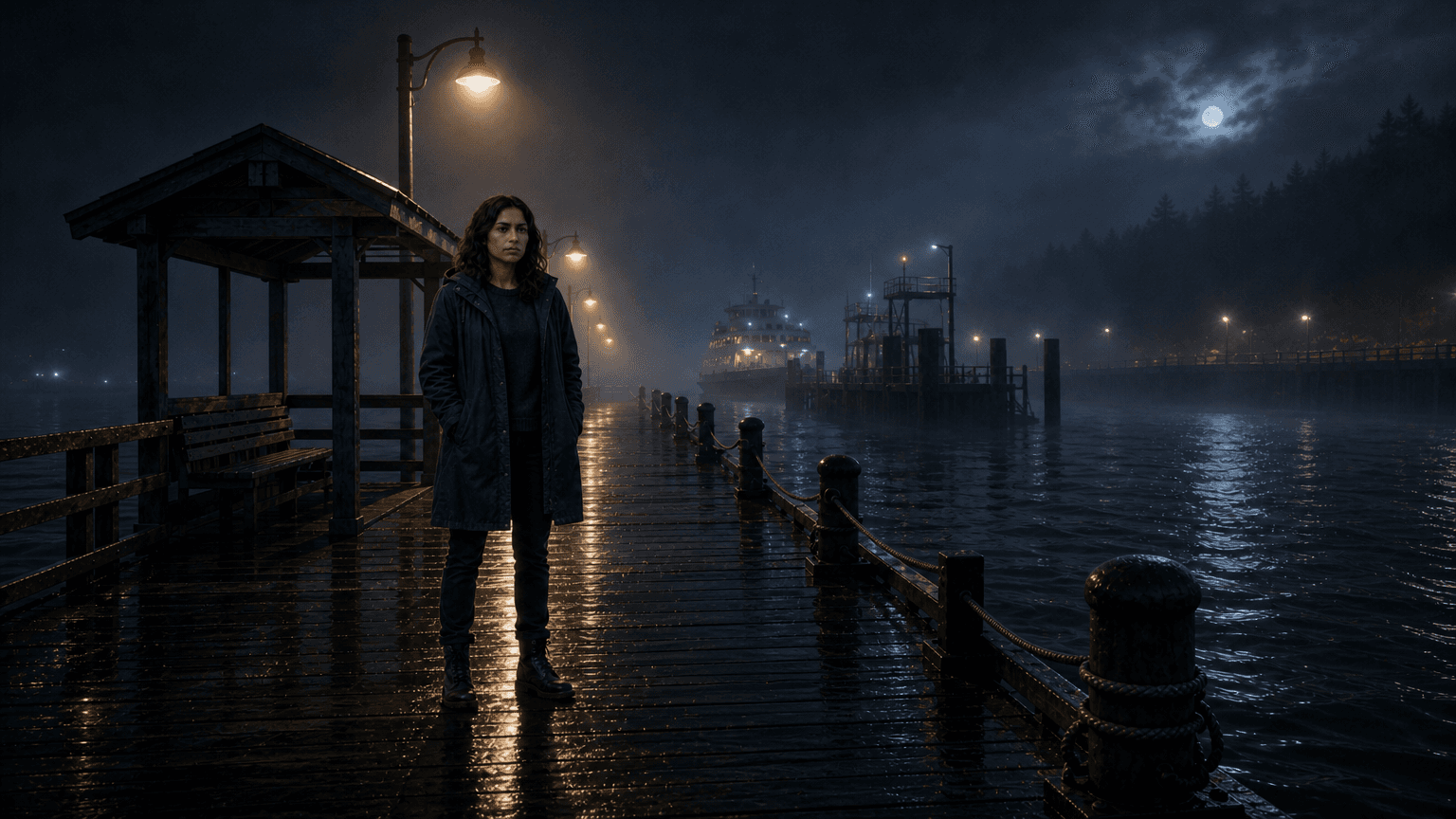
01
Format dialogue with speakers: separate who talks from what the camera needs to show.
02
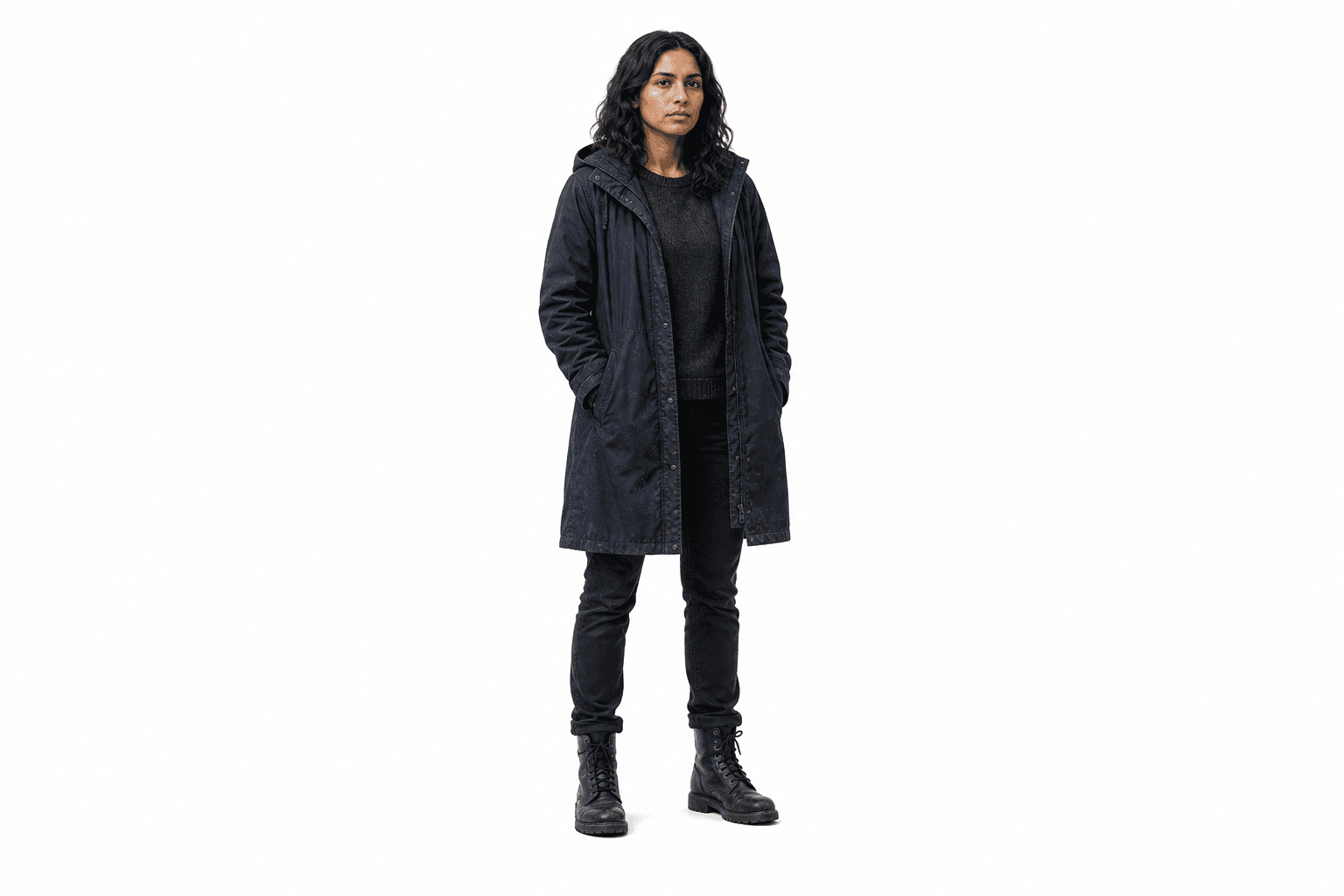
Assign character voices: keep @Mara and @Ellis consistent across every scene where they speak.
03
Generate line audio: create voice clips for individual lines instead of flattening the whole script.
04
Preview and replace: listen in the storyboard, then regenerate only the line that misses the beat.
Treat voice as scene material, not a finished narration file. Cast the speaker, generate the line, listen against the storyboard, and replace only the delivery that missed.
@Mara
The ferry only runs for people who missed their ending.
Controlled, quiet, almost certain.

@Ellis
You bought that ticket tomorrow.
Low, direct, no extra drama.
@Mara
Then why do I remember buying it?
Confused, held back, still audible.
The scene tells you whether a delivery works. Voice generation is easier to judge when the line is attached to the character, image, timing, and background music.
01
@Ellis can keep the same voice across the two-shot, reaction shot, and any later callback.
02
@Mara's line can be regenerated without changing the approved image or video clip.
03
Dialogue timing can be checked against subtitles and scene duration.
04
A voice pass can stay separate from background music and clip audio until the scene is ready.