Check 01
Reference
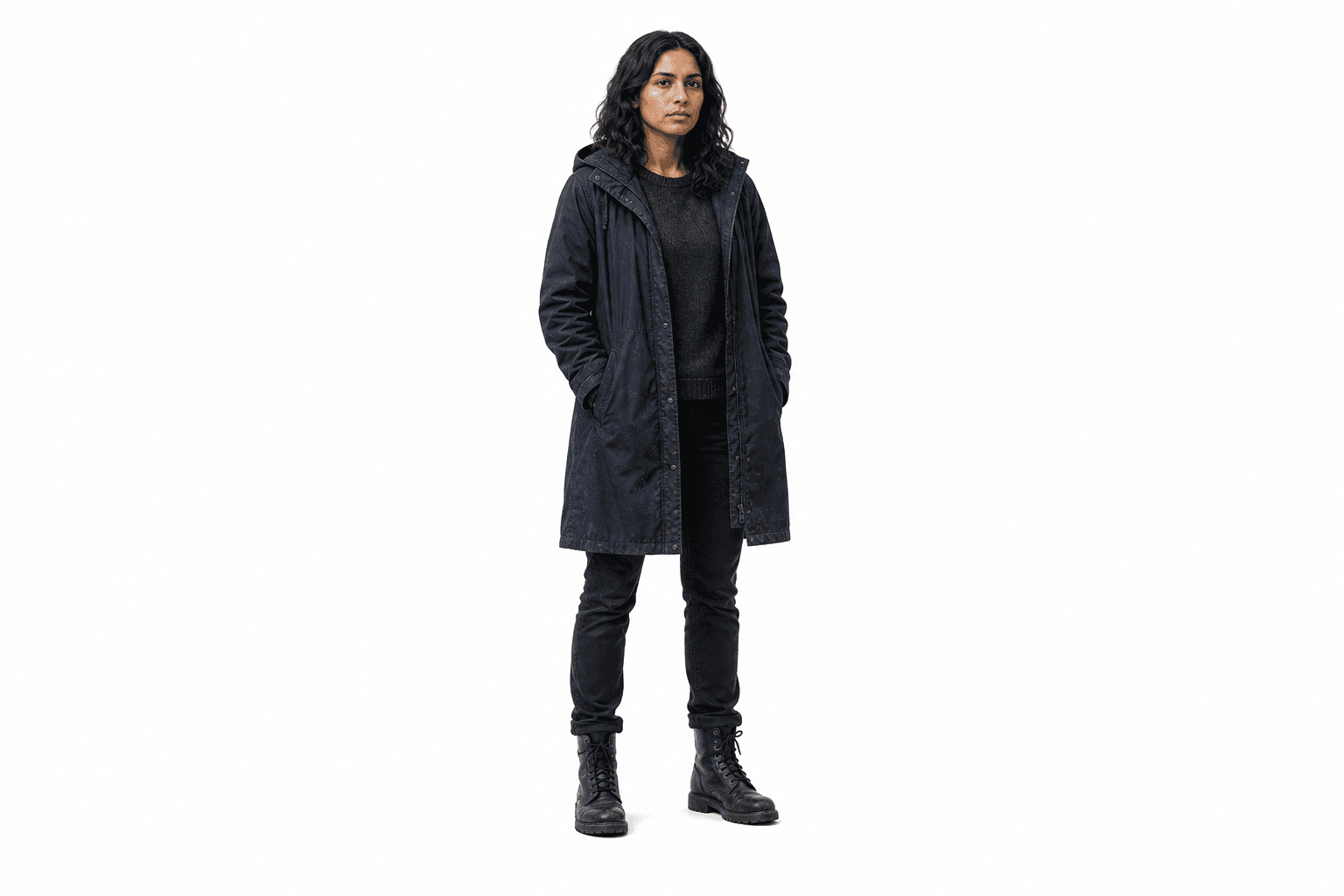
Define face, silhouette, wardrobe, and age before the scene prompt changes.
Character-consistent image generation keeps the same person recognizable across establishing shots, dialogue coverage, inserts, and reactions. EasyVid starts with reusable character references, then attaches them to the scenes where continuity matters.



Character-consistent image generation is the practice of creating a reusable character identity before generating story frames. Instead of describing the same person from scratch in every prompt, you keep a reference image available and apply it wherever that character appears.
That makes it different from general AI image generation. A normal prompt can create a strong single image, but the face, body, wardrobe, age, and silhouette may drift in the next shot. Character-consistent image generation treats the character as an asset that travels through the sequence.
It also differs from storyboarding. The storyboard decides what happens in each scene. Character consistency keeps the recurring cast visually stable while those storyboard scenes become images and video clips.
Build the character first, then generate the sequence. The workflow is designed to catch drift before images become video clips.
01
Create the character reference: generate or upload a clean view that defines the cast member.
02
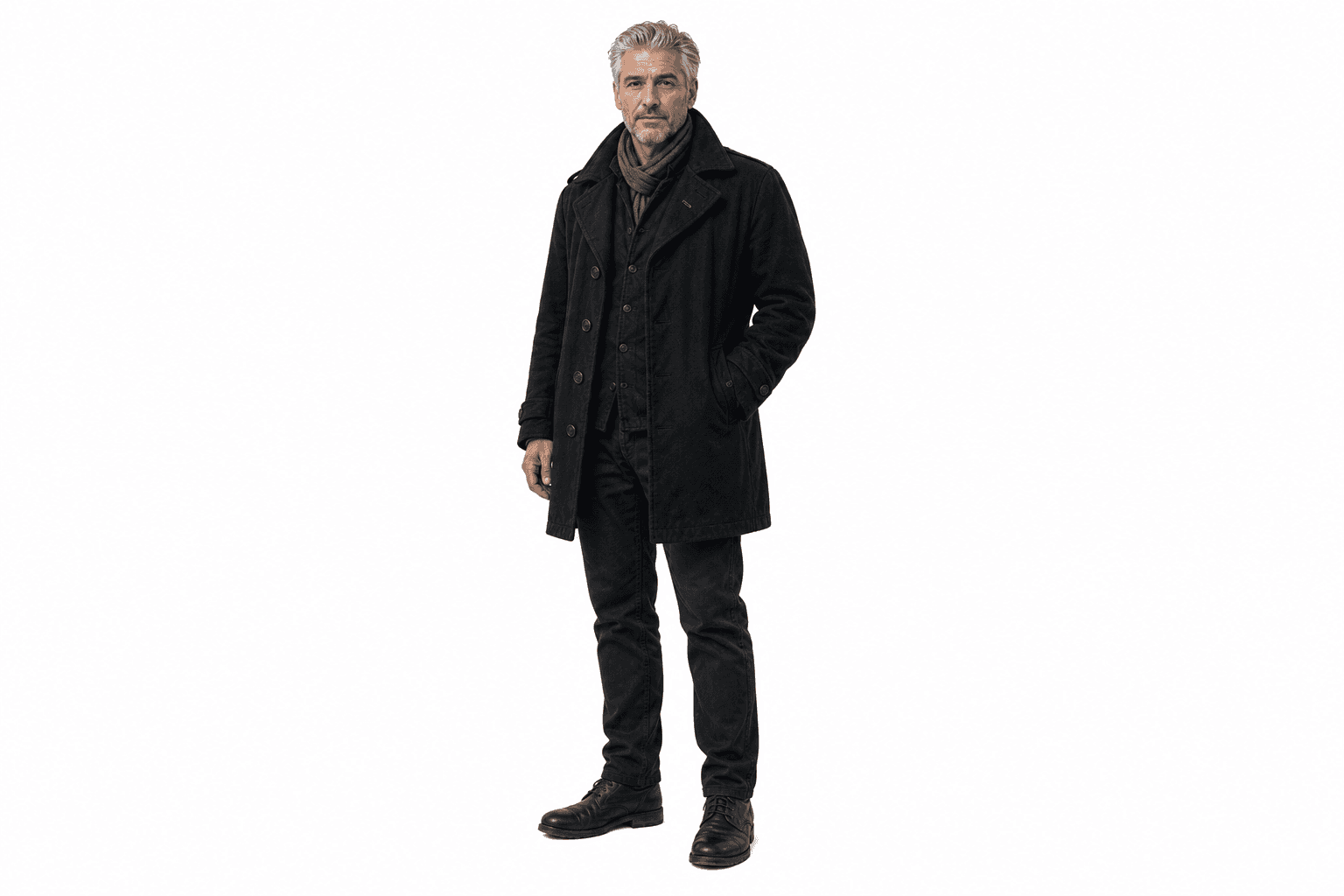
Tag the character in the scene: connect @Mara or @Ellis to the shot before image generation.
03
Combine references when needed: add location and prop references without replacing the character identity.
04
Inspect the sequence: check face, wardrobe, silhouette, and age before moving to video.
Consistency is not proven by one good portrait. Review the same character across distance, lighting, other references, and emotional beats before turning the frames into video.
Define face, silhouette, wardrobe, and age before the scene prompt changes.
Confirm the character remains recognizable even when the frame pulls back.
Keep the same cast identity while adding a second character, location, and prop.
Review the close-up for face, hair, wardrobe, and expression drift before video.
Consistency problems usually appear between shots, not inside one image. EasyVid keeps the reference visible while you review those jumps.
01
@Mara should remain recognizable in a wide establishing shot, not only in close-ups.
02
@Ellis should keep the same age, styling, and silhouette during dialogue coverage.
03
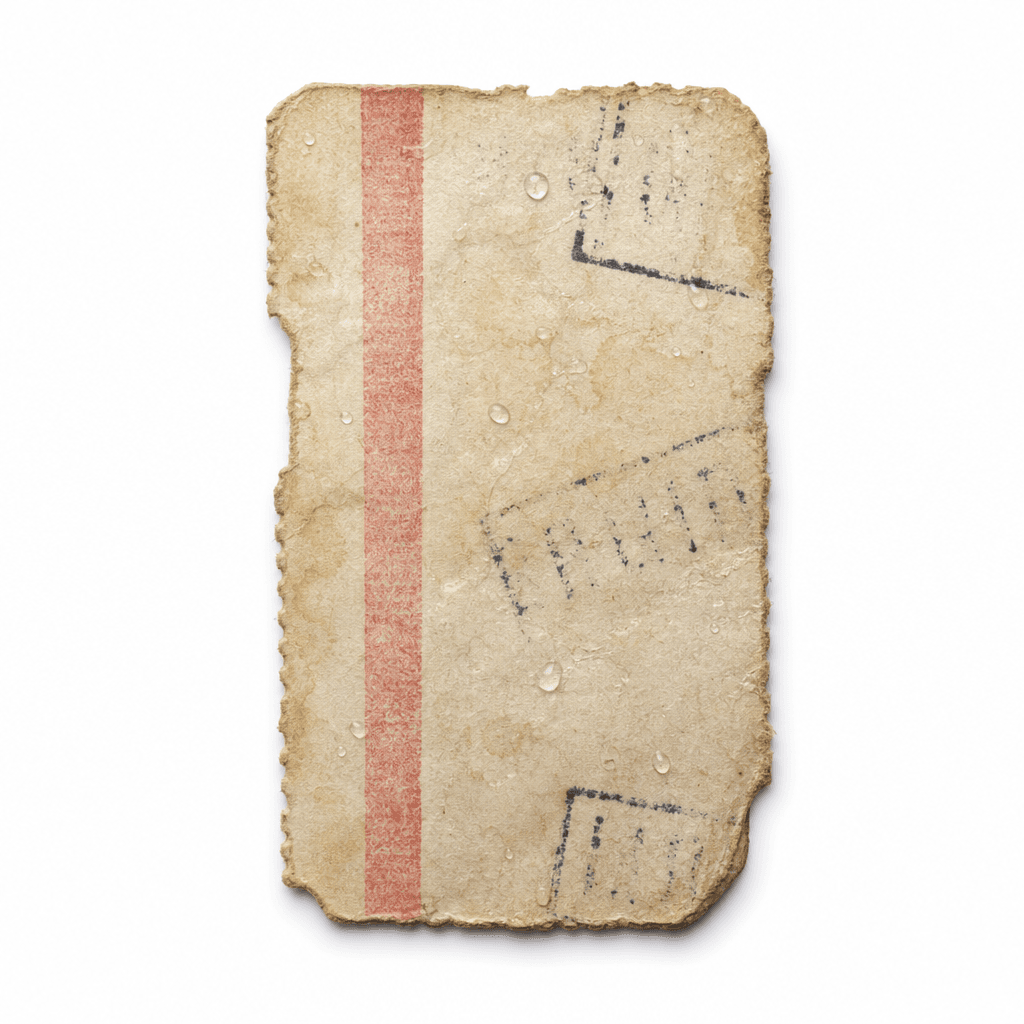
@Ticket can appear with the character without changing the character identity.
04
Reaction frames should preserve the face and wardrobe before the shot becomes video.