01
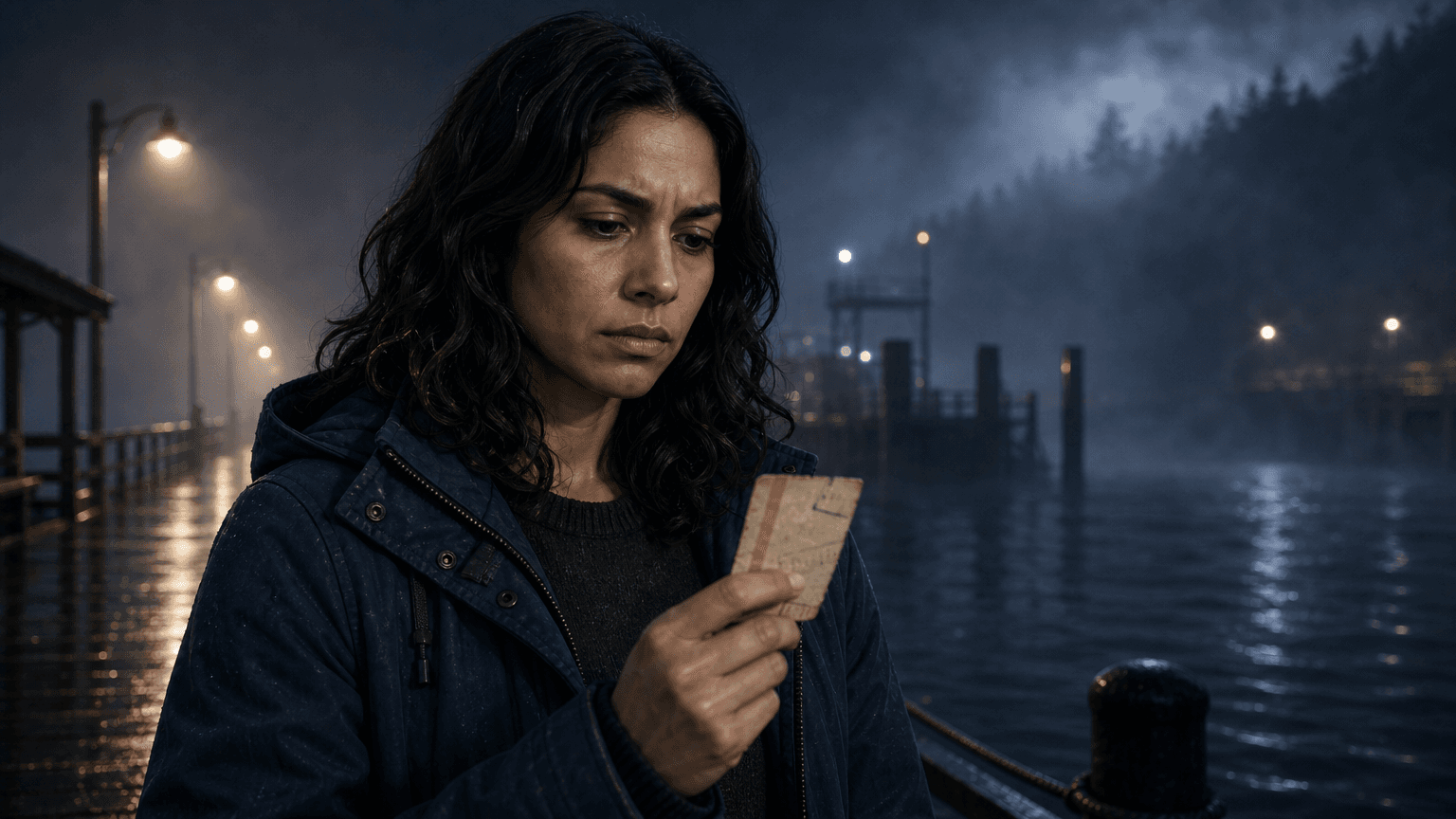
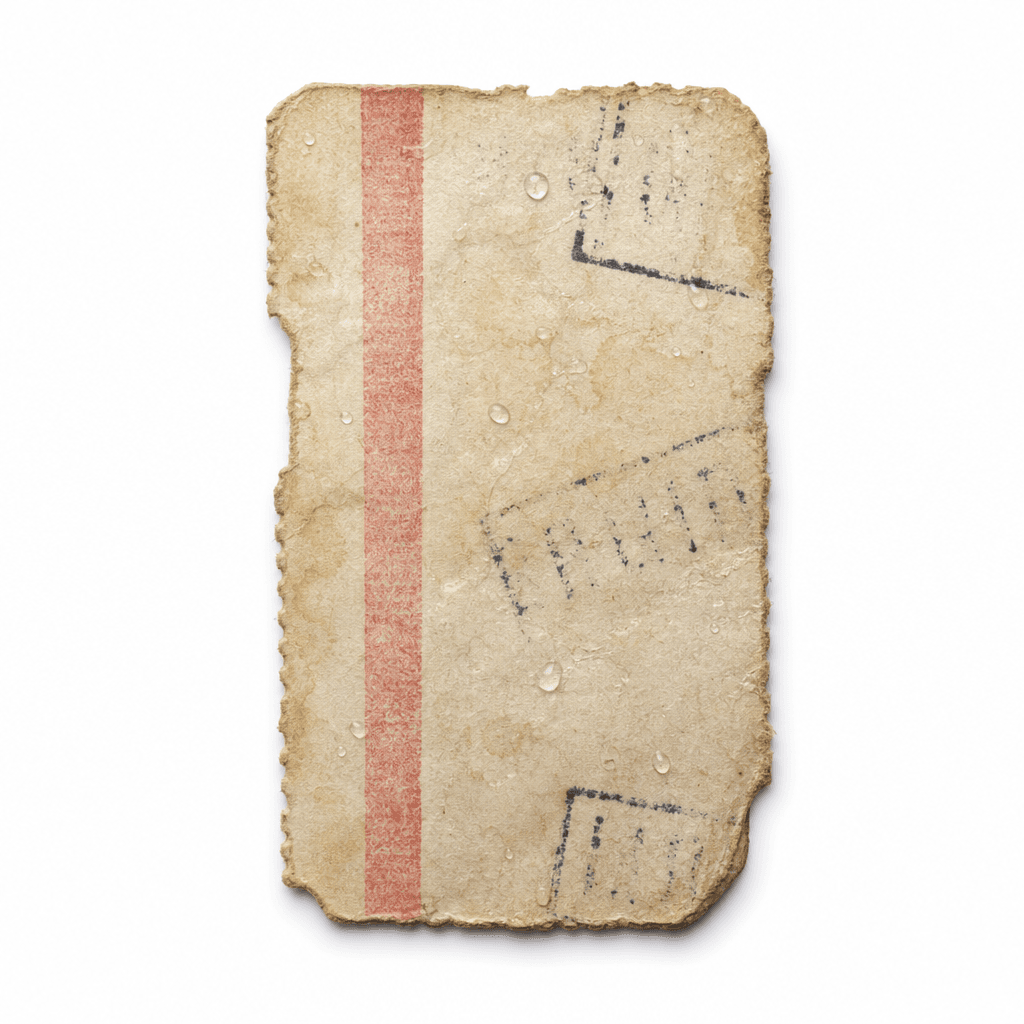
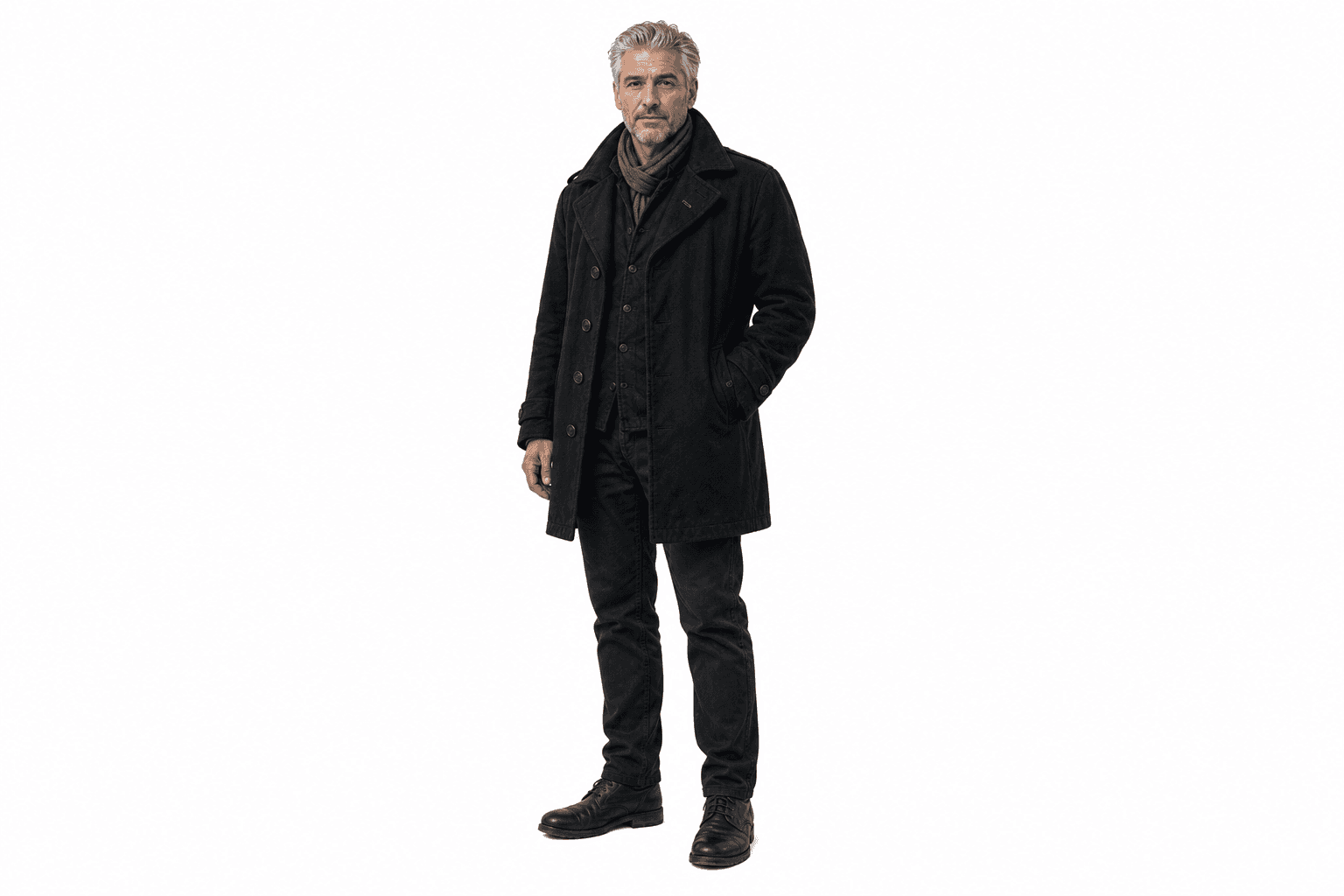
Create references and storyboard images: lock the visual identity before motion starts.
Multi-model video generation uses different AI models for the parts of a scene: reference images, storyboard frames, video motion, and character voices. EasyVid keeps those layers attached to the same editable scene.
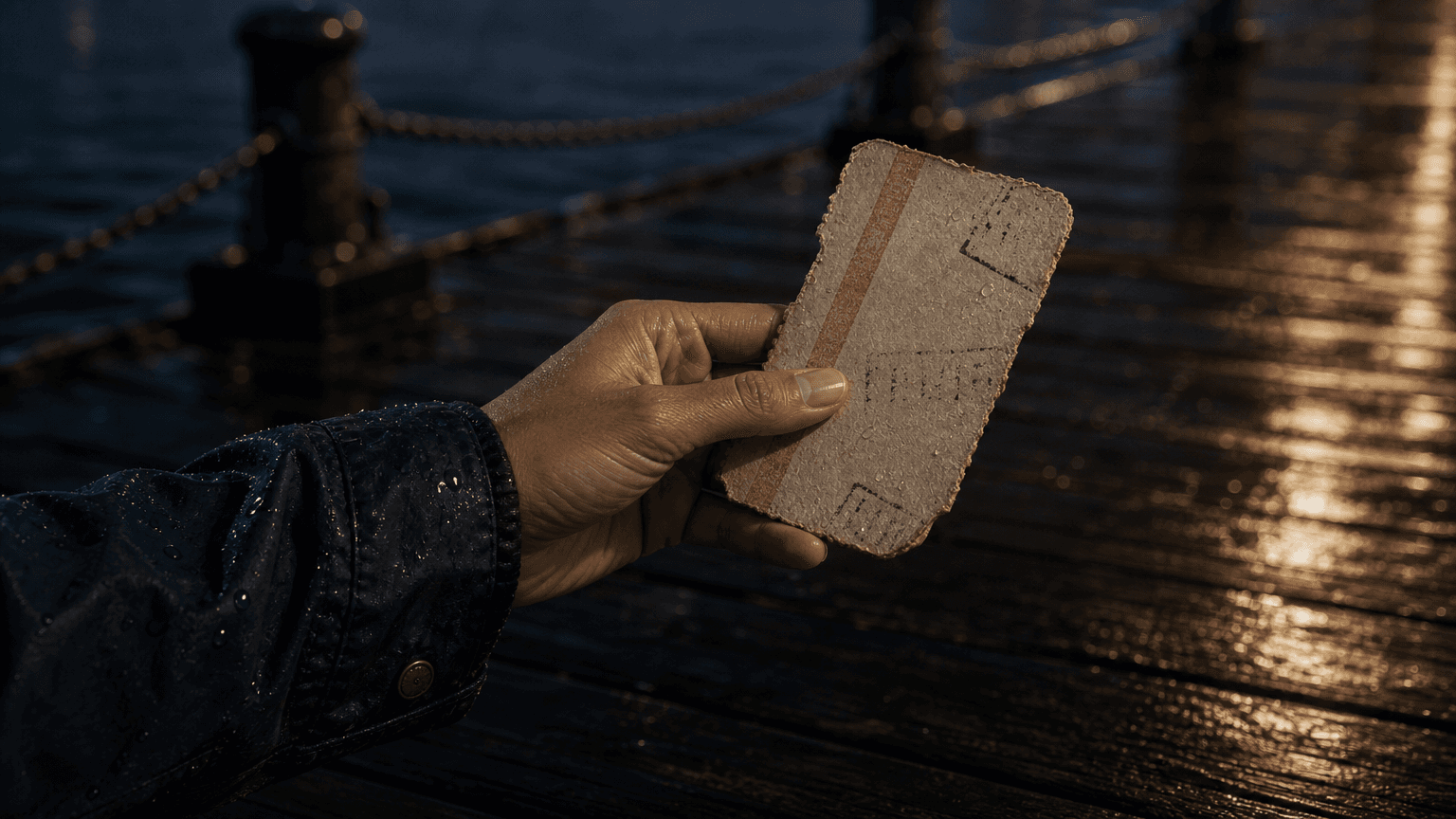
Image
Scene image
reference assets
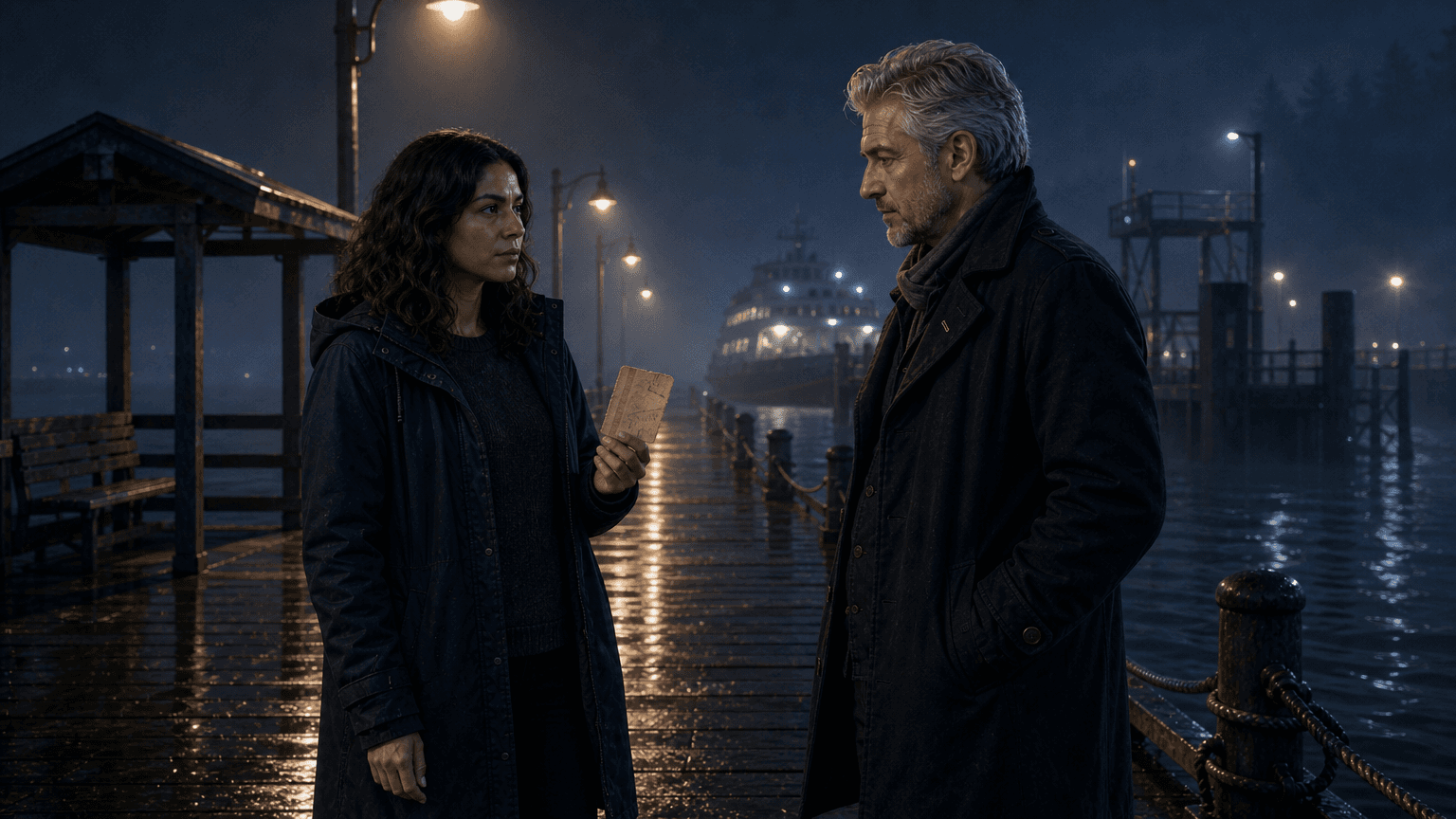
Video
Motion clip
scene movement
Voice
Dialogue audio
character lines
Audio
Clip audio
native model sound
Multi-model video generation means a finished scene is assembled from specialized AI outputs instead of one all-in-one prompt. One model may create reference images, another may generate the first frame, another may animate it, and another may speak the dialogue. Some video models also generate audio with the clip.
That makes it different from a basic AI video generator. A single prompt can produce a clip, but it is harder to review the image, regenerate only the voice, keep a prop consistent, or change the audio without rebuilding the whole scene.
It also differs from storyboarding. A storyboard gives the scene plan. Multi-model video generation turns that plan into layered media while keeping each layer editable.
Image
Scene image
Video
Motion clip
Voice
Dialogue audio
Audio
Clip audio
Build the scene in layers, then approve each layer before final assembly. That keeps one bad output from forcing a full rebuild.
01
Create references and storyboard images: lock the visual identity before motion starts.
02
Generate video clips from approved frames: keep motion tied to the scene card.
03
Generate voices from script dialogue: keep each line attached to its speaker.
04
Add background music and subtitles: finish the audio without replacing image or voice work.
The workflow is strongest when each model has a narrow job. Review references, images, video motion, voice, and sound separately, then assemble only the layers that are ready.
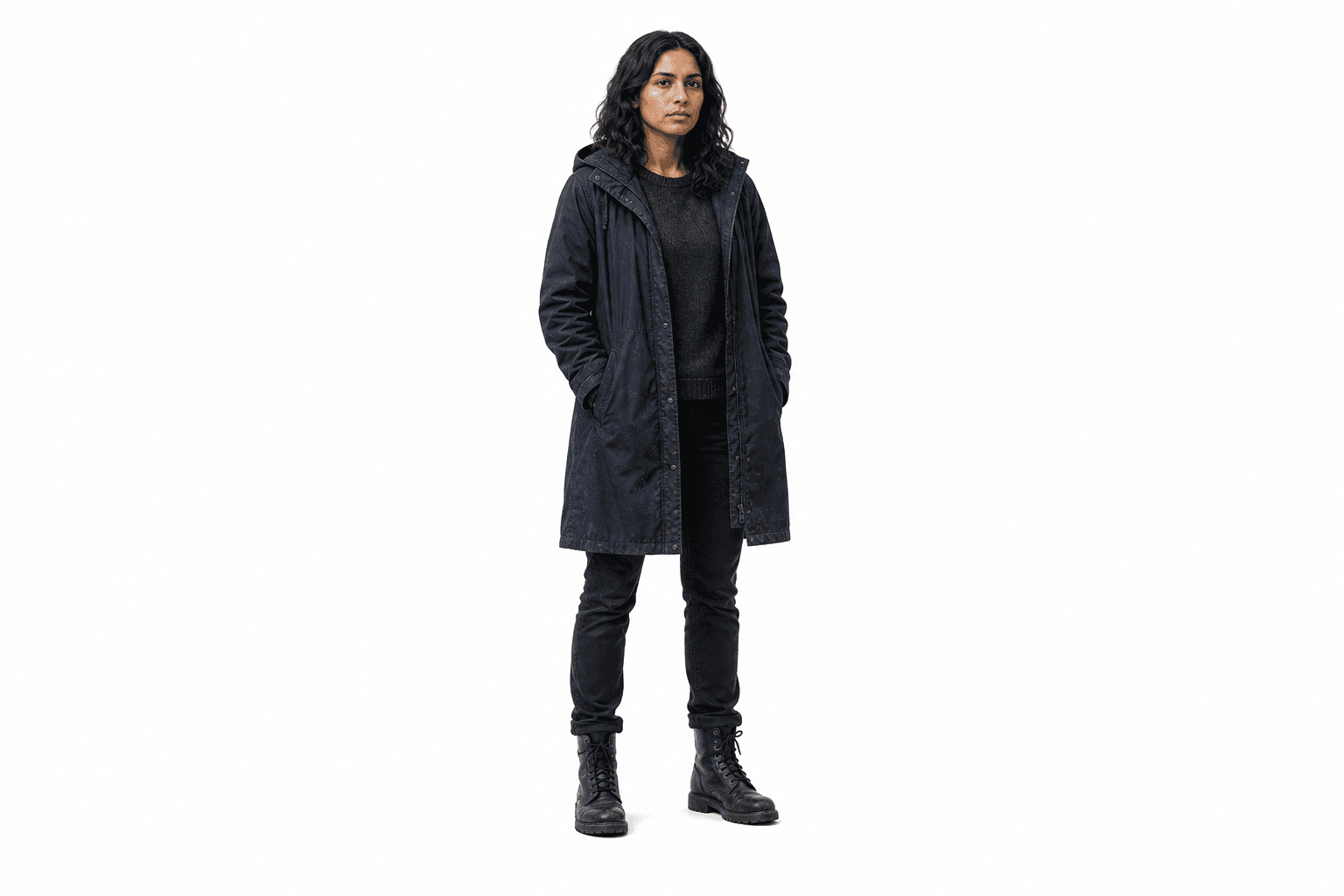
Start with the reusable people, places, and props that every later model should respect.
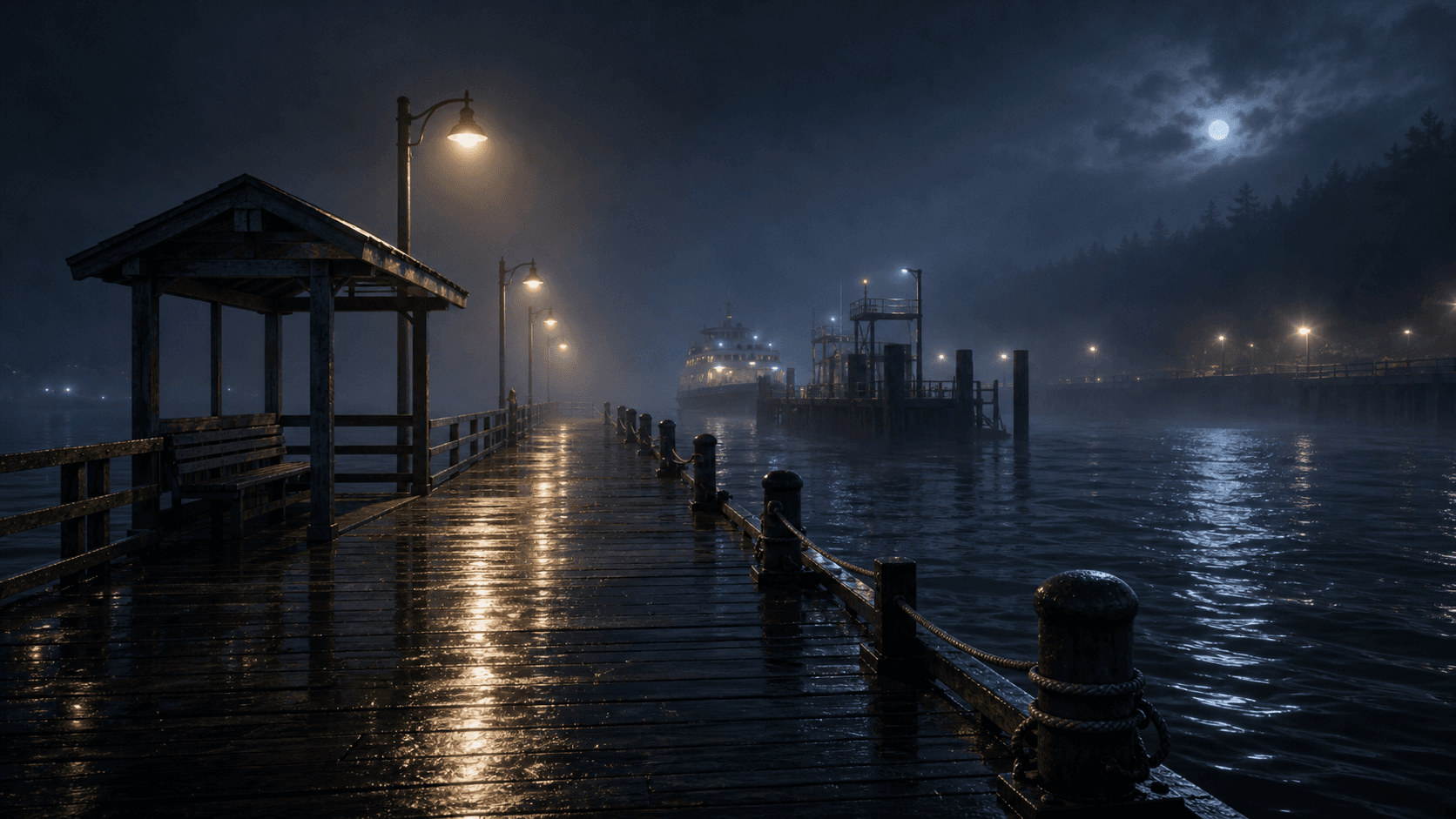
Generate the still frame first, then approve composition and continuity before motion.
Turn the approved image into a clip while keeping the scene prompt and references attached.
Generate dialogue voices, keep a model's native clip audio where it fits, and add your own background music.
The point of multiple models is control. You can keep the working parts and replace only the layer that missed.
01
Images can be approved before spending credits on motion.
02
Video clips can be regenerated scene by scene without rewriting dialogue.
03
Voice lines stay connected to character dialogue and can be fixed separately.
04
Background music and its volume can change after the picture and voice are approved.