Every character, location, and prop in EasyVid has an image that goes with each scene it appears in. Upload your own or let EasyVid make them.
Free to sign up · No credit card required
The references for a short film about a girl who finds a dragon egg in the garage, then every scene made from them. In Director Mode they go straight to the video model.
The references
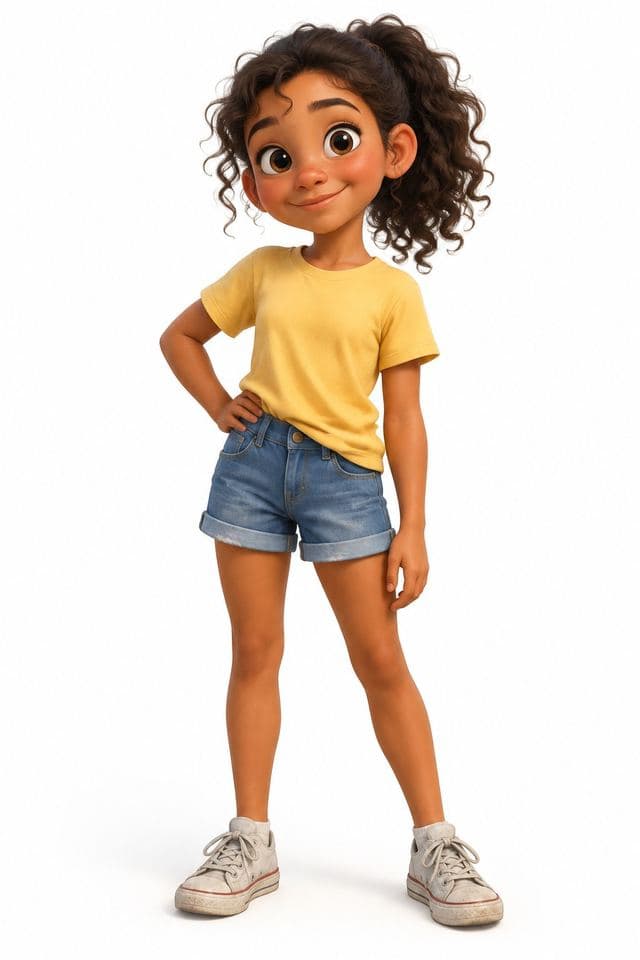
Lena
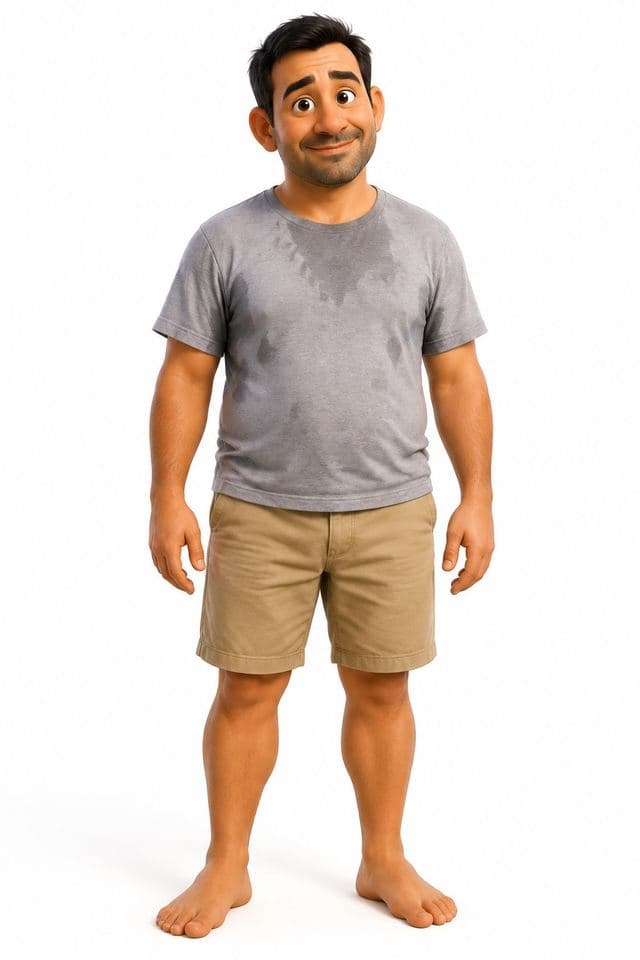
Marcus

Baby Dragon
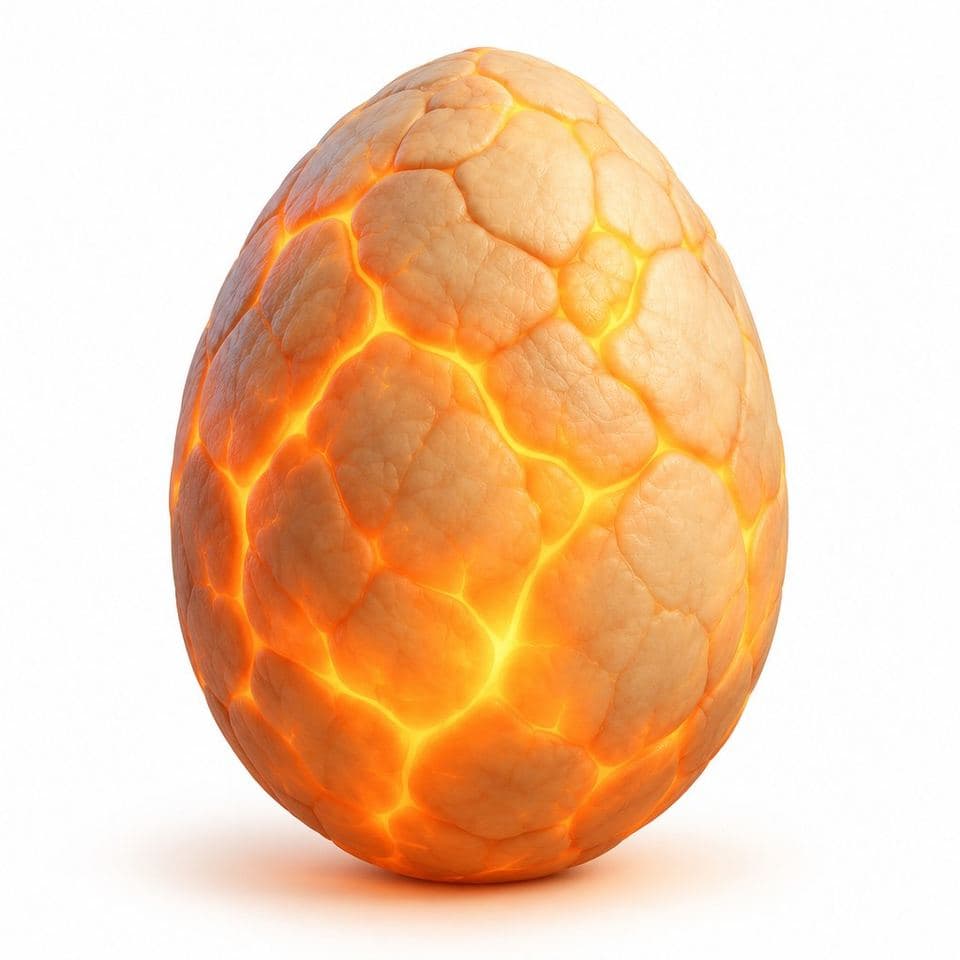
Dragon Egg
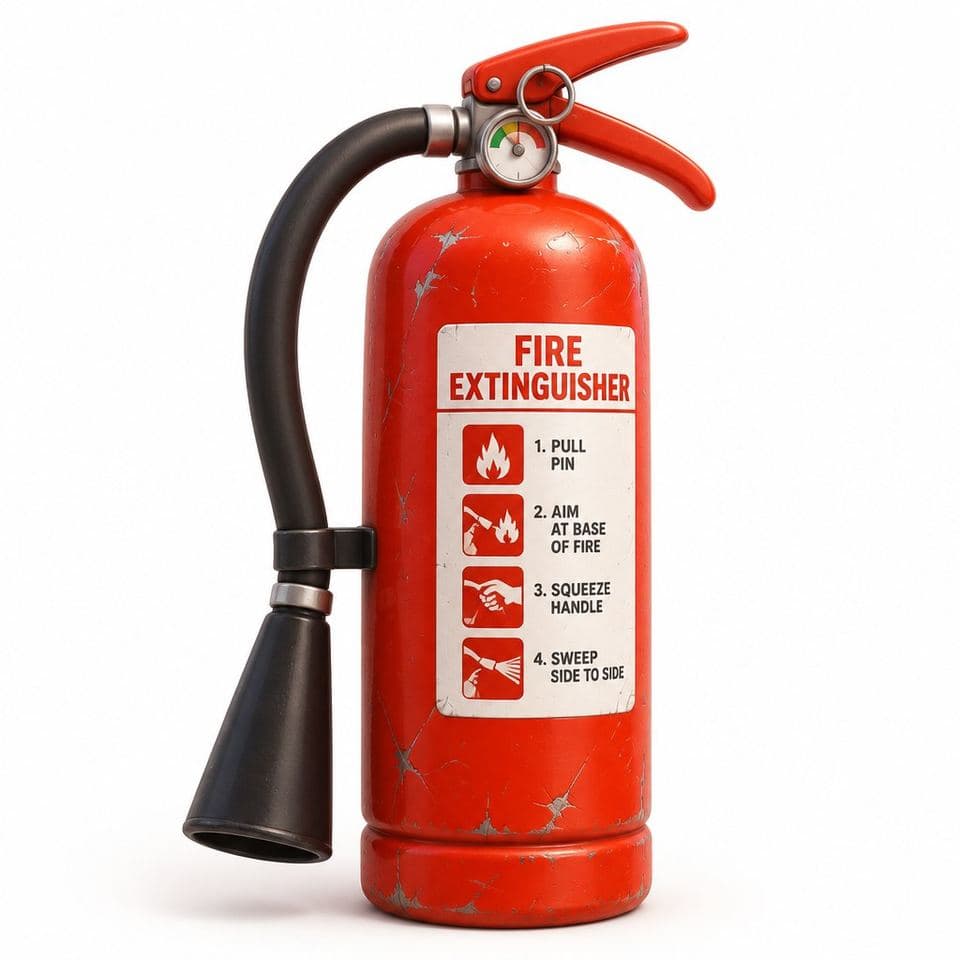
Fire Extinguisher
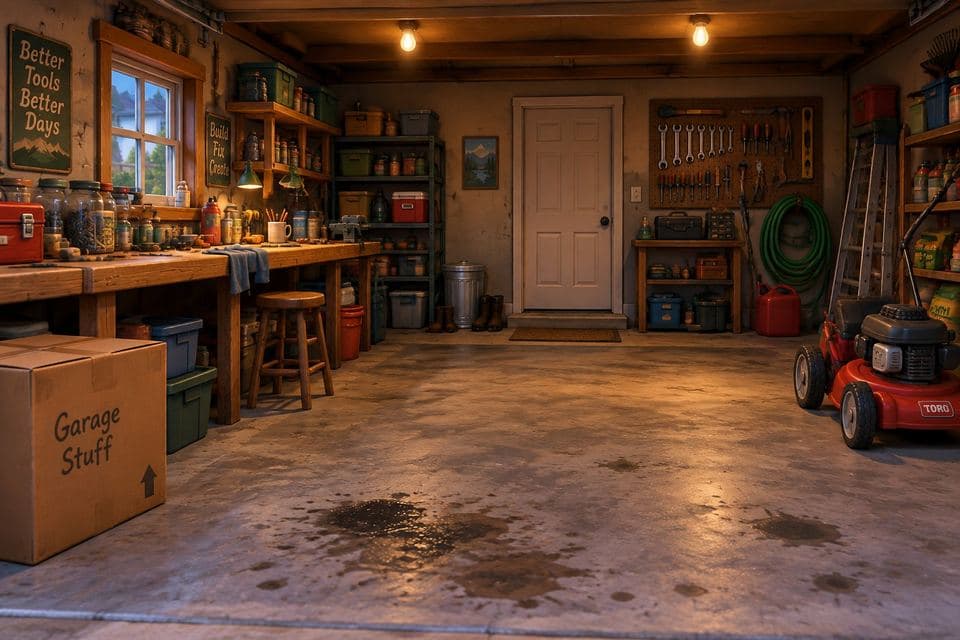
Family Garage
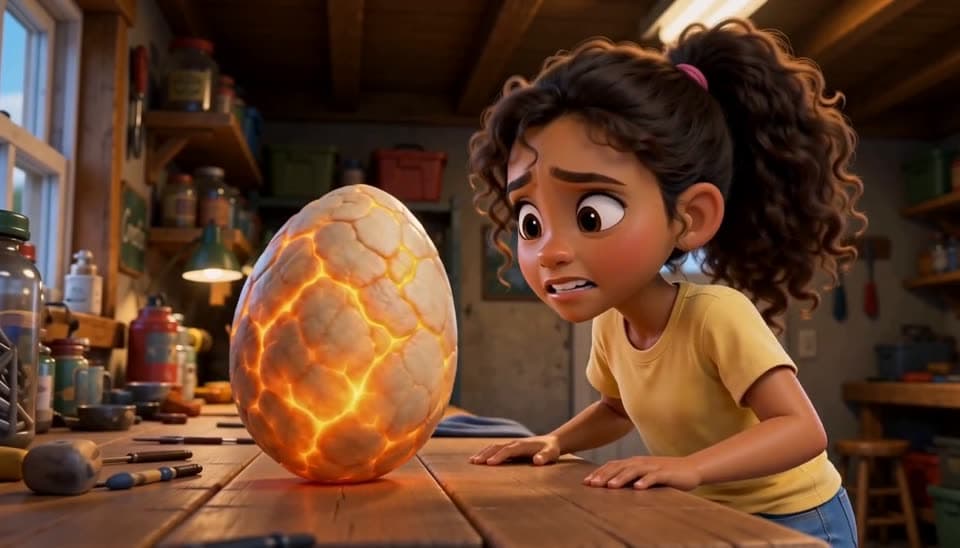
Scene 1
Lena: "What the heck is this?"
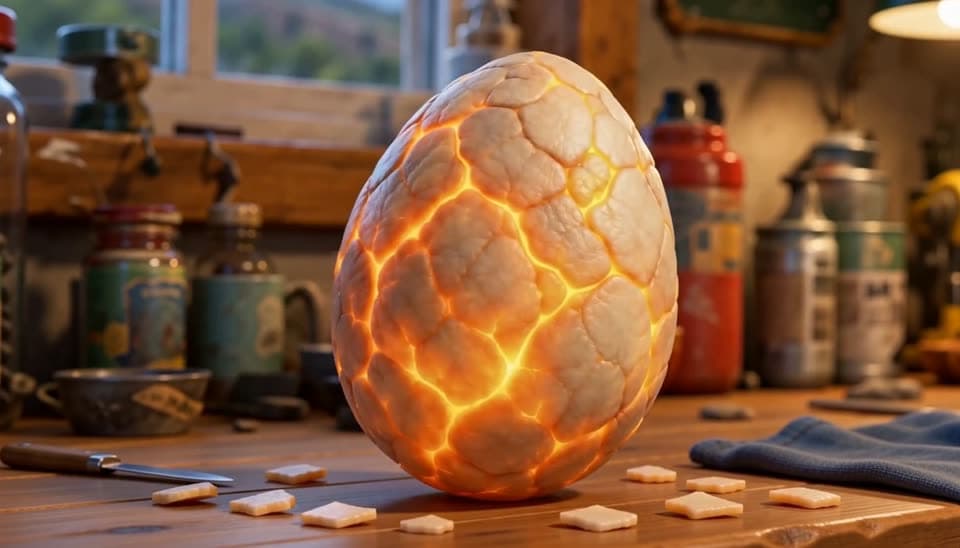
Scene 2
Lena: "Wait... what's happening?"
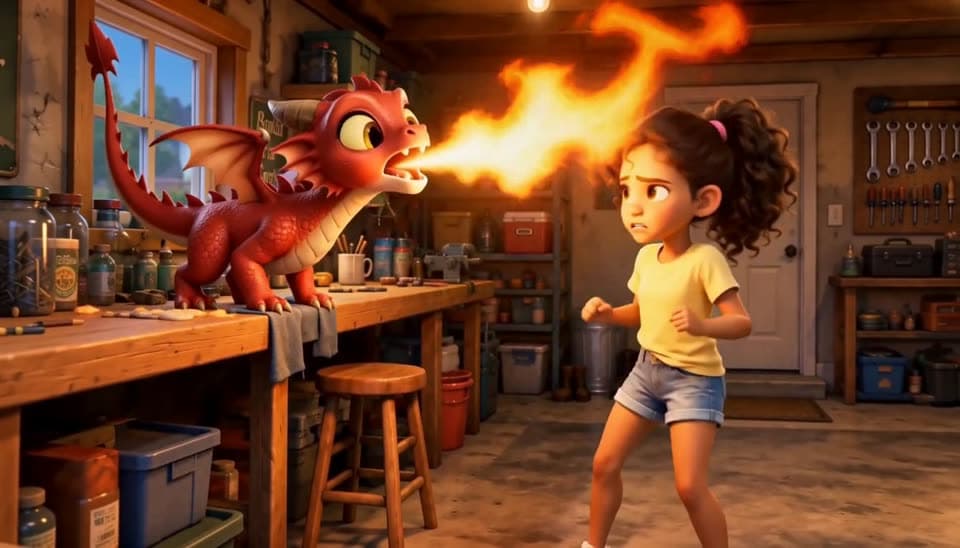
Scene 3
Lena: "Ahhh! A dragon?? Dad! DAAAAAD!"
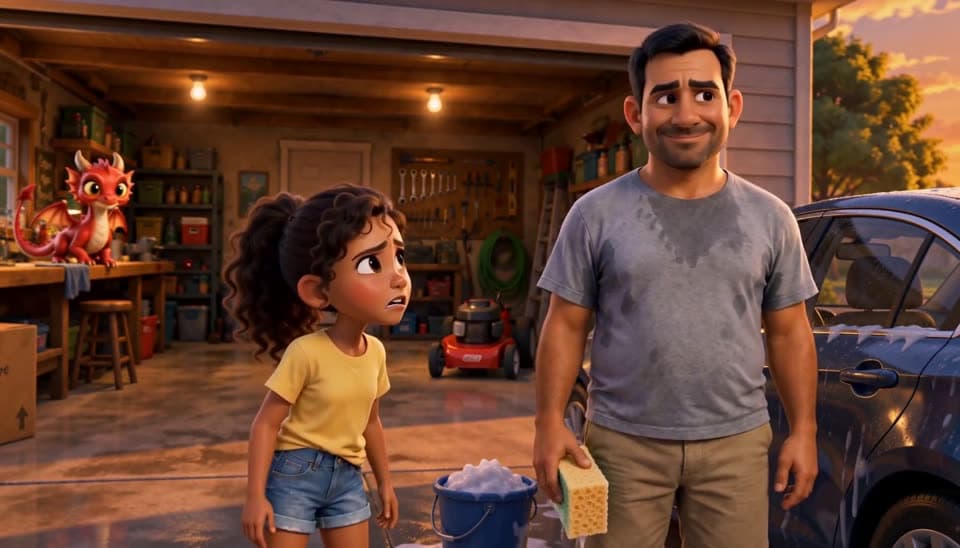
Scene 4
Lena: "There's a dragon in the garage!" Marcus: "Sweetie, there is no dragon in that garage." Lena: "There IS!"
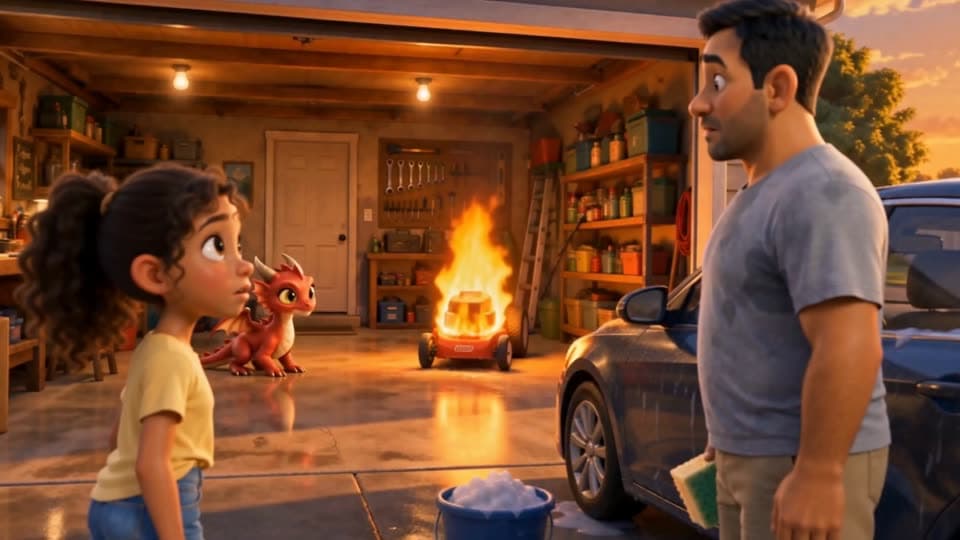
Scene 5
Marcus: "Hey! That's my lawnmower!"
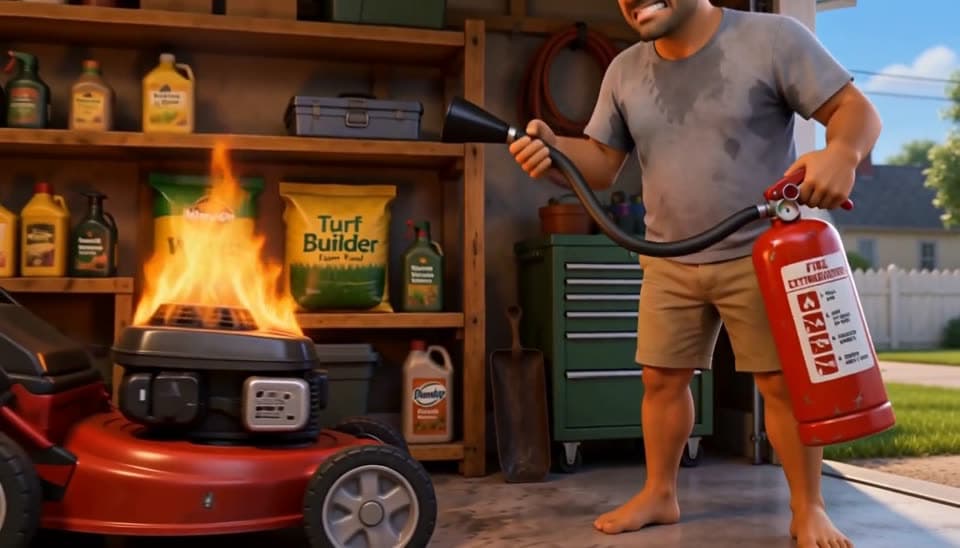
Scene 6
Marcus: "I can't believe it, this was brand new!"
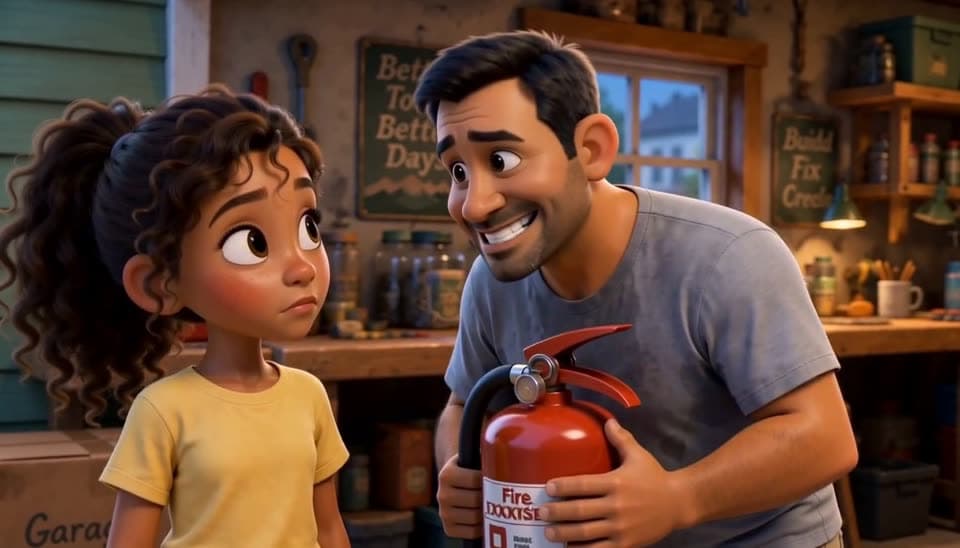
Scene 7
Marcus: "We are not telling your mother about this." Lena: "She's gonna see the lawnmower."
Scenes from three EasyVid videos. Hover one to see it animated.
Characters
Each character's image goes with every scene that tags them, so two bees keep their look from the meadow to the hive.
Locations
A location's reference is a wide, empty view of the place. The tomb at the end of an explainer about how bees make honey is the tomb from the start.
Props
Important objects get a reference of their own, like the otter's fish, the lantern, and the rowboat in a bedtime story about a fox who keeps a lighthouse.
Together
Tag each one as @Name and all their images go with the scene, so a dad stands in his own garage holding the right fire extinguisher.
Reference to video
In Director, the references go to a reference-to-video model: Seedance 2.5 takes up to 9 per scene, MiniMax H3 Max up to 11. This scene was made with Seedance 2.5.
Image to video
In Classic, the references build each scene's image, which is then animated. You see and approve the picture before it moves.
The scene's characters, location, and props share this limit.
| Model | Where | Reference images |
|---|---|---|
| Muse, GPT-Image 2.6, Nano Banana 2 | Classic scene images | Up to 10 |
| Seedance 2.5 | Director video | Up to 9 |
| MiniMax H3 Max | Director video | Up to 11 |
Anyone who needs a real product, person, or place to look right in every scene.
A product, logo, or mascot that looks right in every scene.
The same teacher and classroom across a lesson series.
A cast drawn from your own artwork, kept the same across episodes.
A spokesperson and a real location in every ad.
From your images or a text idea to a finished video in four steps.
Attach up to five images with your idea, or start from text alone and let EasyVid create the references.
EasyVid sorts each image into a character, location, or prop, names it, and writes a description.
The script tags each asset as @Name, and every tagged image goes to the model with that scene.
Check the storyboard, swap or add references on any scene, regenerate it, and render.
Discover what you can create with EasyVid
Create stunning videos using AI voice and video generation.
Create longer videos with scenes, narration, subtitles, and editable pacing.
Create short AI videos for ads, hooks, teasers, and social posts.
Create 2-minute videos with scenes, narration, subtitles, and editable pacing.
Create 3-minute explainers, stories, lessons, and longer social videos.
Create deeper explainers, video essays, story videos, and YouTube content.
Create long-form videos for YouTube, lessons, video essays, and stories.
Transform your scripts into engaging videos effortlessly.
Convert a simple text prompt into captivating videos.
AI music video generator that syncs visuals to your track.
Create professional videos without a camera or microphone.
Produce videos optimized for YouTube and social media.
Turn your blog posts into engaging video content.
Turn listing photos into narrated home tour videos.
Create Seedance 2.5 videos in EasyVid Director Mode.
Characters speak their lines on camera, lip-synced in Director Mode.
Create videos effortlessly with our intuitive interface. No technical skills required.
Create professional videos in minutes without hiring video editors or scriptwriters.
Produce professional-grade videos with AI-powered visuals and voiceovers.
“Before EasyVid, I was too busy to create TikTok videos for my business. Now I can easily post 1 video per day without spending hours editing.”
Daniel F.
Content Creator
“I tried other AI video generators, but most churned out low-quality videos with random visuals. EasyVid adds visuals that perfectly fit my script.”
Mason M.
YouTuber
“EasyVid is the easiest video generator I've ever used. It understands what I want without me needing to specify every detail. It just works.”
Elaine K.
Marketing Manager